ADD A LICENSE KEY
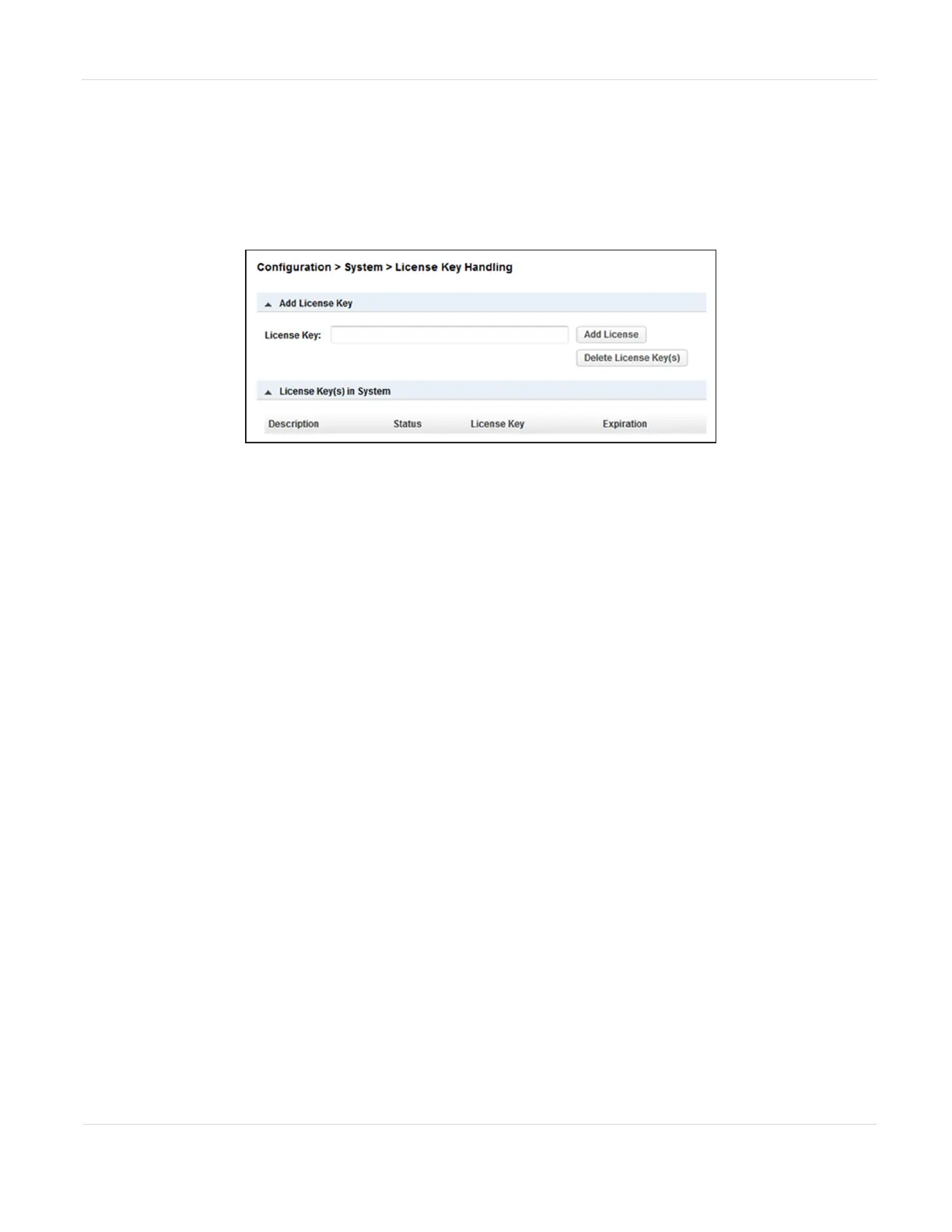
1. To add a license key, navigate to the Configuration > System > License Key
Handling screen.
Figure22 The License Key Handling screen.
2. If necessary, click Add License Key to expand the section.
3. Enter the license key. The license key needs to have a length of 15 characters.
4. Click Add License.
Note: The button for deleting license key(s) is only available with the Service login.
JANUARY 2023 71
SPECTRA STACK LIBRARY
USER GUIDE
CHAPTER 3 - CONFIGURING THE LIBRARY



 To Next Page