CONFIGURE ENCRYPTION STANDARD
Log Into Encryption Standard
Only the security user can add, import, or export encryption keys, and set the
Encryption User Password. If allowed by a security user, the administrator user can
configure the type of encryption assigned to a partition.
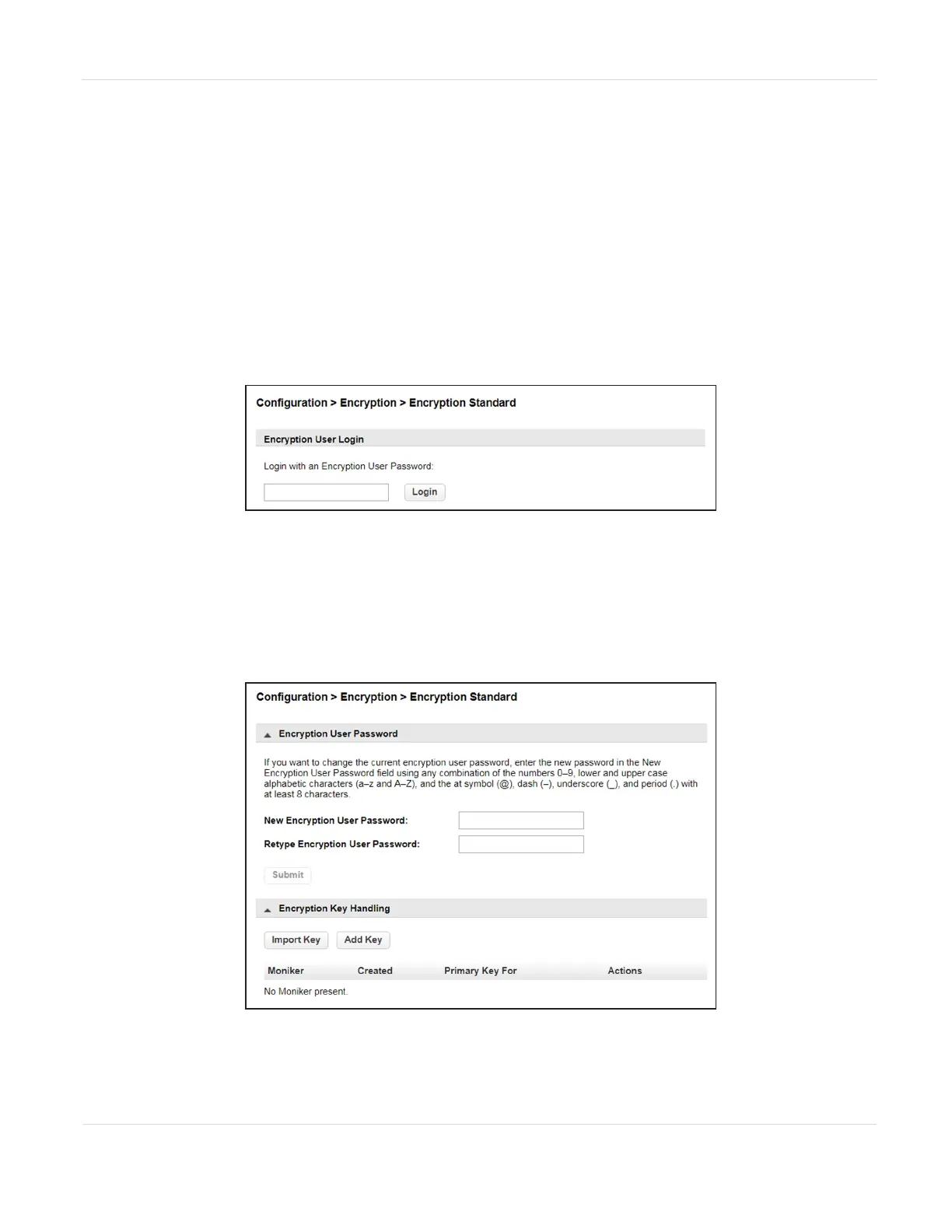
1. Log into the library as the security user. Select Configuration > Encryption >
Encryption Standard. The Encryption User Login screen displays.
Figure67 Enter the encryption user password to access
the encryption feature.
2. Enter the encryption password and then click Login.
Note: If the Encryption Password was never set, the password is blank.
The Configuration > Encryption > Encryption Standard screen displays.
Figure68 The Encryption Standard screen.
JANUARY 2023 119
SPECTRA STACK LIBRARY
USER GUIDE
CHAPTER 3 - CONFIGURING AND USING ENCRYPTION



 To Next Page