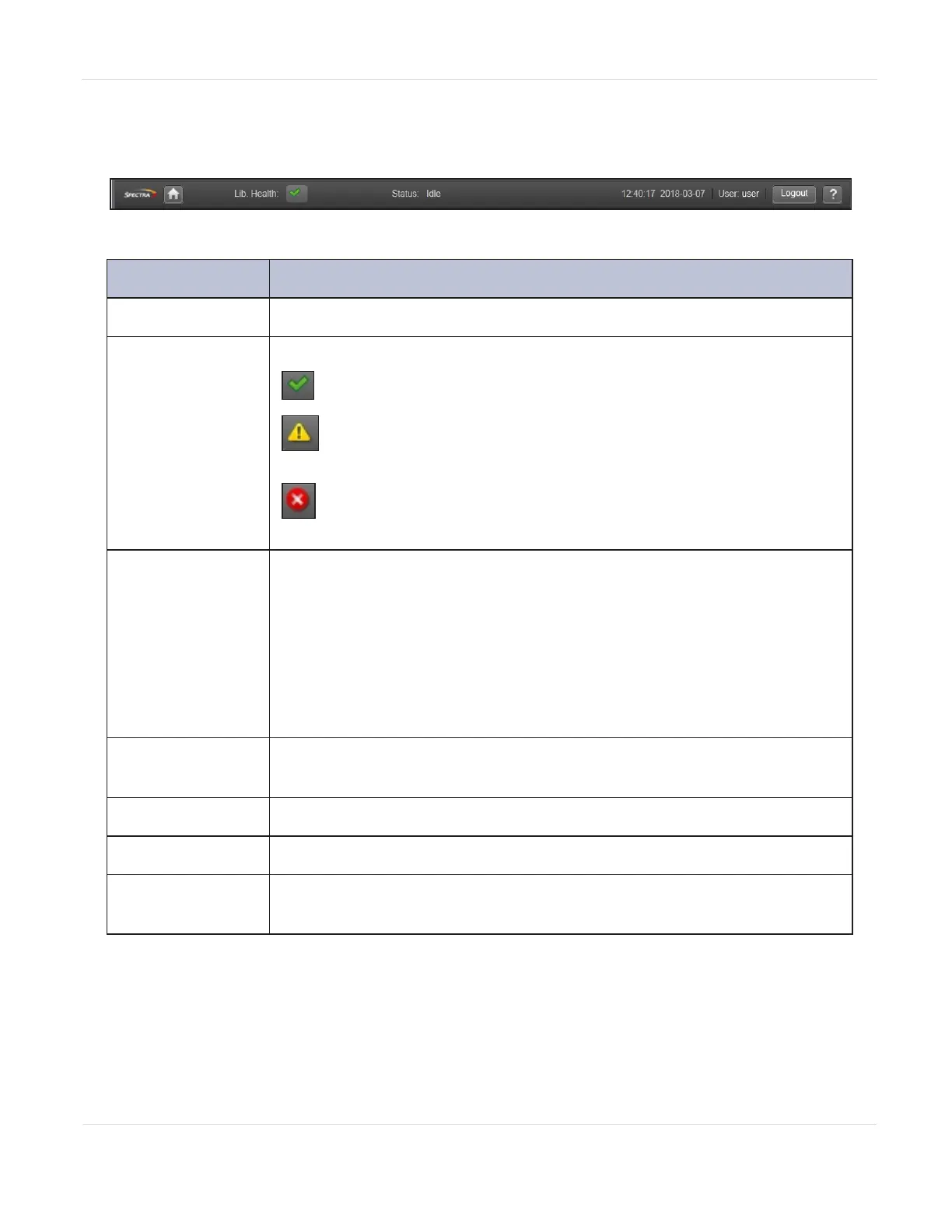
Top Banner Elements
Figure11 The BlueVision top banner.
Icon Meaning
Home Icon
Returns to the library main screen.
Library Health
An icon indicating the overall health status of the library.
OK - The green check mark icon indicates the library is fully
operational.
Warning - The yellow exclamation point icon indicates that
user attention is necessary, but the library can continue most
operations.
Error - The red X icon indicates that the library experienced an
error that prevents it from continuing normal operations, and
user intervention is required.
Status
The status of the library robotics:
• Idle - The library robotics is ready to perform an action.
• Moving - The library robotics is moving a cartridge.
• Scanning - The library robotics is performing an inventory of
cartridges.
• Offline - The library robotic assembly has been taken offline by the
library.
Library Time &
Date
Helpful when analyzing event logs and support tickets, and might be
needed when contacting support.
User
The user account for this session.
Logout
Logs out of this session.
?
Accesses online help. When using RMI, you can search the online help
for a specific term by pressing CTRL+F on the keyboard.
JANUARY 2023 53
SPECTRA STACK LIBRARY
USER GUIDE
CHAPTER 2 - USING THE BLUEVISION INTERFACE



 To Next Page