Filtering Based on Barcode
To see a subset of the cartridges in the library based on tape barcodes, enter some or
all of the barcode label characters in the search area, and click Search. The Source
Element list updates to display only the cartridges with labels that include the
characters in the search box.
To perform a different search or display all of the available cartridges, click Barcode
Filter Off.
Moving a Cartridge
1. Select the cartridge from Source Elements.
2. Select the destination element from Destination Elements.
3. Click Submit.
OPENING THE EE PORT
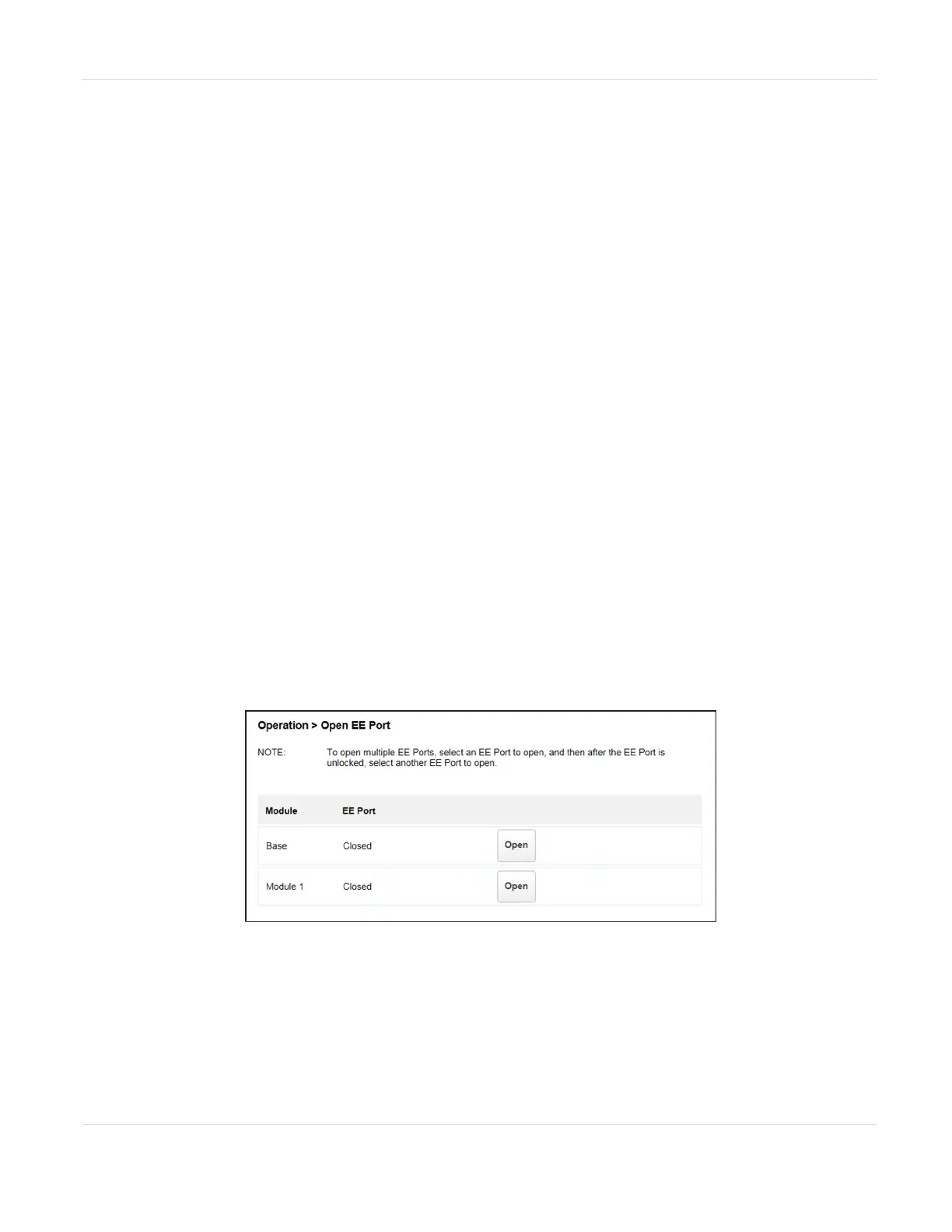
From the Home screen, click Open EE Port or navigate to Operations > Open EE Port
to see the status of EE port(s) and open any enabled EE port in the library. An EE port
must be enabled before it can be opened. To enable an EE port, see Enabling or
Disabling EE Ports on page83. To determine which magazine slots belong to a
partition, see Using Partition Map Graphical View on page158.
Figure84 The Open EE Port screen.
JANUARY 2023 142
SPECTRA STACK LIBRARY
USER GUIDE
CHAPTER 4 - OPERATING THE LIBRARY



 To Next Page