USING PARTITION MAP CONFIGURATION STATUS
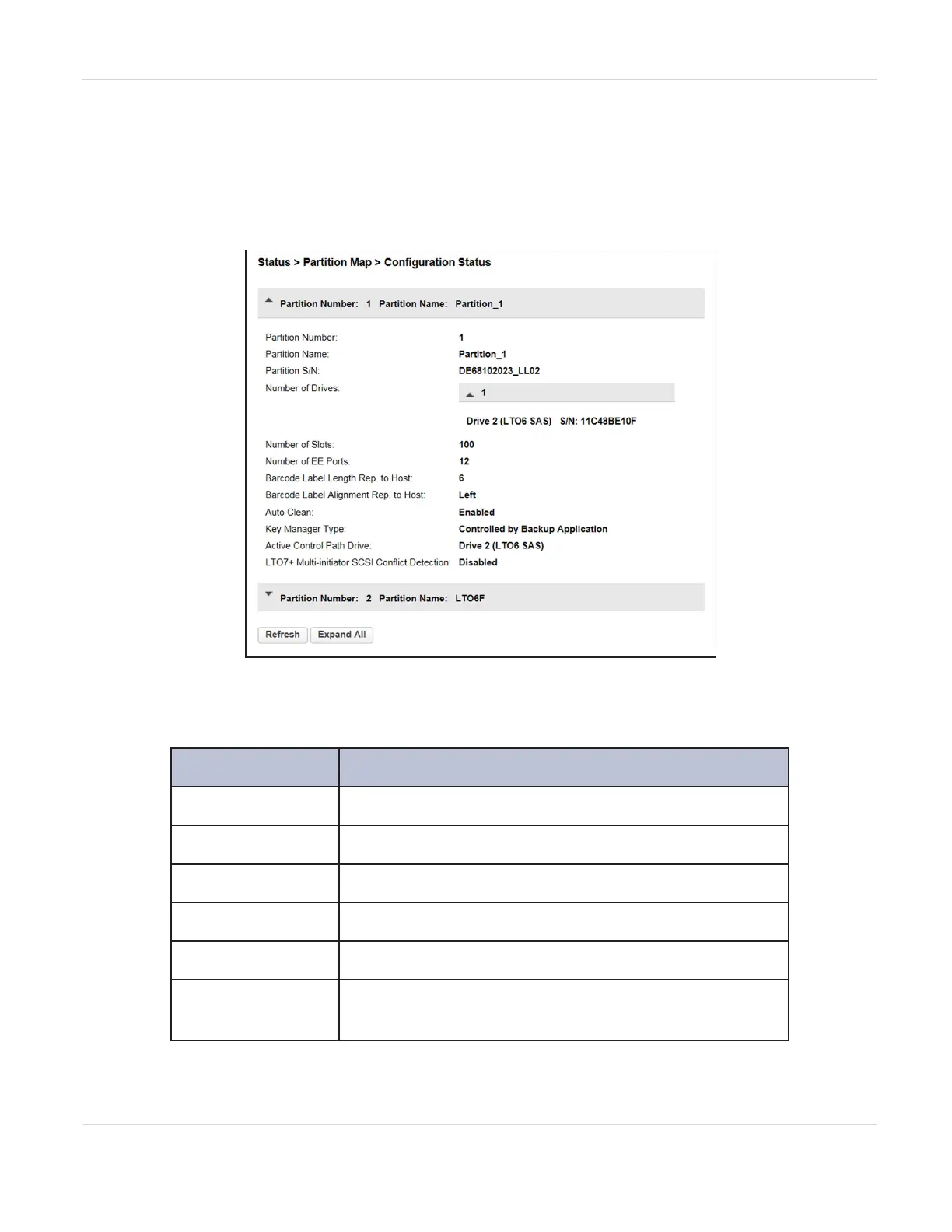
To see the configuration of a partition, its elements and their status, from Status,
navigate to Partition Map > Configuration Status.
Figure96 The Partition Map Configuration Status screen.
The Configuration Status screen displays the following information:
Field Description
Partition Number
The partition number.
Partition Name
The partition name.
Partition S/N
The partition serial number.
Number of Drives
Number of drives configured in this partition.
Number of Slots
Number of slots configured in this partition.
Number of EE
Ports
Number of EE ports configured in this partition.
JANUARY 2023 160
SPECTRA STACK LIBRARY
USER GUIDE
CHAPTER 5 - VIEWING LIBRARY STATUS



 To Next Page