CONFIGURING THE DATE AND TIME FORMAT
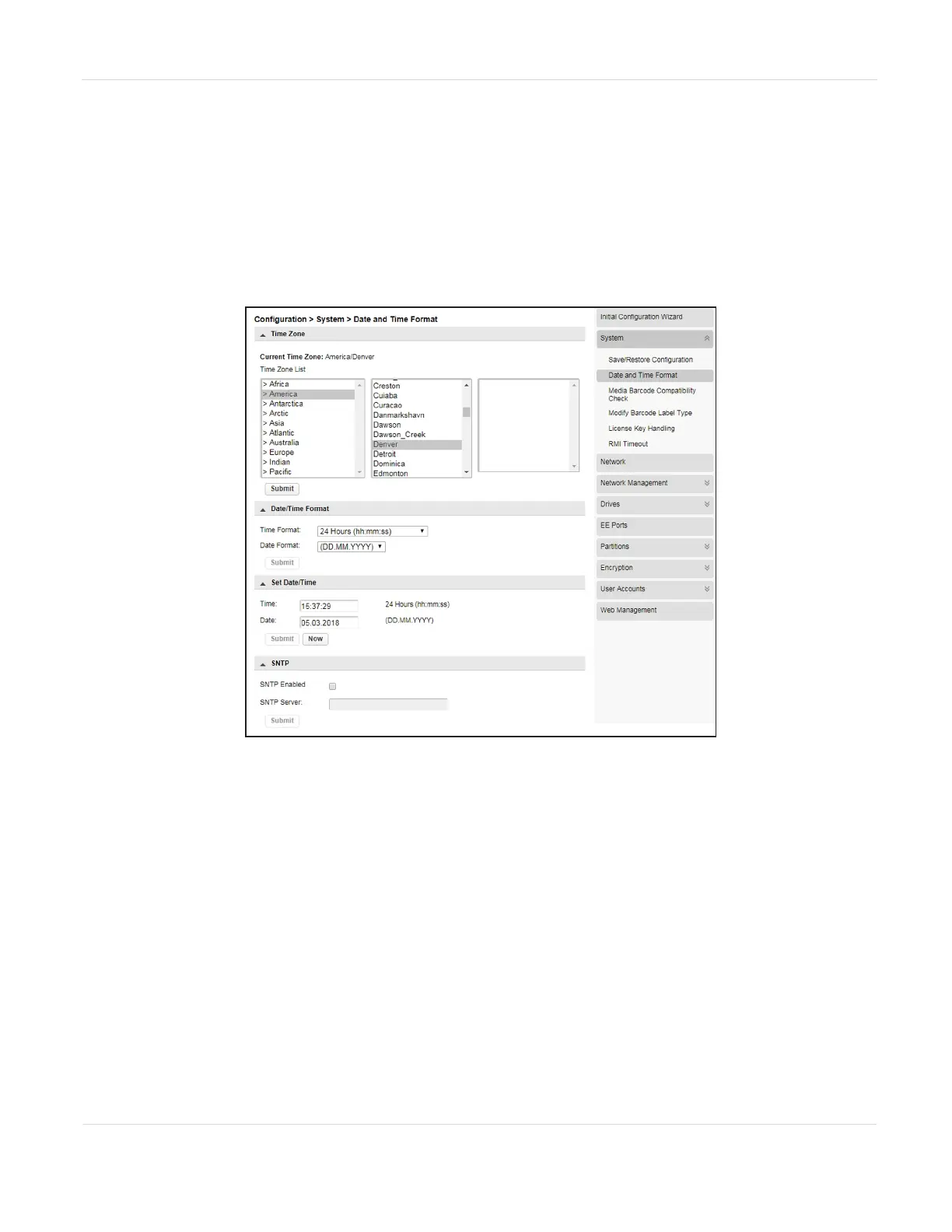
You can configure the date and time format, the current date and time, and an SNTP
server from the Configuration > System > Date and Time Format screen.
Note: The library does not adjust its time for daylight savings; the time must be adjusted
manually.
Figure15 The Date and Time Format screen.
JANUARY 2023 65
SPECTRA STACK LIBRARY
USER GUIDE
CHAPTER 3 - CONFIGURING THE LIBRARY



 To Next Page