WEB MANAGEMENT
Use the instructions in this section to configure advanced web management features
for the RMI.
Enabling SSL or SSH
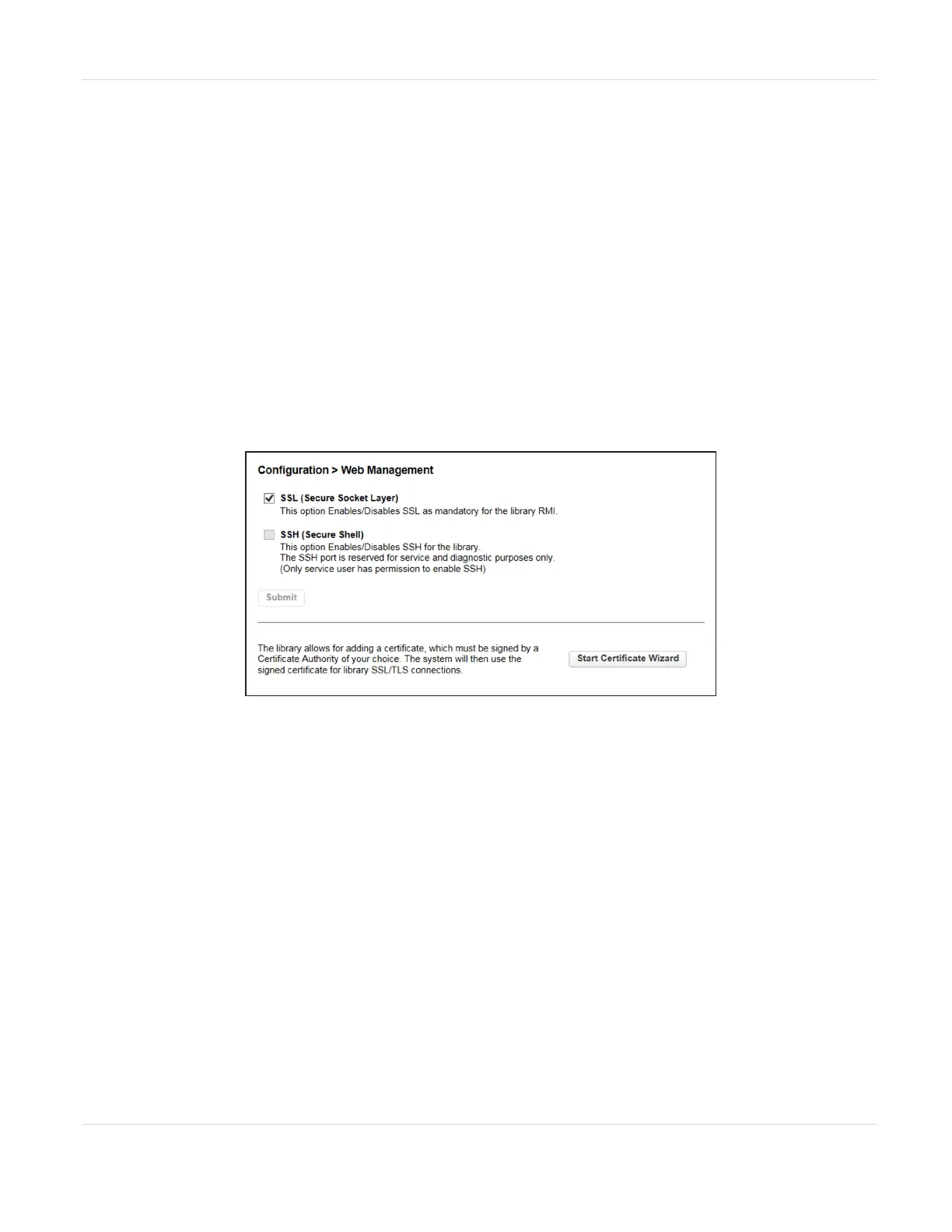
Enable or disable secure access to the RMI using Secure Socket Layer (SSL) or Secure
Shell (SSH) from the Configuration > Web Management screen.
• When SSL is enabled, connections to the RMI must use HTTPS. The default is
disabled.
• When SSH is enabled, the library accepts SSH connections. The default is enabled.
Figure48 The SSL/SSH pane of the Configuration > Web
Management screen.
Select or clear the SSL and SSH check boxes as desired, and click Submit.
Note: SSH is not available on the Spectra Stack library.
JANUARY 2023 103
SPECTRA STACK LIBRARY
USER GUIDE
CHAPTER 3 - CONFIGURING THE LIBRARY



 To Next Page