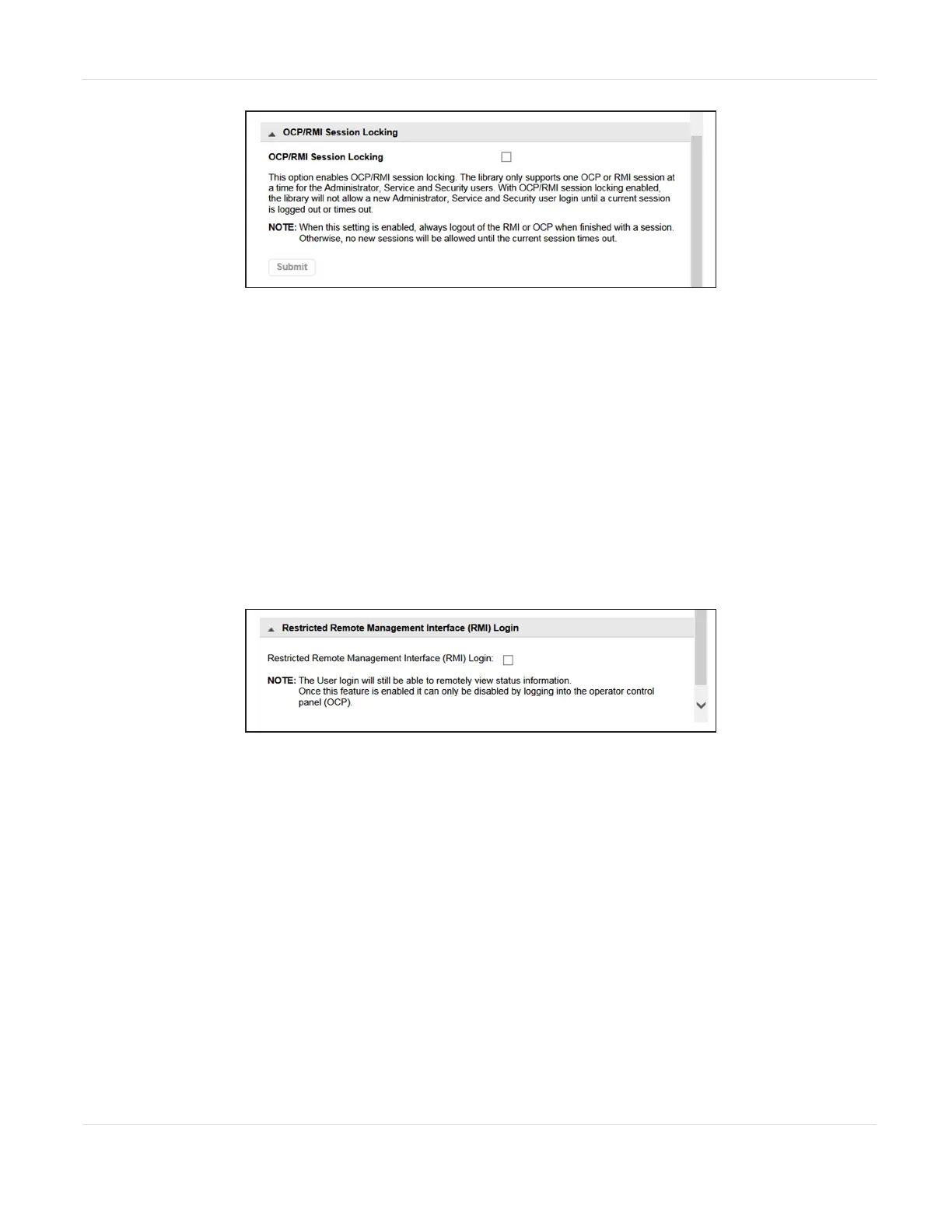
Figure55 The OCP/RMI Session Locking pane of the
Configuration > Web Management screen.
When OCP/RMI Session Locking is enabled, a new session does not terminate the
current session and the new user will not be able to log in. Select the OCP/RMI Session
Locking check box and click Submit to enable this option.
Restrict RMI Access
To restrict RMI access for the administrator and security users, in the Restricted
Remote Management Interface (RMI) Login pane of the Configuration > Web
Management screen, select the Restricted Remote Management Interface (RMI) Login
check box and click Submit.
Figure56 The Restricted Remote Management Interface
(RMI) Login pane of the Configuration > Web
Management screen.
This can be used in high security environments where policies require all
configuration changes to occur from the physical library front panel.
Note: Many settings cannot be configured from the OCP.
The user and service users are still able to log in with the RMI. To remove all RMI
access, unplug the Ethernet cable from the library controller.
JANUARY 2023 108
SPECTRA STACK LIBRARY
USER GUIDE
CHAPTER 3 - CONFIGURING THE LIBRARY



 To Next Page