SOFTWARE UPGRADES
Managing System Firmware
Check the Library Firmware Version
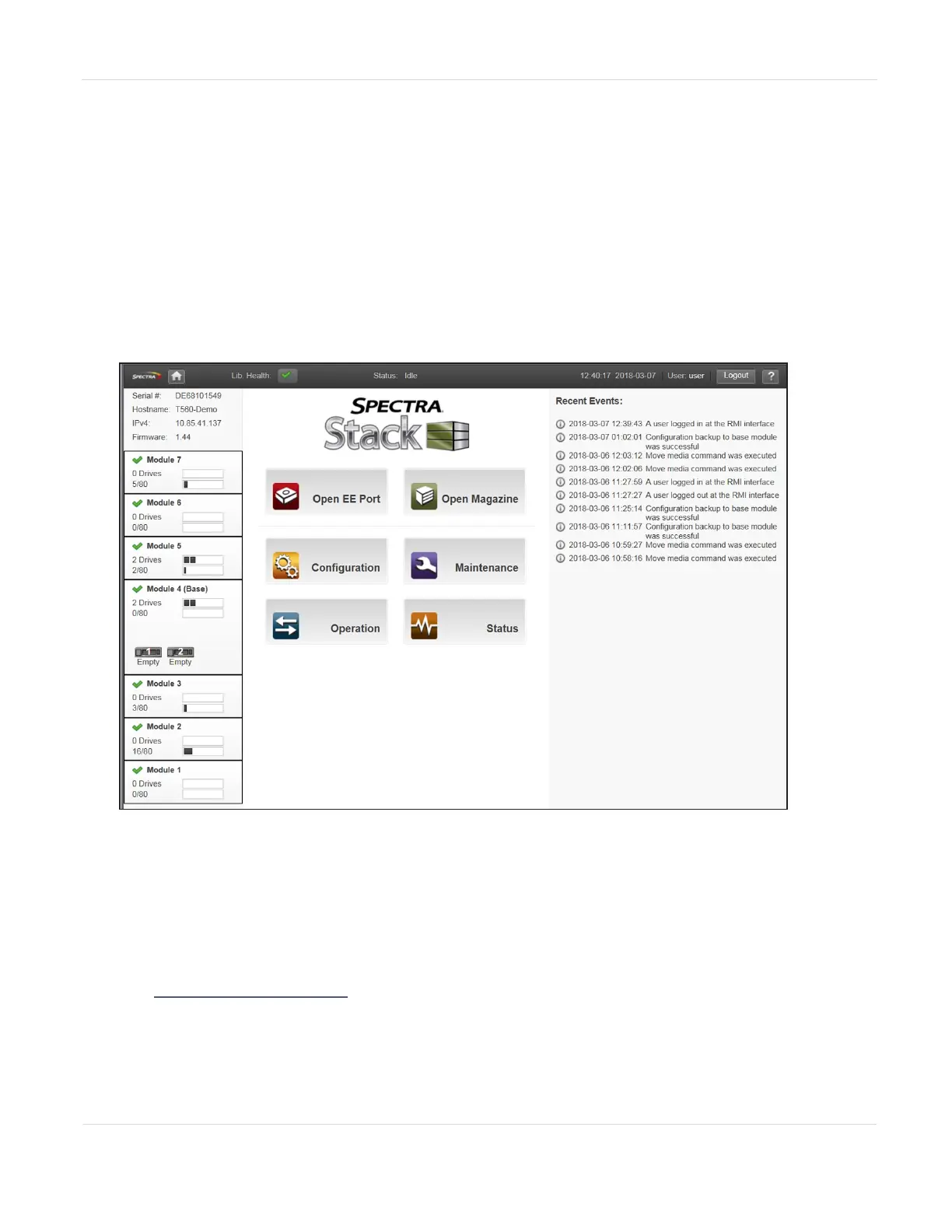
The firmware version currently installed on the library is displayed in the library
status area on the Home page.
Figure115 Spectra Stack Main screen.
Check and Download the Currently Released BlueVision Version
Follow these steps to check the currently recommended BlueVision version:
1. Log into your user account on the Technical Support portal at
support.spectralogic.com.
Note: See Accessing the Technical Support Portal on page254 for information about
creating an account and accessing the Technical Support portal.
JANUARY 2023 198
SPECTRA STACK LIBRARY
USER GUIDE
CHAPTER 7 - MAINTAINING THE LIBRARY



 To Next Page