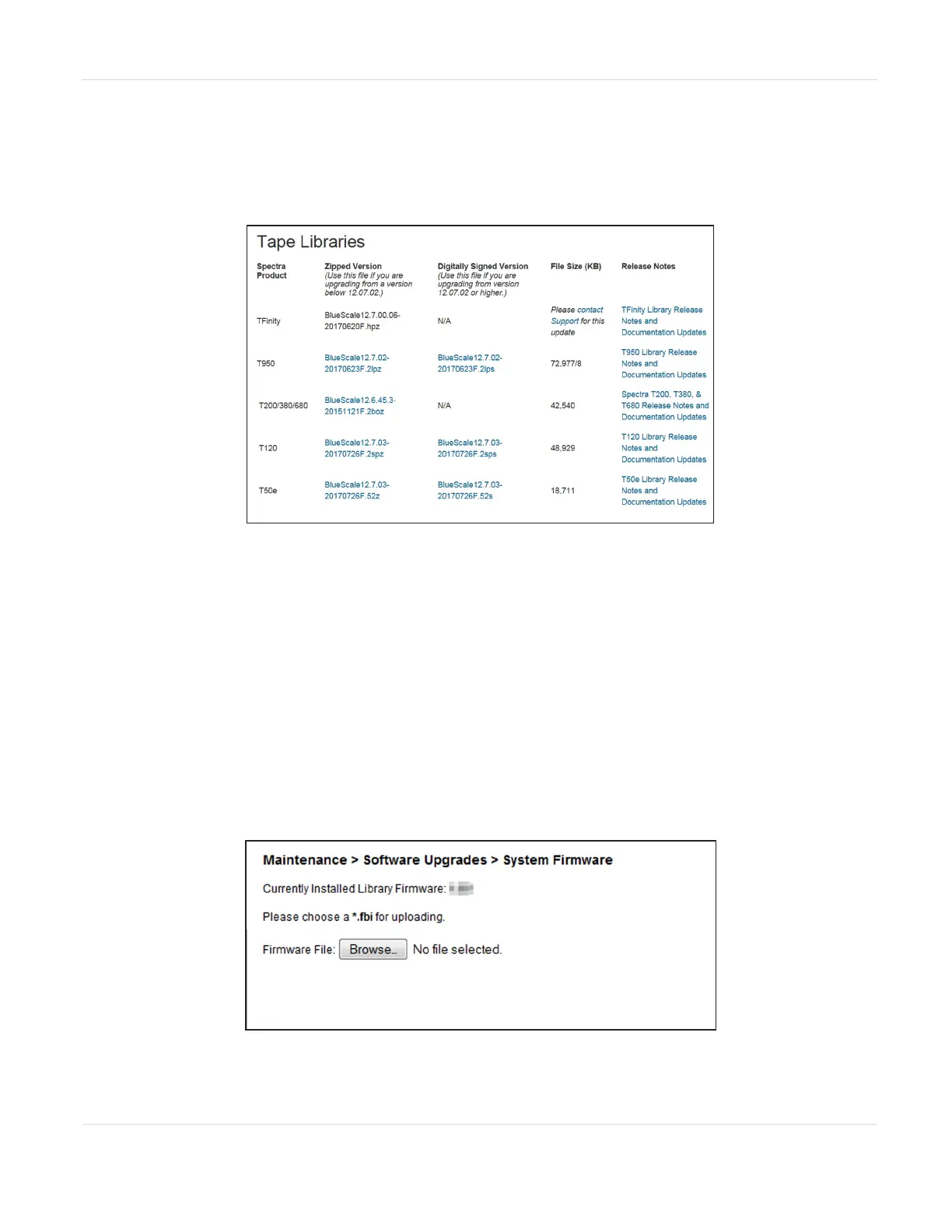
2. Select Downloads > Product Software.
3. On the Product Software page, locate your library type in the Spectra Product
column. The currently released BlueVision version is listed in the Current
Version column.
Figure116 The Product Software screen (T950 library
firmware shown).
4. Compare the Current Version available for the library to the version installed on
the library.
5. If there is a new version of the library firmware, click the name of the
BlueVision package. The package begins downloading through your web
browser.
Upload Library Firmware
You upload the library firmware from the Maintenance > Software Upgrades >
System Firmware screen.
Figure117 The System Firmware screen.
JANUARY 2023 199
SPECTRA STACK LIBRARY
USER GUIDE
CHAPTER 7 - MAINTAINING THE LIBRARY



 To Next Page