5. Export the newly created encryption key and save it to a secure location (see
Export the Encryption Key on page126).
CAUTION
If you lose the encryption key, data encrypted using the key cannot be
recovered. For this reason, promptly copying the key and storing it safely (that is,
away from the data encrypted using the key) is extremely important to data
decryption and recovery. See Exporting and Protecting Encryption Keys on
page125 for additional information.
Enable Encryption Standard in a Partition
How you enable Encryption Standard in a partition depends on whether you are a
security user or an administrator user with permission to configure partition
encryption using the Expert Partition Wizard.
Note: All of the partitions in the library go offline while partitions are configured. Ensure
that host operations for all partitions are idle before running the partition wizard.
Security User
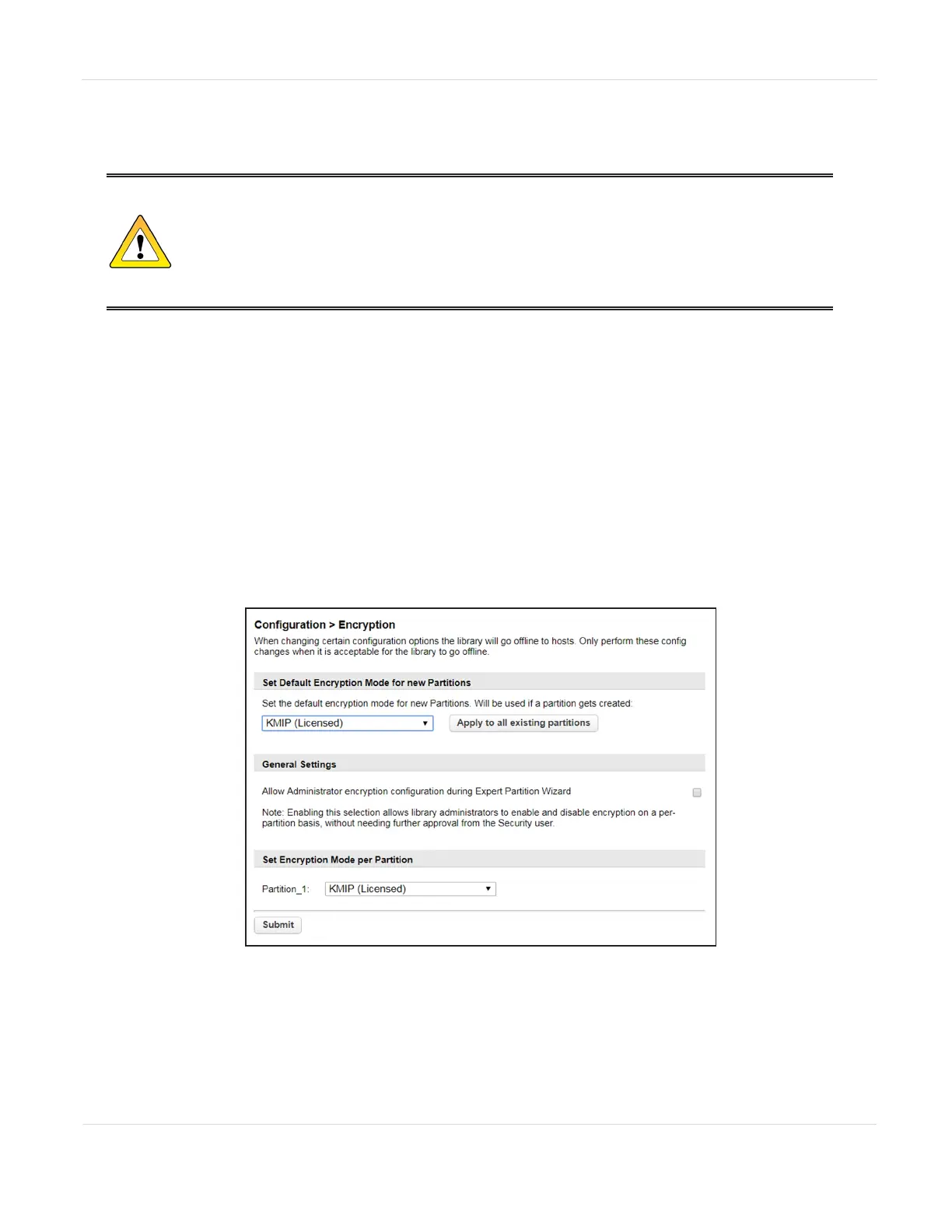
1. Navigate to Configuration > Encryption to access the main encryption screen.
Figure71 The Encryption screen.
JANUARY 2023 122
SPECTRA STACK LIBRARY
USER GUIDE
CHAPTER 3 - CONFIGURING AND USING ENCRYPTION



 To Next Page