2. In the Set Encryption per Partition pane, select Encryption Standard next to the
partition for which you want to enable encryption and click Submit. The
partition is updated to use the currently stored encryption key to encrypt and
decrypt data in the partition.
—OR—
If you want all partitions to use Encryption Standard, select Encryption
Standard as the default encryption mode, click Apply to all existing partitions,
and click Submit.
Administrator User
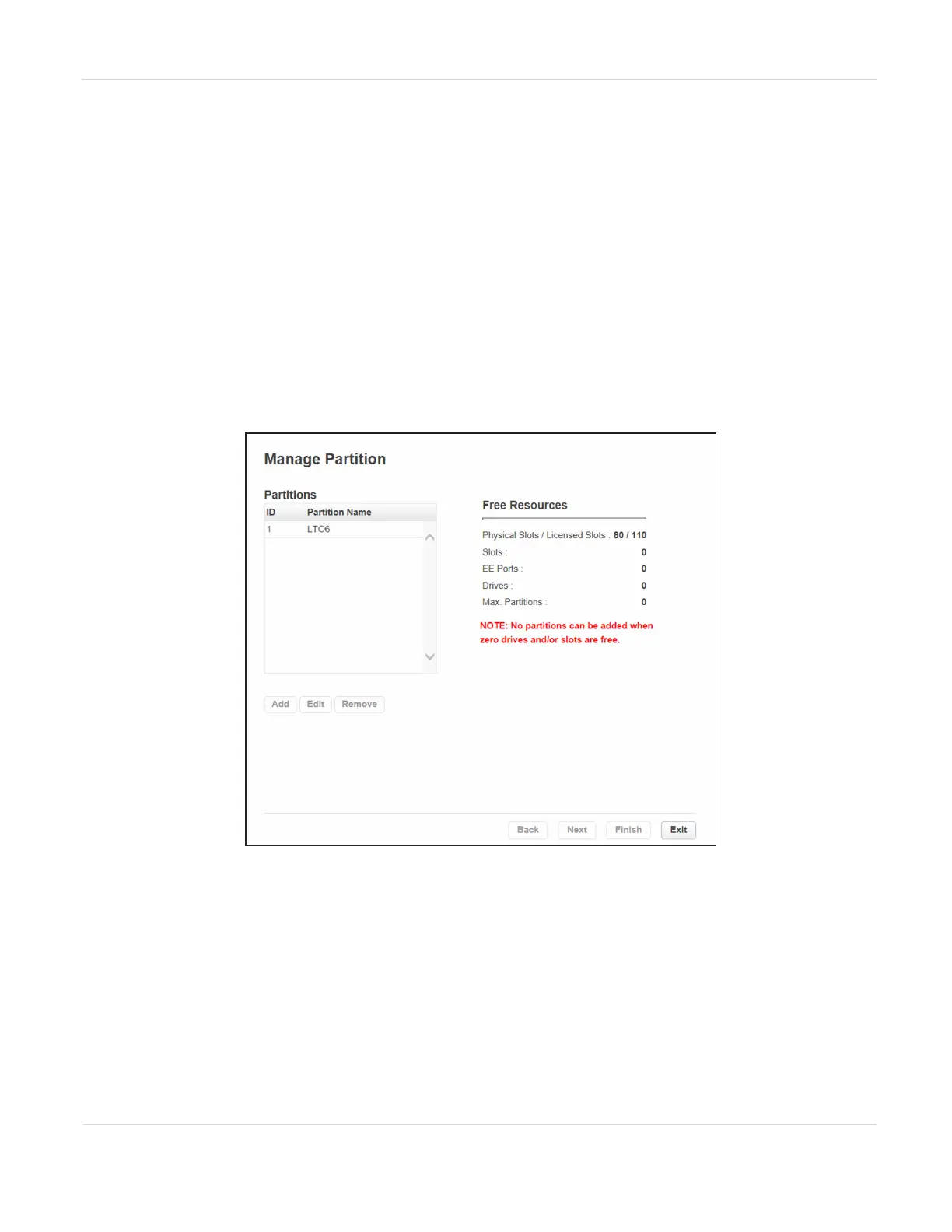
1. Select Configuration > Partitions > Expert Wizard to start the Expert Partition
Wizard. The Manage Partitions screen lists the current partitions.
Figure72 The Manage Partitions screen.
2. Select the partition for which you want to enable Encryption Standard, click
Edit, and then click Next. The General Settings screen displays.
JANUARY 2023 123
SPECTRA STACK LIBRARY
USER GUIDE
CHAPTER 3 - CONFIGURING AND USING ENCRYPTION



 To Next Page