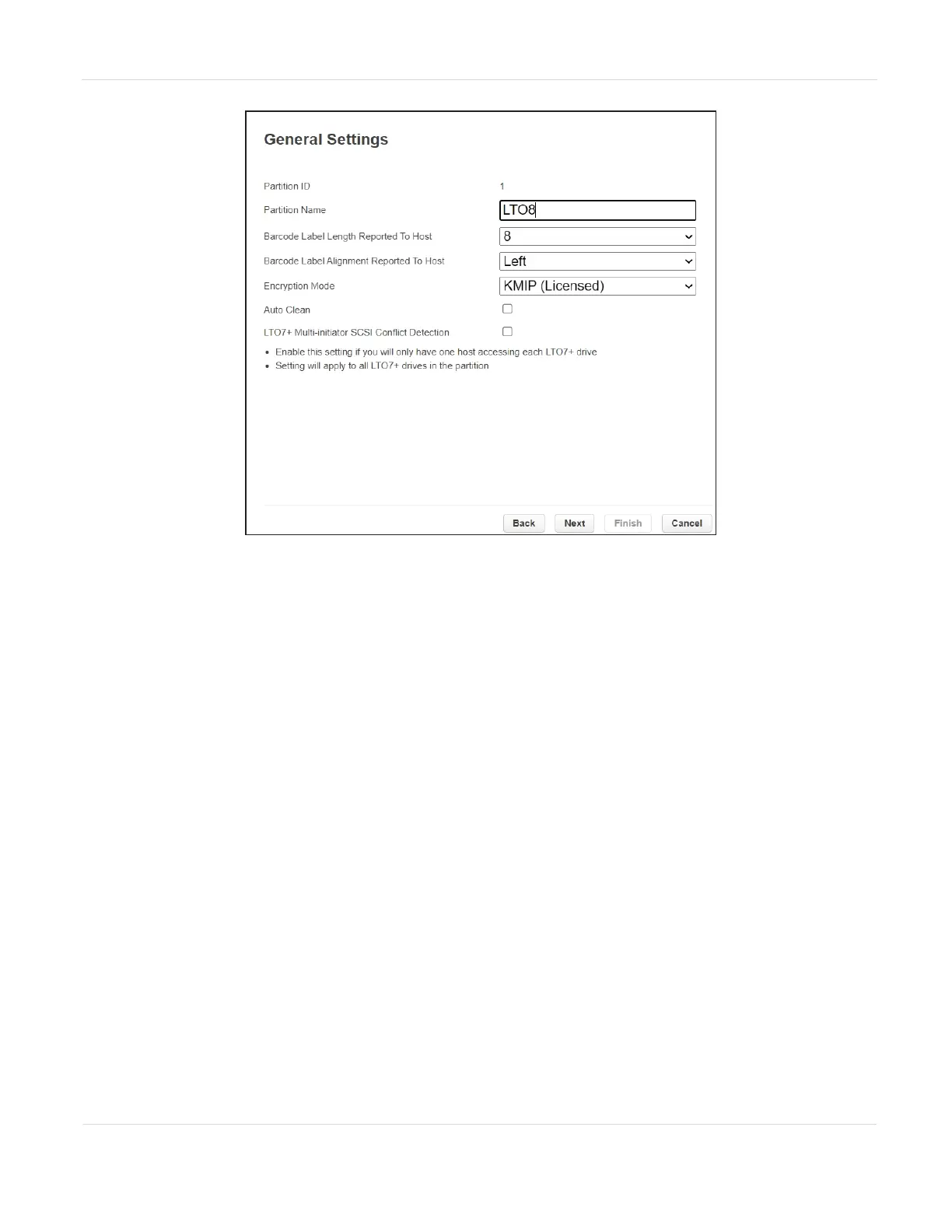
Figure73 The General Settings screen.
3. Using the Encryption Mode drop-down menu, select Encryption Standard to
enable encryption.
Note: This field is only visible if you are logged in as a security user or if the security user
has configured permission for the administrator user to configure encryption used
by a partition using the Expert Partition Wizard. See Configuring Encryption Key
Management on page110.
4. Click Next to advance through the remaining screens in the wizard. The
partition is updated to use the currently stored encryption key to encrypt and
decrypt data in the partition.
JANUARY 2023 124
SPECTRA STACK LIBRARY
USER GUIDE
CHAPTER 3 - CONFIGURING AND USING ENCRYPTION



 To Next Page