3. Select a Role for the user:
• User — A user account allows access to library status information and does not
allow access to configuration, maintenance, or operation features. A password
is not required for the default user account, but is required for additional user
accounts.
• Administrator — The Administrator account allows access to all configuration,
maintenance, and operation features other than encryption.
• Security — A security user has access to all administrator functionality and can
also configure security features and change the security user password.
4. Enter and verify the password. The password must meet the configuration
options selected in Configure User Account Settings on page95.
5. Click Add. The dialog box closes to display the Local User Accounts screen.
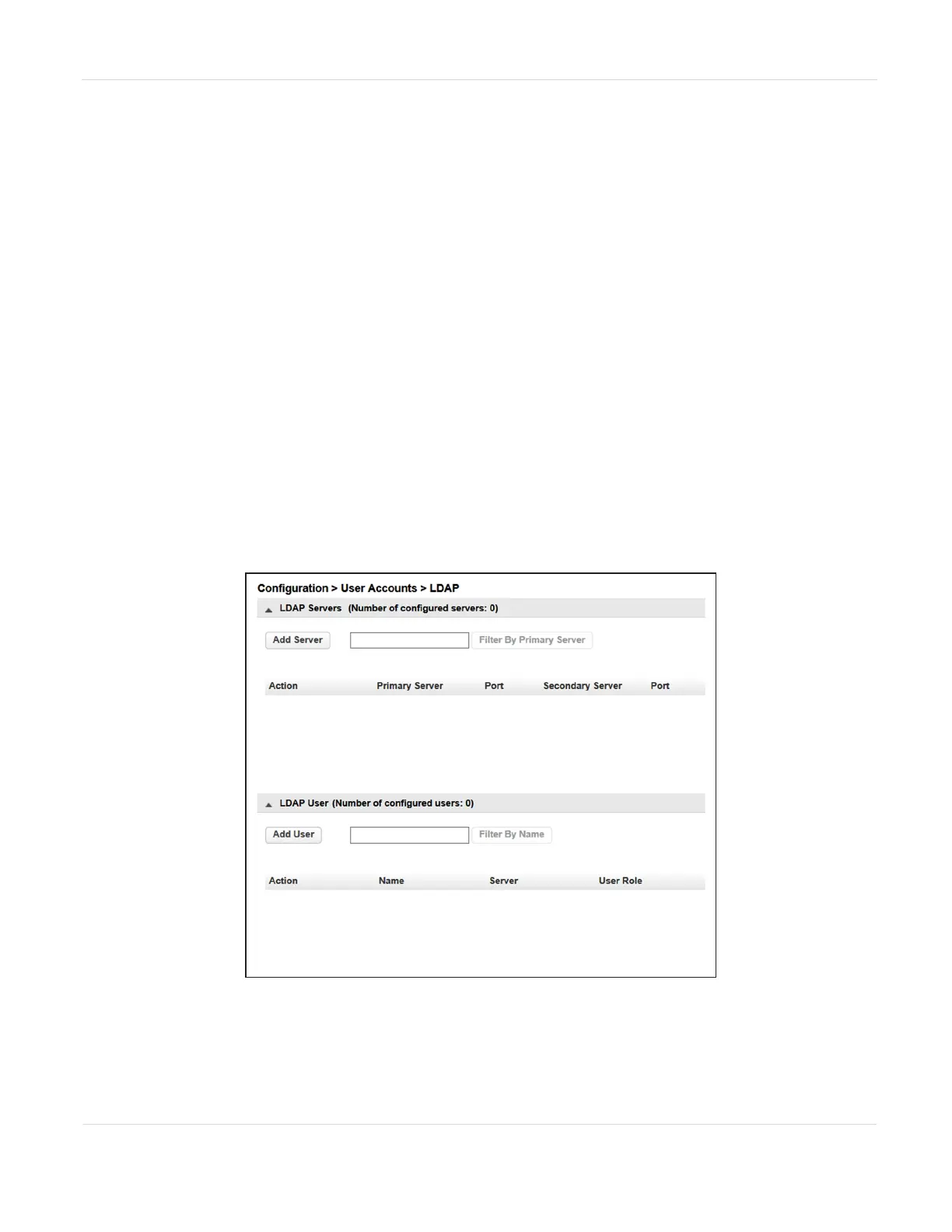
Configure LDAP
From the Configuration > User Accounts > LDAP screen, manage LDAP (Lightweight
Directory Access Protocol) servers and users.
Figure45 The Configuration > User Accounts > LDAP
screen.
JANUARY 2023 99
SPECTRA STACK LIBRARY
USER GUIDE
CHAPTER 3 - CONFIGURING THE LIBRARY



 To Next Page