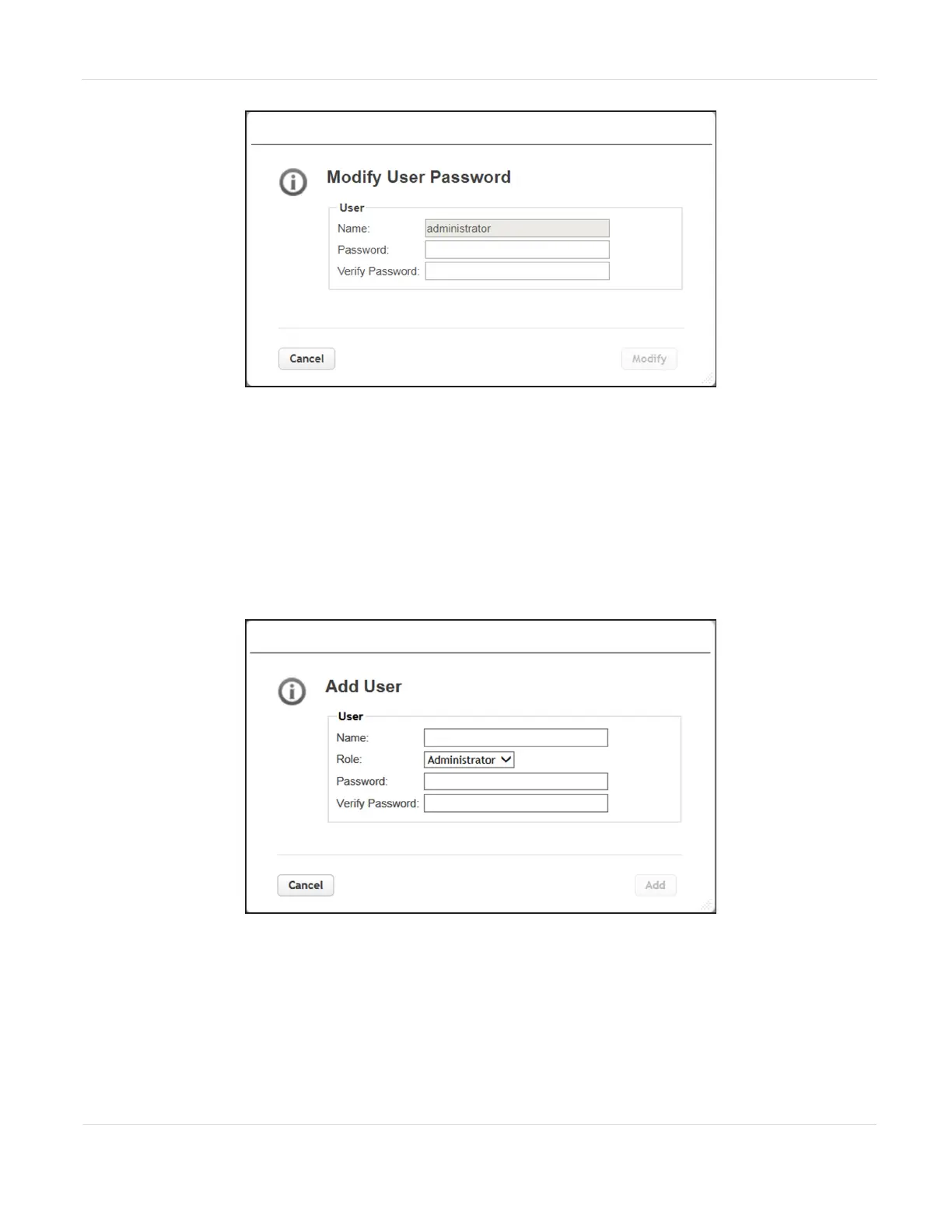
Figure43 The Modify User Password dialog box.
2. Enter and verify the new password, and then click Modify. The dialog box closes
to display the Local User Account screen.
Add a User
1. From the Configuration > User Accounts > Local User Accounts screen (see
Figure42 on page97), click Add User. The Add User screen displays.
Figure44 The Add User screen (Administrator logged in).
2. Enter the Name for the user.
JANUARY 2023 98
SPECTRA STACK LIBRARY
USER GUIDE
CHAPTER 3 - CONFIGURING THE LIBRARY



 To Next Page