VIEWING NETWORK STATUS
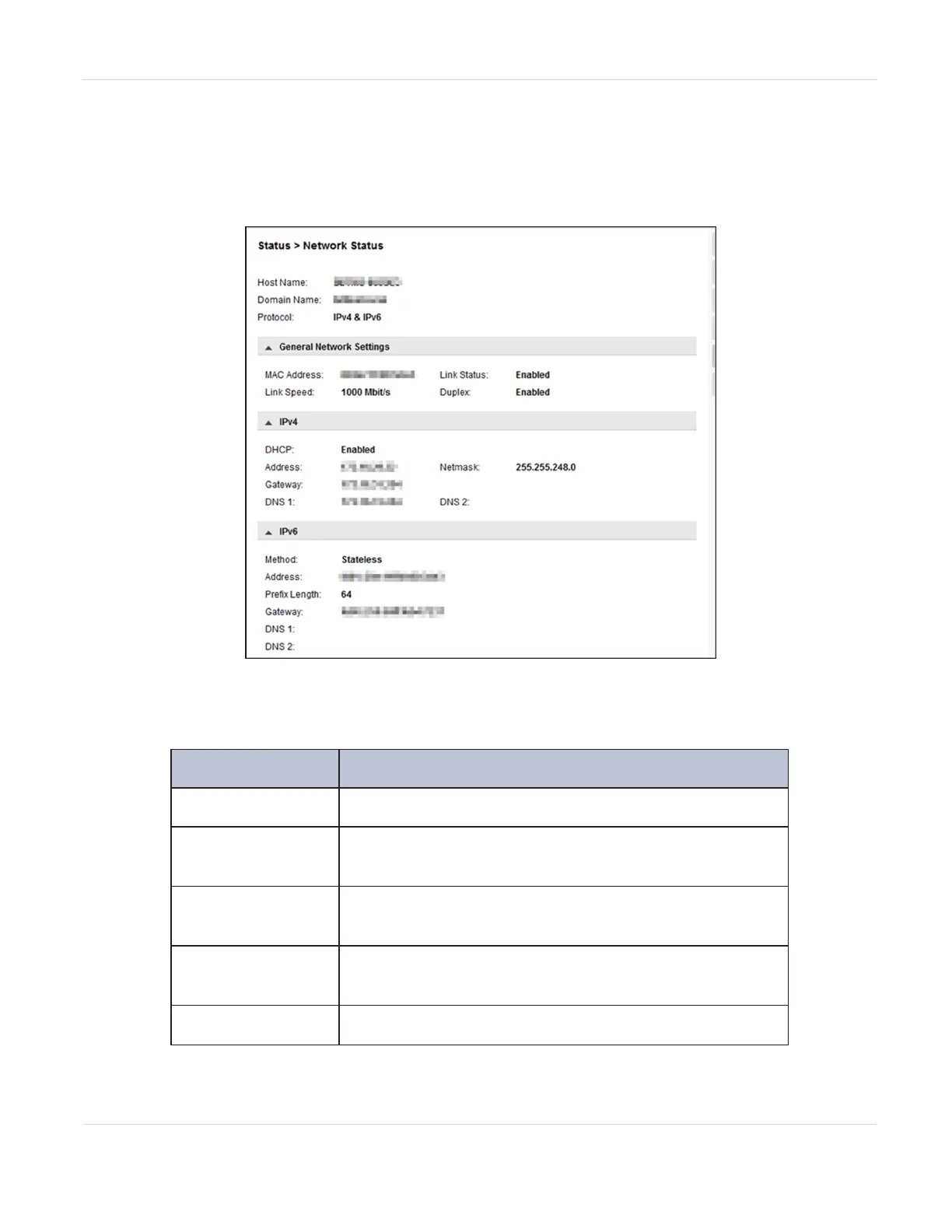
To see the network status, navigate to Status > Network.
Figure98 The Network Status screen.
In the Network Status screen you can see:
Field Description
Host Name
Library hostname.
Domain Name
The domain name for your network where the library
resides.
Protocol
Whether the library network uses IPv4, IPv6, or both
addressing methods.
MAC Address
A unique identifier for the library controller network
port.
Link Status
Enabled or disabled.
JANUARY 2023 166
SPECTRA STACK LIBRARY
USER GUIDE
CHAPTER 5 - VIEWING LIBRARY STATUS



 To Next Page