4. Enter the Certificate Request Data and click Generate CSR. The certificate
displays in the Certificate Sign Request pane.
5. Click Select CSR and copy the certificate. Provide the certificate you copied to
your Certificate Authority. Once the certificate is signed, select and copy the
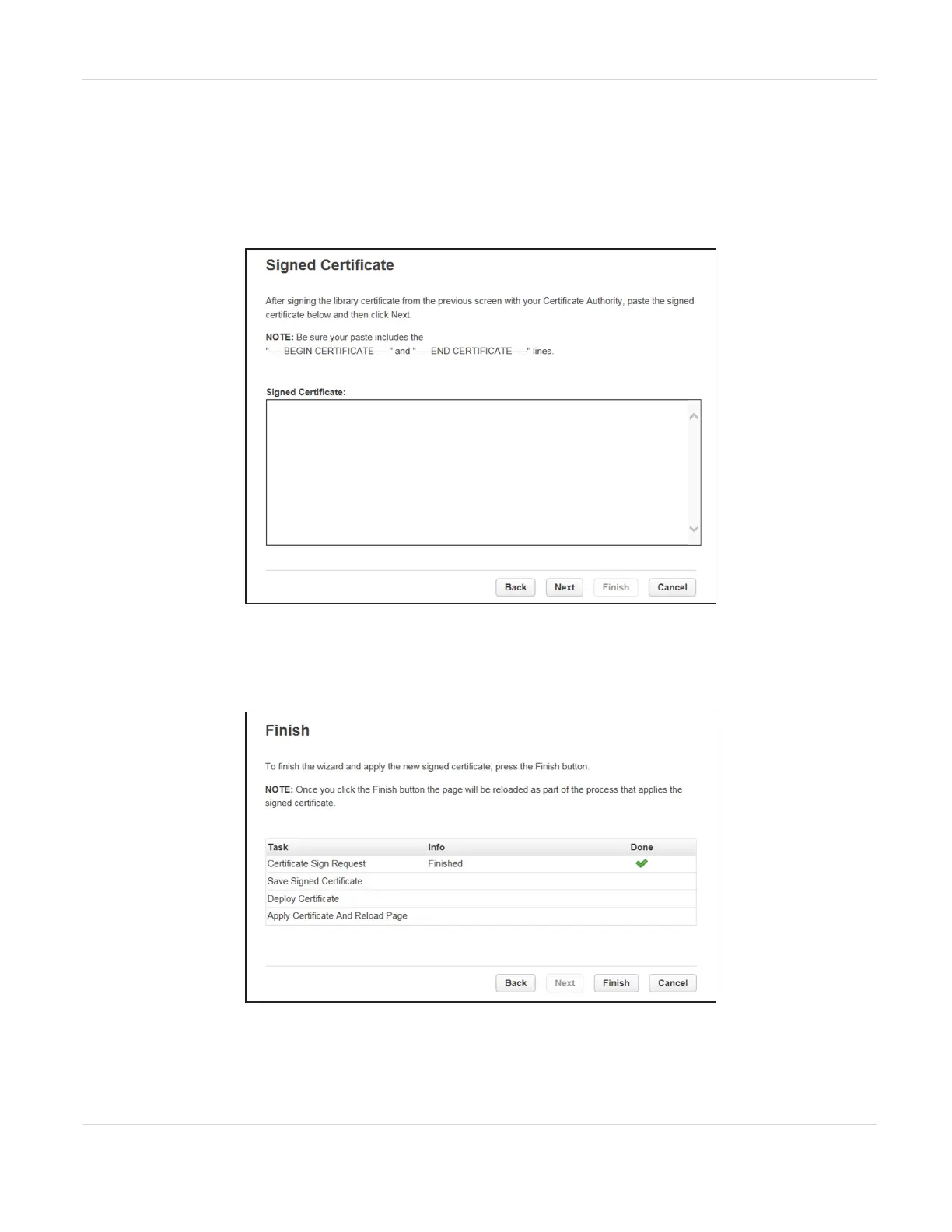
entire certificate, and then click Next. The Signed Certificate screen displays.
Figure52 The Signed Certificate screen.
6. Paste the certificate in the Signed Certificate pane and click Next. The Finish
screen displays.
Figure53 The Finish screen.
7. Click Finish to save the certificate and end the wizard.
JANUARY 2023 106
SPECTRA STACK LIBRARY
USER GUIDE
CHAPTER 3 - CONFIGURING THE LIBRARY



 To Next Page