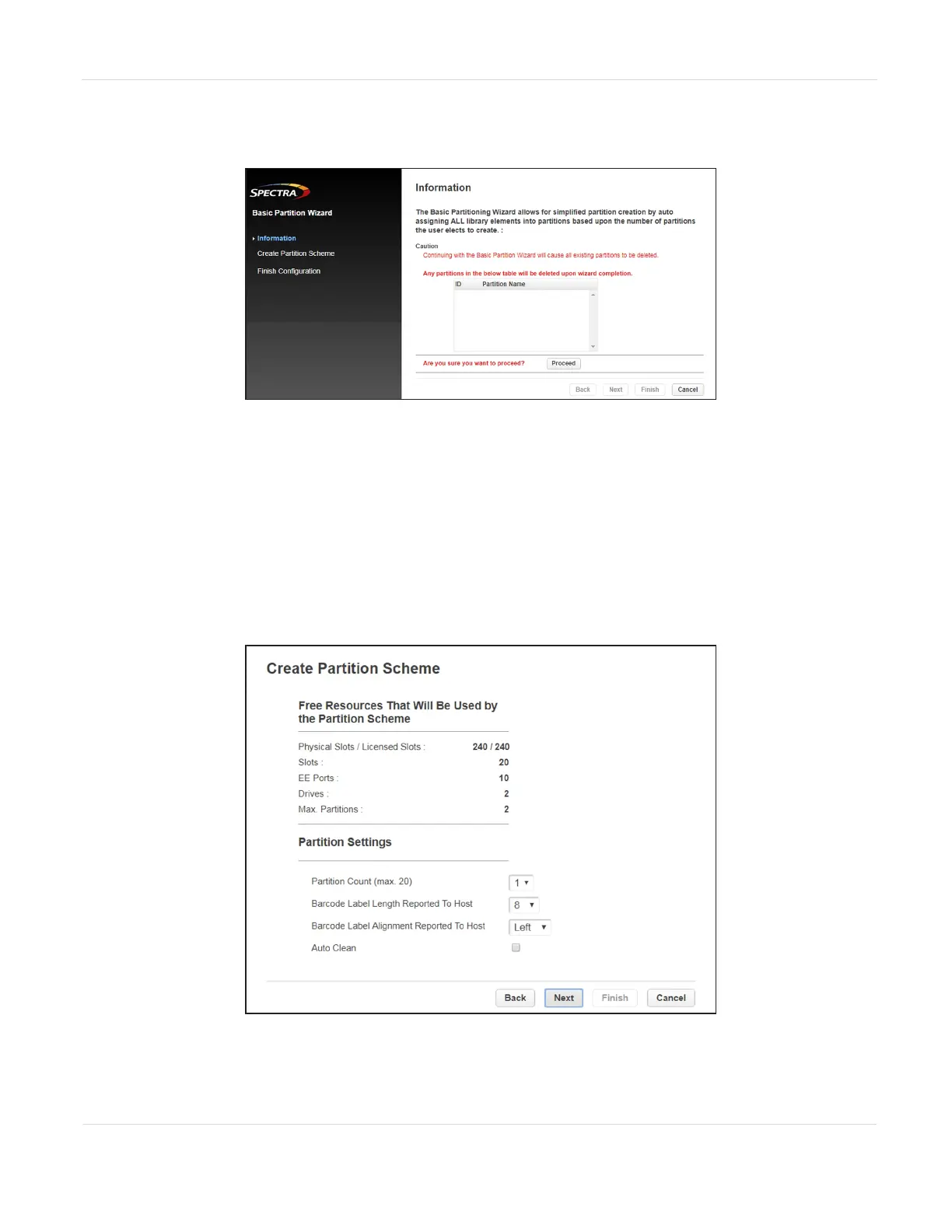
2. On the right-hand pane, select Basic Wizard. The Information screen of the Basic
Wizard displays.
Figure31 The Information screen.
3. A warning displays that the Basic Wizard deletes any existing partitions. Click
Proceed and then click Next. The Create Partition Scheme screen displays.
Notes: l If you want to enable or disable EE ports, click Cancel to leave the wizard and
update the EE port configuration (see Enabling or Disabling EE Ports on
page83) before configuring partitions.
l If the resources displayed do not match your configuration, you may need to
install license keys. See Add a License Key on page71.
Figure32 The Create Partition Scheme screen.
JANUARY 2023 86
SPECTRA STACK LIBRARY
USER GUIDE
CHAPTER 3 - CONFIGURING THE LIBRARY



 To Next Page