Administrator User
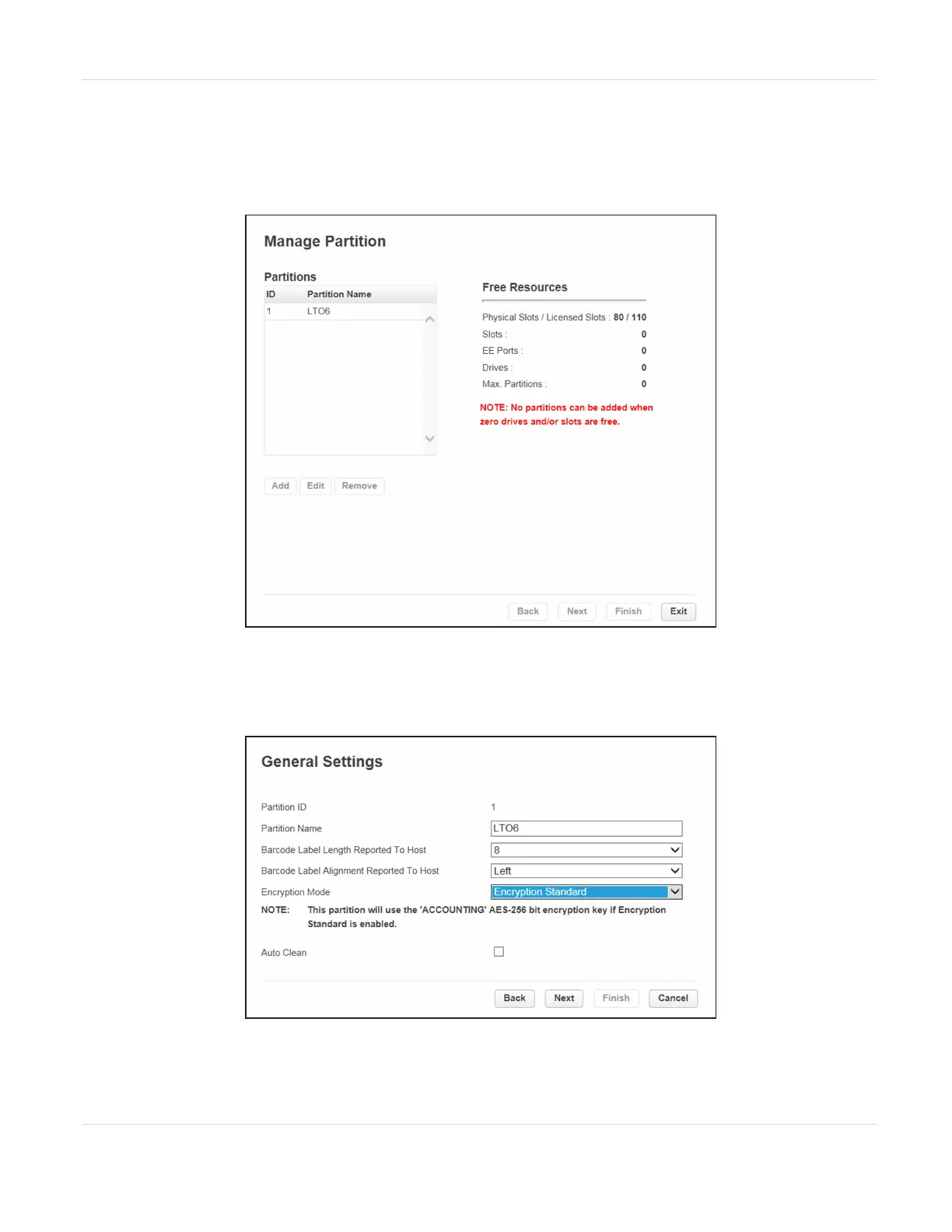
1. Select Configuration > Partitions > Expert Wizard to start the wizard. The
Manage Partitions screen lists the current partitions.
Figure81 The Manage Partitions screen.
2. Select the partition in which you want to disable encryption, click Edit, and then
click Next. The General Settings screen displays.
Figure82 The General Settings screen.
JANUARY 2023 138
SPECTRA STACK LIBRARY
USER GUIDE
CHAPTER 3 - CONFIGURING AND USING ENCRYPTION



 To Next Page