4. Select the LTO-9 cartridges that you want to initialize and click >> to move them
to the Selected Cartridges column. When all of the cartridges that you want
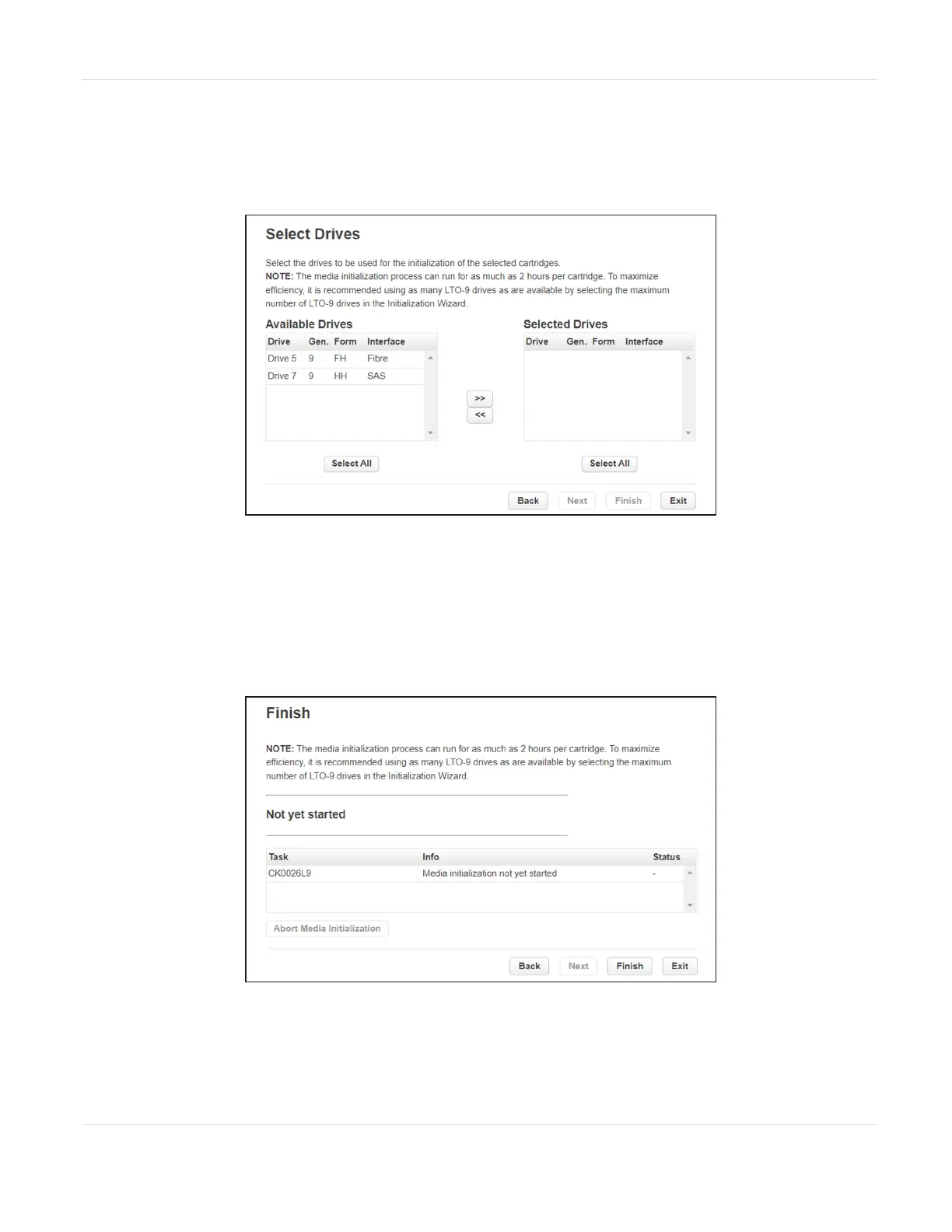
initialized are in the Selected Cartridges column, click Next. The Select Drives
screen displays.
Figure129 The Select Drives screen.
5. Select the LTO-9 drives that you want to use to initialize the cartridges and click
>> to move them to the Selected Drives column. To maximize efficiency, select as
many LTO-9 drives as possible. When all of the drives that you want to use to
initialize cartridges are in the Selected Drives column, click Next. The Finish
screen displays.
Figure130 The Finish screen.
6. Click Finish. The initialization process begins.
JANUARY 2023 209
SPECTRA STACK LIBRARY
USER GUIDE
CHAPTER 7 - MAINTAINING THE LIBRARY



 To Next Page