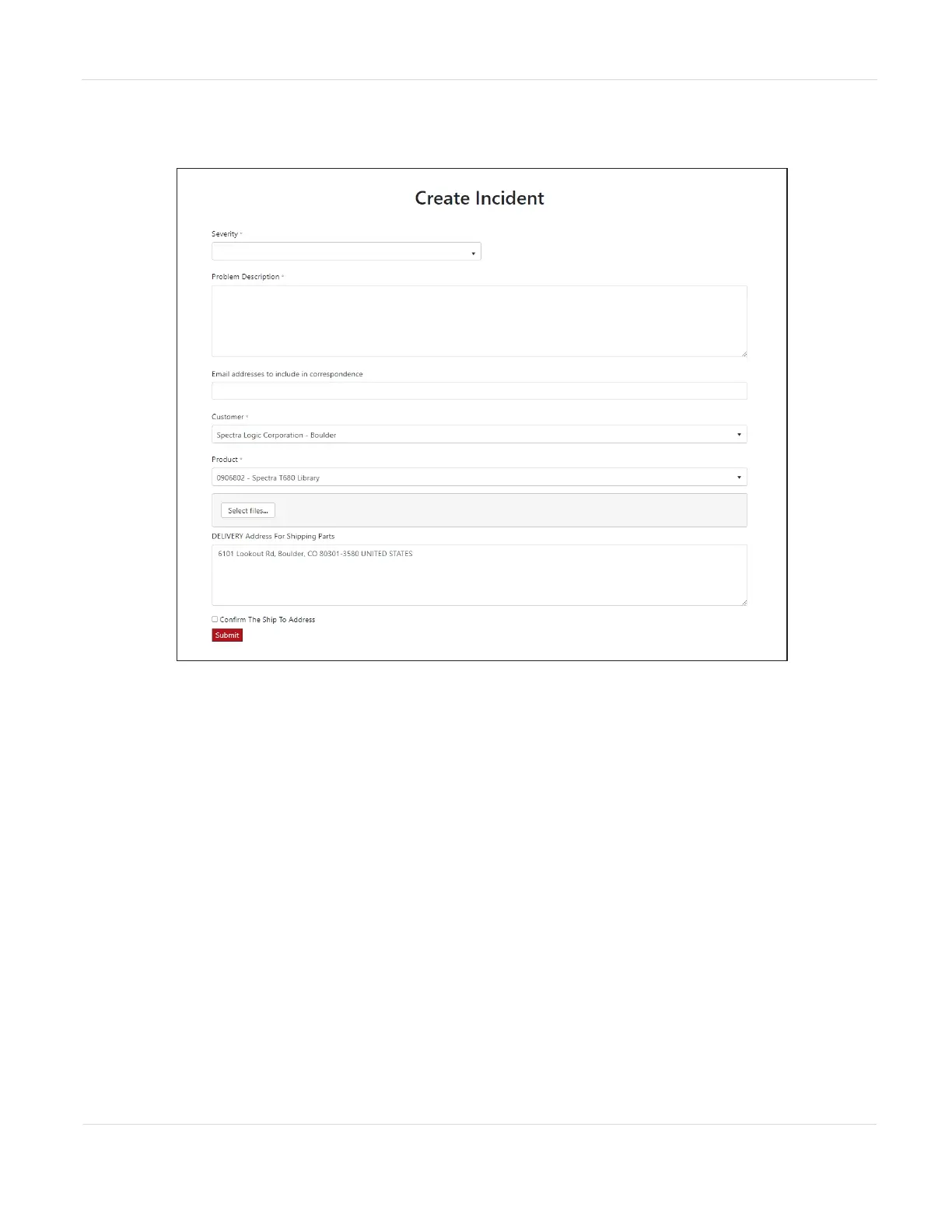
5. On the Create Incident page, enter the requested information providing as much
detail as possible. When you are finished, click Submit.
Figure141 Enter information about your incident and click Submit.
Notes: l If you have multiple libraries and need to determine the serial number of the
affected library, see Viewing Library and Module Status on page150.
l If the serial number of the affected library is not listed, contact Technical
Support (see Contacting Spectra Logic on page11).
• Contact Spectra Logic Technical Support by Phone
To contact Spectra Logic Technical Support by telephone, see Contacting Spectra
Logic on page11.
JANUARY 2023 260
SPECTRA STACK LIBRARY
USER GUIDE
CHAPTER 10 - TECHNICAL SUPPORT



 To Next Page