Module Status Overview
The module status overview provides a summary of each module's configuration and
health. Selecting a module displays additional information.
Parameter Meaning
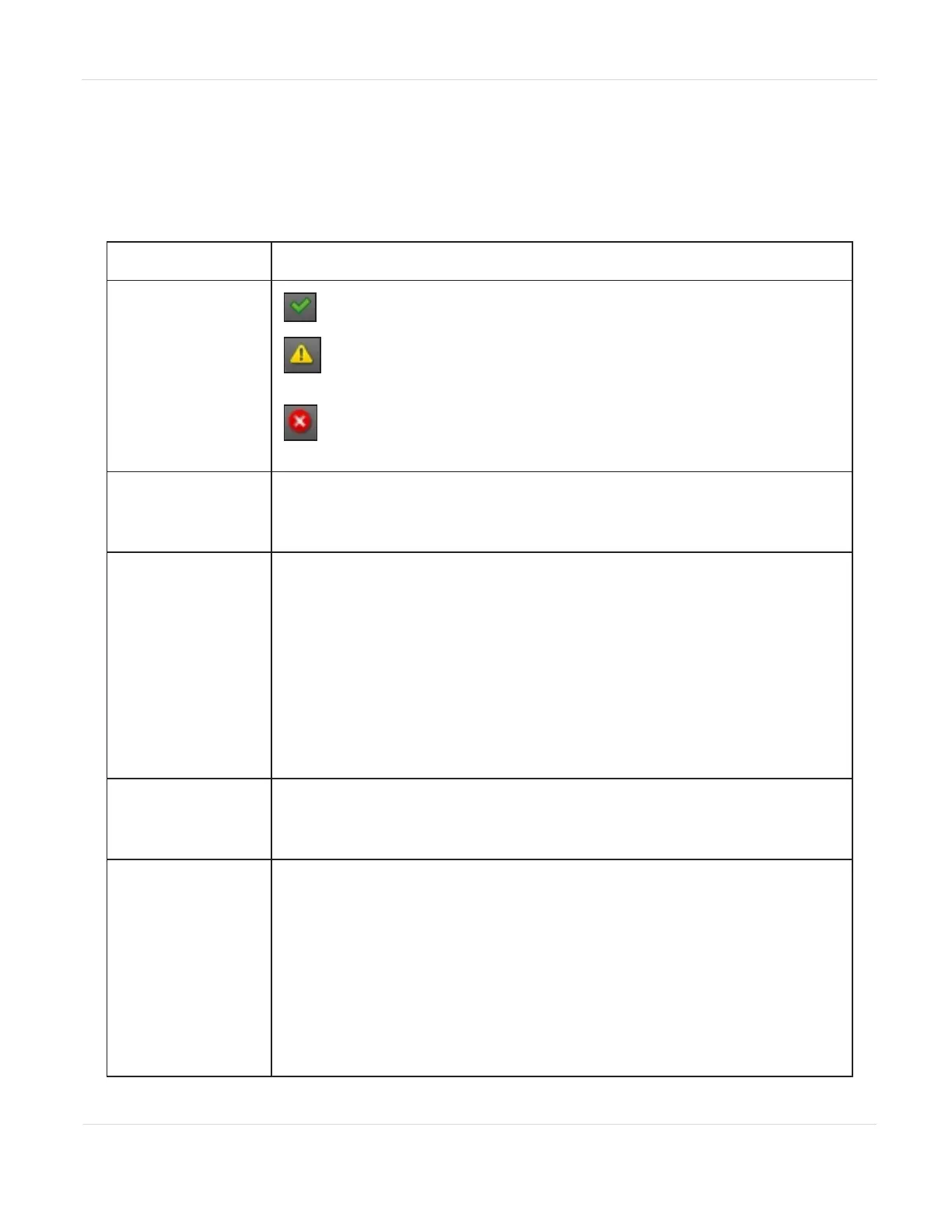
Module Health
Icon
OK - The green check mark icon indicates the library is fully
operational.
Warning - The yellow exclamation point icon indicates that
user attention is necessary, but the library can continue most
operations.
Error - The red X icon indicates that the library experienced an
error that prevents it from continuing normal operations, and
user intervention is required.
Module Number
Modules are numbered based on their location in the physical library.
The bottom module is Module 1. The controller module is annotated
with “(Base)”.
Drive Status
The number of drives installed in the module and the health of each
drive. Click the drive to display drive configuration and status
information in the center pane.
• A black square indicates that the drive is fully operational and that
no user intervention is required.
• A yellow square indicates that user attention is necessary, but that
the drive can still perform most operations.
• A red square indicates that user intervention is required or the
drive is not capable of performing some operations.
Magazine Slot
Usage
The number of cartridge slots used and the number available
formatted as
xx/yy where xx= slots used and yy=slots available.
Drive Operation
Status
The current drive activity for each drive in the module. The drive
operation status is only displayed for the selected module.
• Write - The drive is performing a write operation.
• Read - The drive is performing a read operation.
• Idle - A tape cartridge is in the drive but the drive is not
performing an operation.
• Empty - The drive is empty.
• Encryp - The drive is configured to read and write encrypted data.
JANUARY 2023 55
SPECTRA STACK LIBRARY
USER GUIDE
CHAPTER 2 - USING THE BLUEVISION INTERFACE



 To Next Page