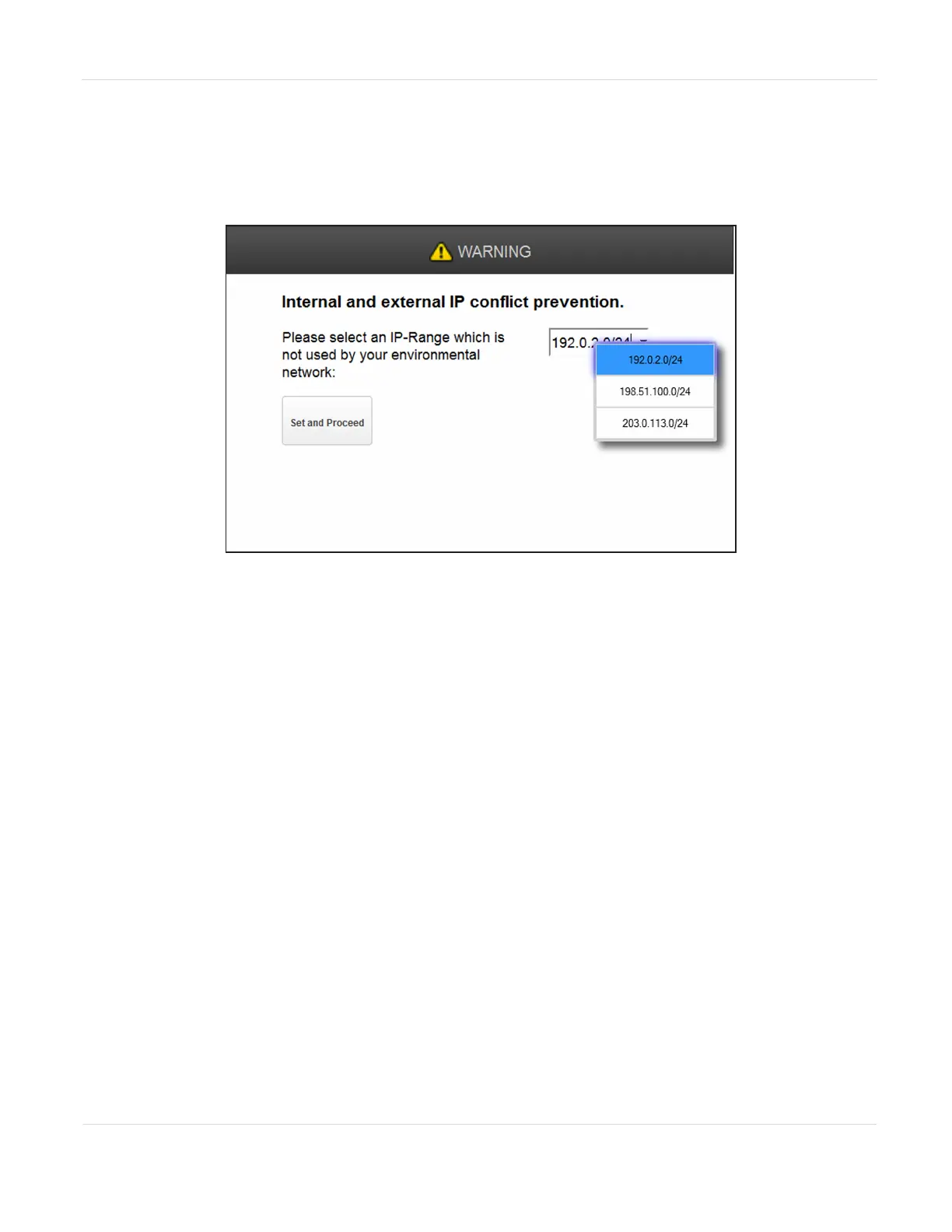
3. Using the drop-down menu, select one of the three default IP address ranges
that is not used by your external network.
Note: If none of the three pre-entered address ranges is suitable for use in your network,
contact Spectra Logic Technical Support.
Figure25 Select an IP address range using the drop-down menu.
4. Click Set and Proceed. The library reboots and displays the login screen (see
Figure9 on page51).
JANUARY 2023 75
SPECTRA STACK LIBRARY
USER GUIDE
CHAPTER 3 - CONFIGURING THE LIBRARY



 To Next Page