SVAN 948 USER MANUAL _
5 - 58
5.4. CALCULATION OF THE DOSE PARAMETERS - AUX. FUNCTIONS
In order to open the AUX. FUNCTIONS list the user has to:
• press the <MENU> push-button,
• select from the main list, using the <
>, <
> (or <
>, <
>) push-buttons, the AUX. FUNCTIONS
text (highlight it inversely),
• press finely the <ENTER> push-button.
Pressing the <SHIFT> and <
> (or <SHIFT> and <
>) results in a movement to the first position
of the opened list and pressing the <SHIFT> and <
> (or <SHIFT> and <
>) results in a movement to
the last position of the opened list.
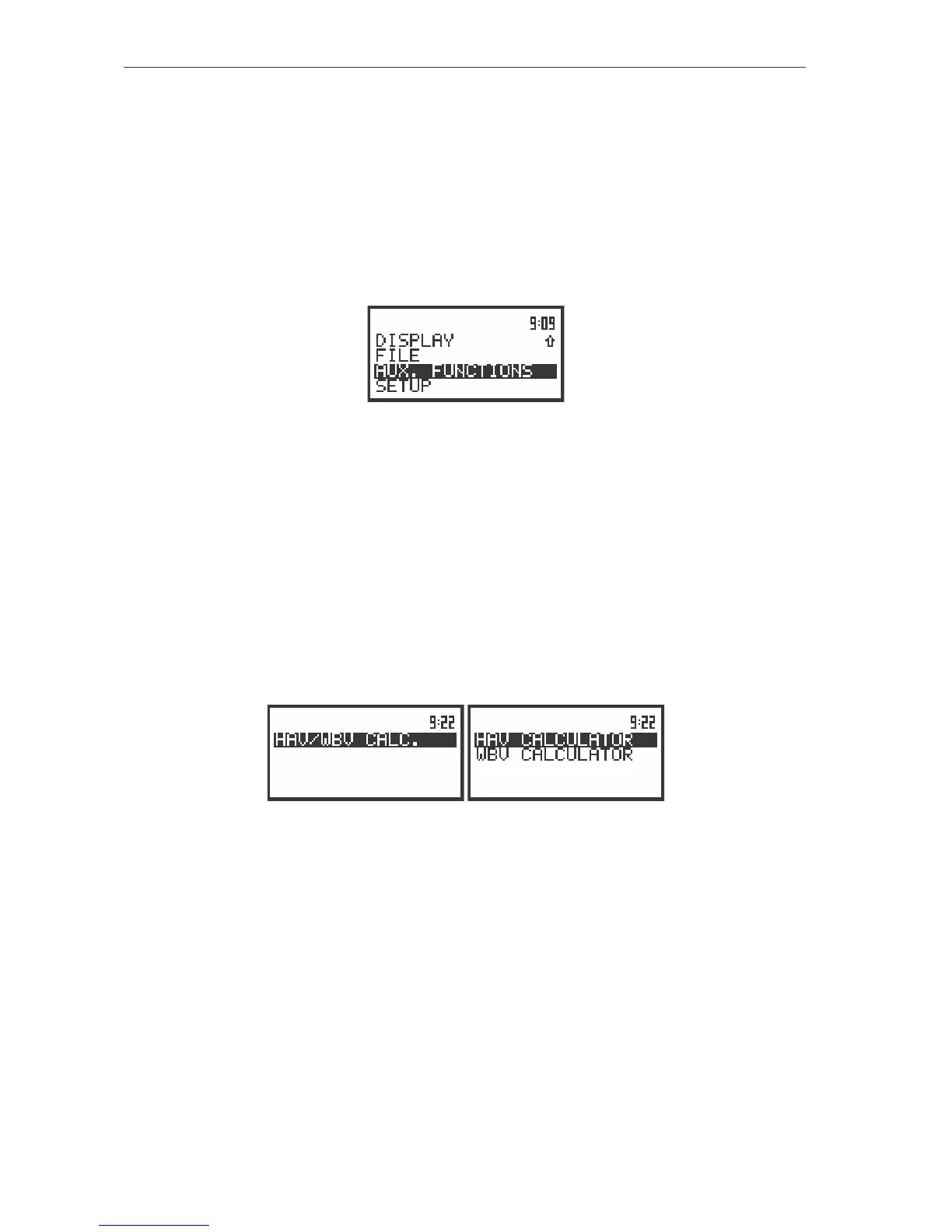
The view of the display in the main list; the AUX. FUNCTIONS text highlighted (displayed inversely)
The AUX. FUNCTIONS list is used to calculate the various parameters which are mainly dedicated
for the control of the VIBRATION. In the internal software version 2.11 this sub-list contains only one
position: HAV/WBV CALC. The HAV/WBV CALCULATOR (path: MENU / AUX. FUNCTIONS / HAV/WBV
CALC. / HAV CALCULATOR or WBV CALCULATOR) position is used to calculate the characteristics
parameters for these measurements. It enables to calculate the HAV and WBV value, PARTIAL
EXPOSURE and DAILY EXPOSURE.
The following items are presented on the HAV/WBV CALC. list:
HAV CALCULATOR enables to calculate the various H–A parameters;
WBV CALCULATOR enables to calculate the various WB parameters.
In order to confirm the selection the <ENTER> push-button has to be pressed. After this
confirmation the opened window or list is closed. In order to ignore any changes made in the opened
window or list the user has to press the <ESC> push-button.
The view of the displays with the HAV CALCULATOR list
Selection of the calculation results - HAV CALCULATOR
The HAV CALCULATOR (path: MENU / AUX. FUNCTIONS / HAV/WBV CALC. / HAV CALCULATOR)
position is used to calculate the various H–A parameters which are mainly dedicated for the control of the
vibration dose. There are calculated: the PARTIAL EAV/ELV, PARTIAL EXPOSURE and
DAILY EXPOSURE of vibration. All results are counted according to the standard selected in the
STANDARD position (path: SETUP/ HAV/WBV DOSE/ STANDARDS). In order to enter this sub-list the user
has to select the HAV CALCULATOR text in the HAV/WBV CALC. list, using the <
>, <
> (or <
>,
<
>) push-buttons and press the <ENTER>. The selection of a parameter which level has to be set is
done by means of the <
>, <
> push-buttons.
This function is available only in VLM mode.
In the HAV CALCULATOR list the following items are available:



 To Next Page