SVAN 948 USER MANUAL _
5 - 60
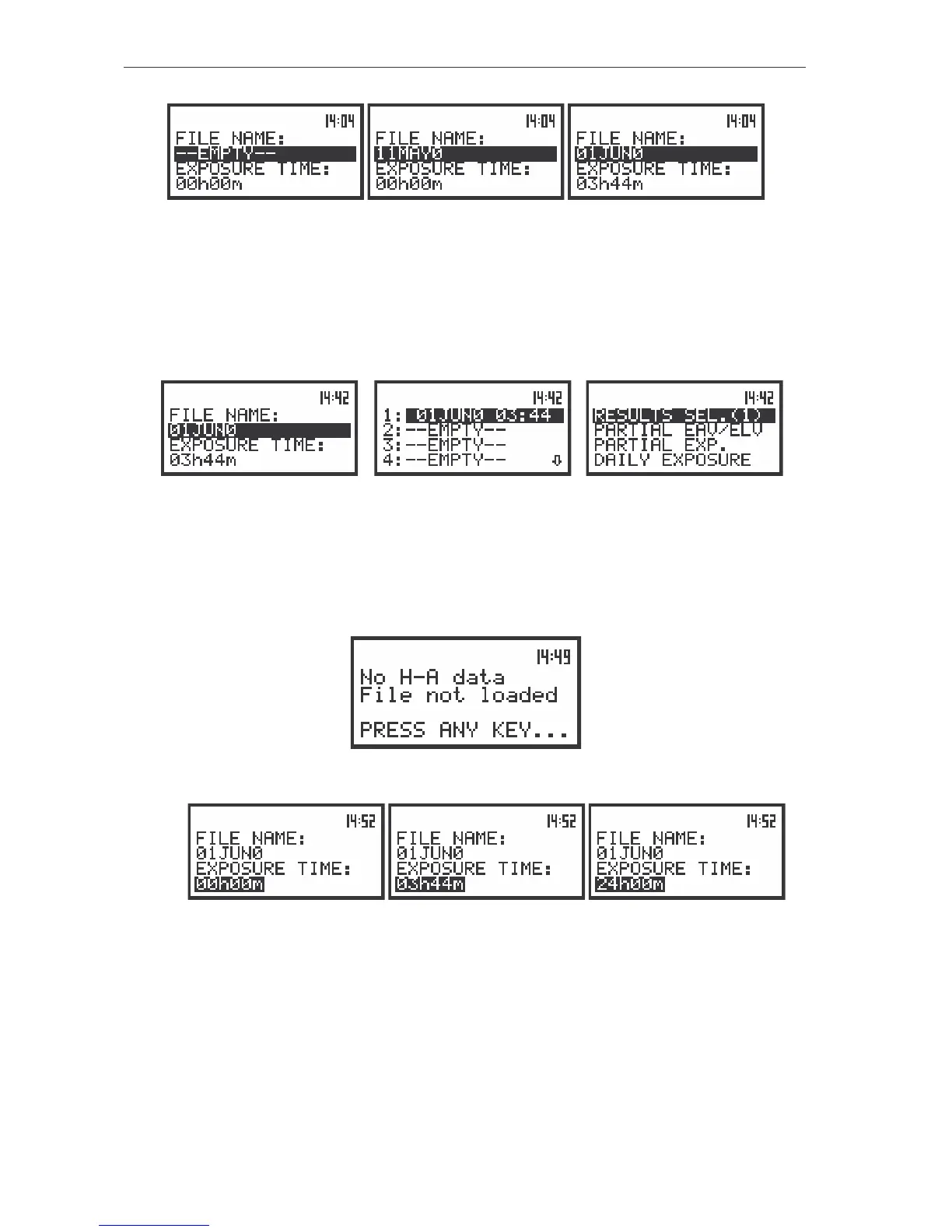
The view of the displays during the execution of the selected file operation
The current file is displayed in the first line. The name of the file is displayed inversely in the second
line. The change of the current file with the unit step can be done after pressing the <
>, <
> push-
buttons. After pressing the <
> with <SHIFT> push-button the first file is available and after pressing the
<
> with <SHIFT> push-button - the last one is displayed.
The name of the file is accepted and the file is loaded after pressing the <ENTER> push-button.
The name of this file appears in a list:
a)
b) c)
The view of the display with the selecting file (a) and after the execution of the operation (b), (c)
The figure in the brackets on the right side of the RESULTS SEL. indicates the number of selected
files.
The message is displayed when the selected file does not include H–A data. The instrument waits
for the reaction of the user till pressing any push-button except the <SHIFT> one. After that it returns to
the RESULTS SEL. list.
The view of the displays after the execution of the operation
The view of the displays during the execution of the setting the EXPOSURE TIME operation
The EXPOSURE TIME position defines the time during that the measurement results are
extrapolated. The required parameter can be set by means of the <
>, <
> and confirmed by the
<ENTER> push-button. The integration time (EXPOSURE TIME) can be set (from 00h00m to 24h00m
with 1m step by pressing the <
>, <
> push-buttons or with 30m step by pressing <SHIFT> with <
>,
<
> push-buttons). The user can set the EXPOSURE TIME for each file separately.
Selection of the partial results - PARTIAL EAV/ELV



 To Next Page