SVAN 948 USER MANUAL
3 - 21
CHANNEL 3 - VIBR. mode; 316 m/s
2
range; HP10 weighting filter (FILTER: HP10), 1.0 s RMS detector
(DETECT.: 1.0s);
CHANNEL 4 - SOUND mode; 130 dB range; A weighting filter (FILTER: A), FAST type of the RMS
detector (DETECTOR: FAST).
The user can change all mentioned above settings using CHANNEL x sub-list of the INPUT list.
The instrument remembers all changes. The return to the default settings (set up by the producer) is
possible after the execution of the CLEAR SETUP position available in the SETUP list.
The instrument can be used not only as the sound (SLM) or vibration level meter (VLM) but also as
1/1 OCTAVE, 1/3 OCTAVE, FFT analyser etc. In order to distinguish the SLM (or VLM) mode of the unit
from the others which are available in one profile display mode the continuous vertical line separates the
measurement result from its description and in 3 PROFILES display mode two continuous horizontal lines
are used to separate the measurement results from different channels. In other modes than SLM (or
VLM) the mentioned above lines are doted.
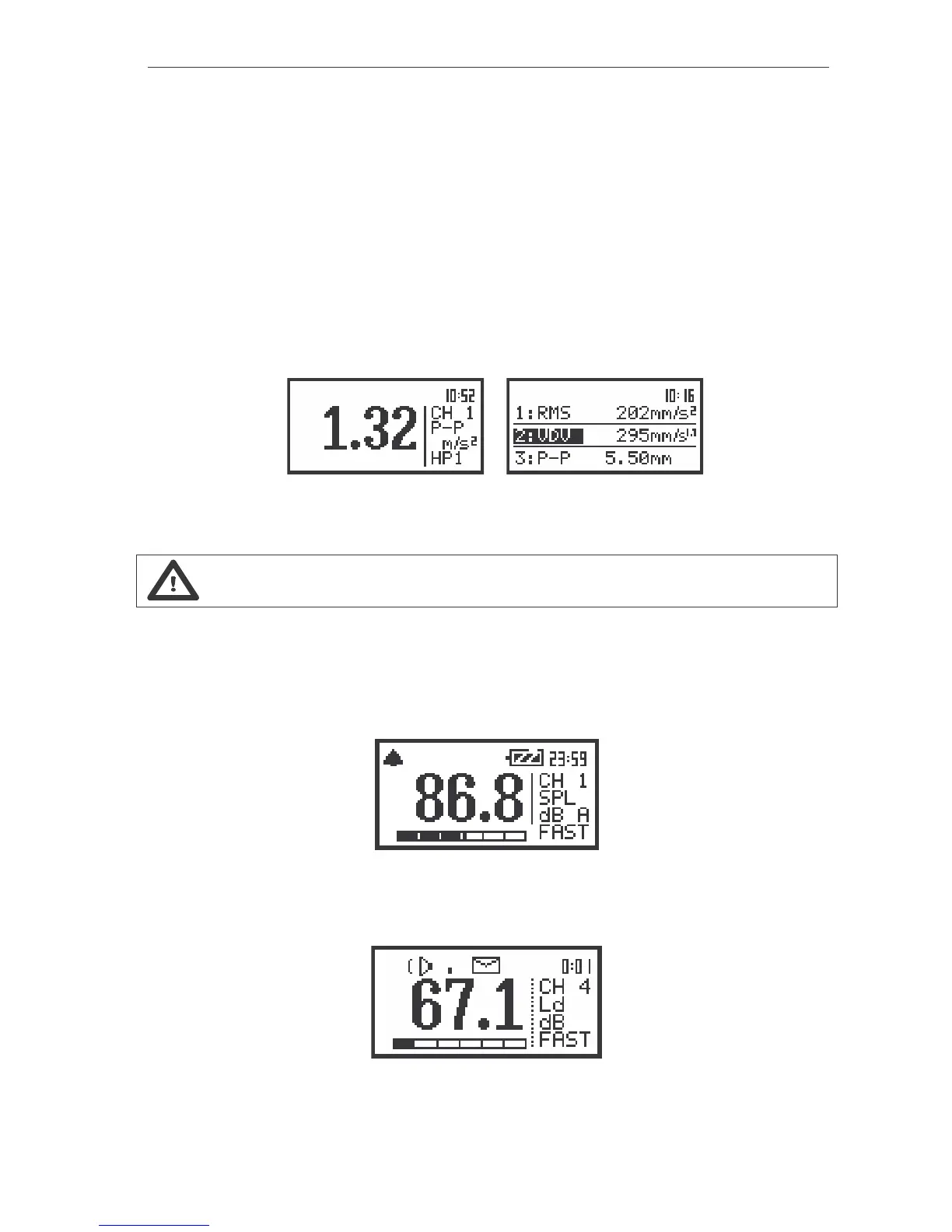
a)
b)
The view of the display in one profile (a) and 3 PROFILES display mode (b) with the measurement results
which are not from the LM mode
Notice: See Chapters 4 and 5 for more details concerning different settings.
More data about the instrument’s state are given by means of the icon’s row visible in the top of the
display. The meanings of the icons are as follows:
- “Bell” is displayed as a WARNING in several situations. When the ”Bell” icon is visible the user has to
pay attention to the state of the instrument. Typically some user’s action is required (e.g. on the low
battery state, on too high input signal - OVERLOAD etc.).
The view of the display with the “Bell” icon
- “Loudspeaker” icon is displayed when the measurement is started and executed.
The view of the display with the “Loudspeaker” icon



 To Next Page