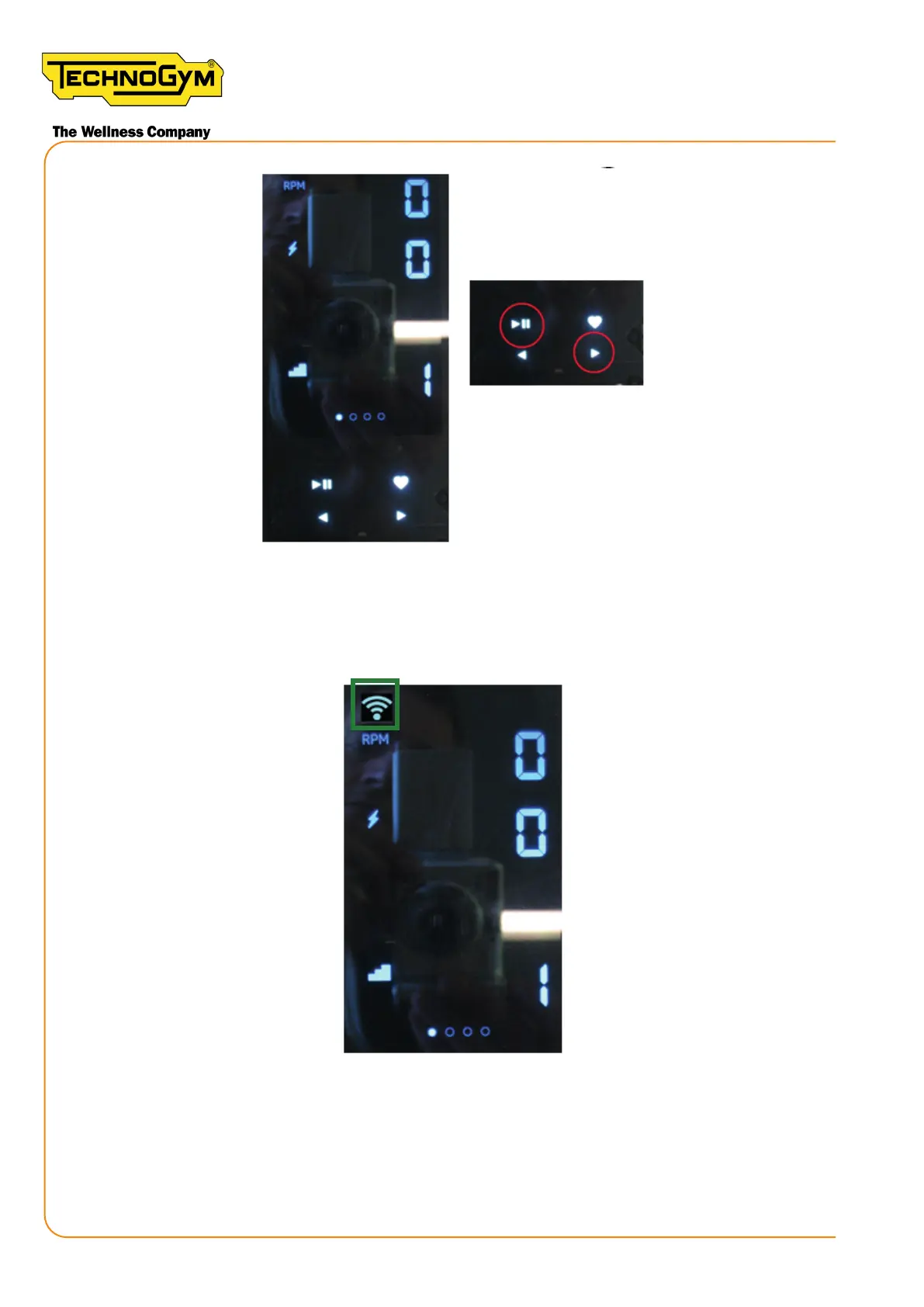
Figure 84
4 - Check if the the network icon appears in the top left corner of the console, if yes keep the dis-
play on untill it appears YES on the display, it means that the network conguration is done. Please
note that the message YES doesn’t indicate that the conguration is correct.
Figure 85
5 - If the network icon does not appear wait until the console switches o and repeat this proce-
dure from the point 3a.
New Group Cycle (D92):
Technical Service Guide - Rev. 5.1
Document uncontrolled when printed
Page 102














 To Next Page