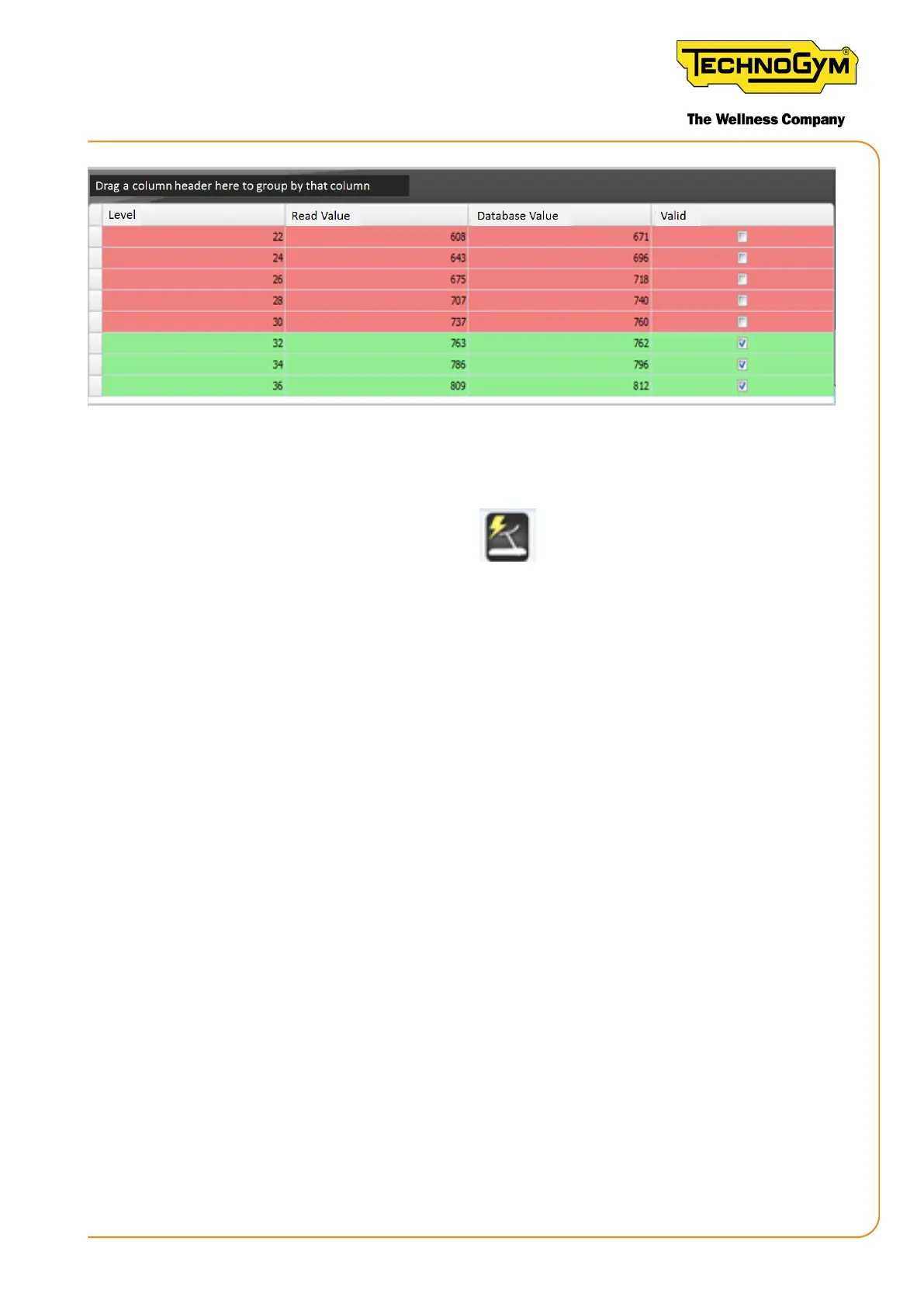
Figure 105
If you want to extract the table to an Excel le, close the program.
Right click the Equipment Software Loader icon.
Click “”.
Open the ComparisonResults folder.
Open the folder corresponding to the equipment serial number.
The table will be shown in Excel format, containing the information shown on the screen.
10.3.5 READ GENERATOR MODEL
This command checks if the set generator model is correct, according to the installed generator.
This option is only available in the Wa Sensor ID board.
10.3.6 WRITE GENERATOR MODEL
This command makes is possible to select the correct generator model and write this information
in the Wa Sensor board.
10.3.7 READ TORQUE TABLE
This command makes it possible to read the torque table, save it or use it to program a new board
with the same value.
New Group Cycle (D92):
Technical Service Guide - Rev. 5.1
Document uncontrolled when printed
Page 129














 To Next Page