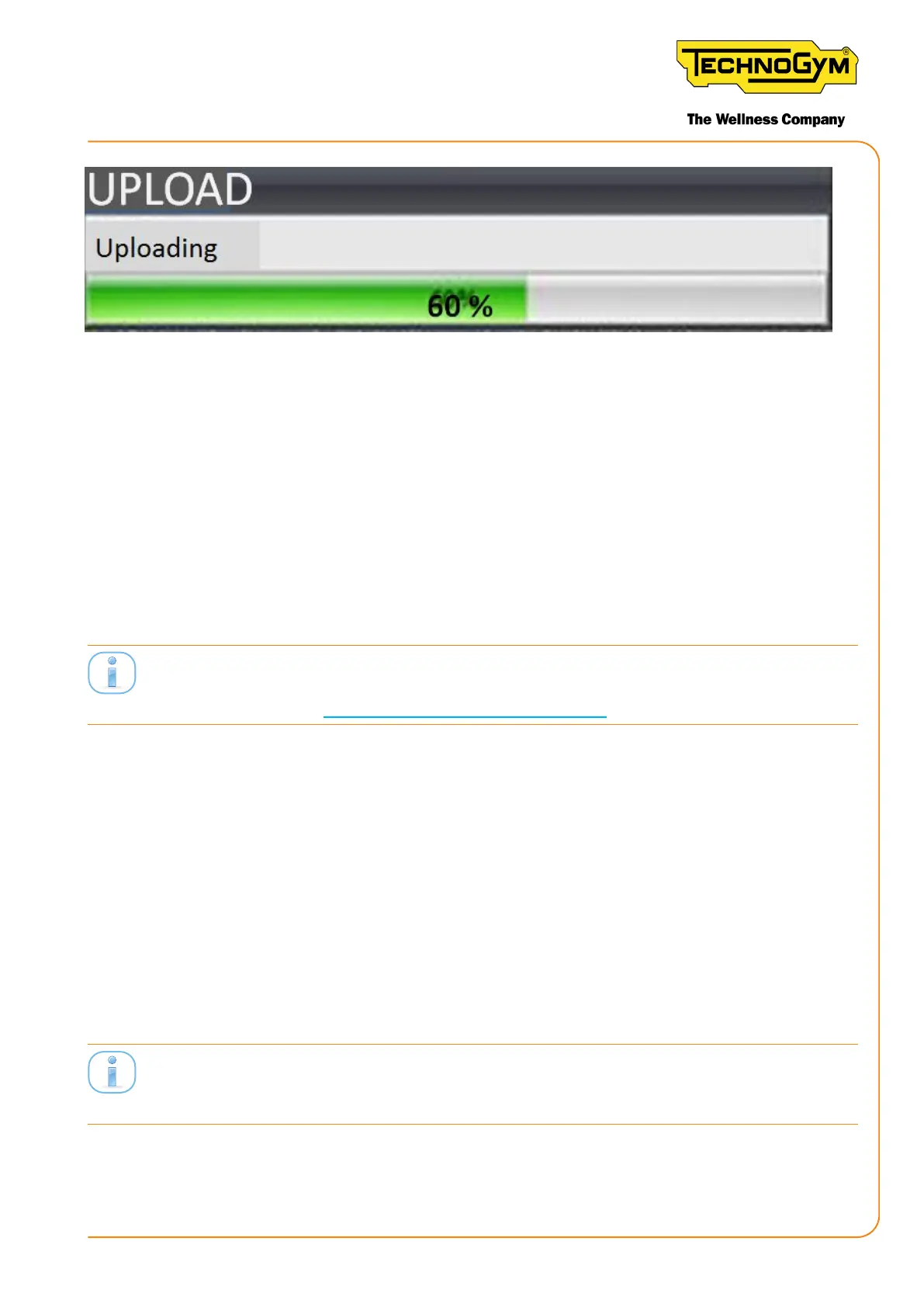
Figure 96
CASE 1: If the update was successful, the message appears: “Software successfully loaded: discon-
nect and reconnect the USB plug (of the GC cable), previously connected to the pc, now you can
upload the calibration data if necessary”.
Therefore, the procedure is as follows:
1- disconnect the USB cable; wait approx. 10 second; reconnect the USB cable (identied with the
red ring) to the PC;
2- load the calibration database if necessary.
Click Finish, to the boom right, to return to the initial screen.
ATTENTION: after loading the Wa Sensor board sw, the Wa Sensor board must be repro-
grammed (for details see “10.3wasensorboardprogramming”).
CASE 2: If the sw upgrade for the Wa Sensor ID board fails, it is possible to try again to upgrade
the sw, by clicking the BACK key.
ATTENTION: after clicking the BACK key, the following message appears: “Disconnect and re-
connect the USB plug (of the GC cable) previously connected to the PC” DO NOT FOLLOW THE
INSTRUCTIONS IN THIS MESSAGE BECAUSE IT IS INCORRECT. THE CABLE MUST NOT BE
DISCONNECTED. Click the NEXT key to continue.
ATTENTION: If the USB cable has been disconnected incorrectly, the sw can no longer be loaded
and therefore the Wa Sensor ID board must be replaced.
10.3 WATT SENSOR BOARD PROGRAMMING
ATTENTION: after loading the Wa Sensor board sw, the Wa Sensor board must be repro-
grammed.
Access the program as described in “10.1 steps necessary for accessing the equipment software
loader program”.
New Group Cycle (D92):
Technical Service Guide - Rev. 5.1
Document uncontrolled when printed
Page 123














 To Next Page