7. SW UPGRADE
7.1 SW UPGRADE FOR THE OLD WI-FI CONSOLE
Remove the console as described in the §”11.1 Removing the console”.
1. Starting situation:
• PC (laptop) switched on;
• USB-MINI USB Cable.
2. Procedure:
• ConnecttheMINIUSBcabletotheconsoleandtheUSBsockettoyourPC(theconsolebuons
will light up).
• PressthePLAY/PAUSEbuonontheconsolewithinvesecondswhiletheequipmentisreseing
(thebuonsontheconsolewillblinkslowly).
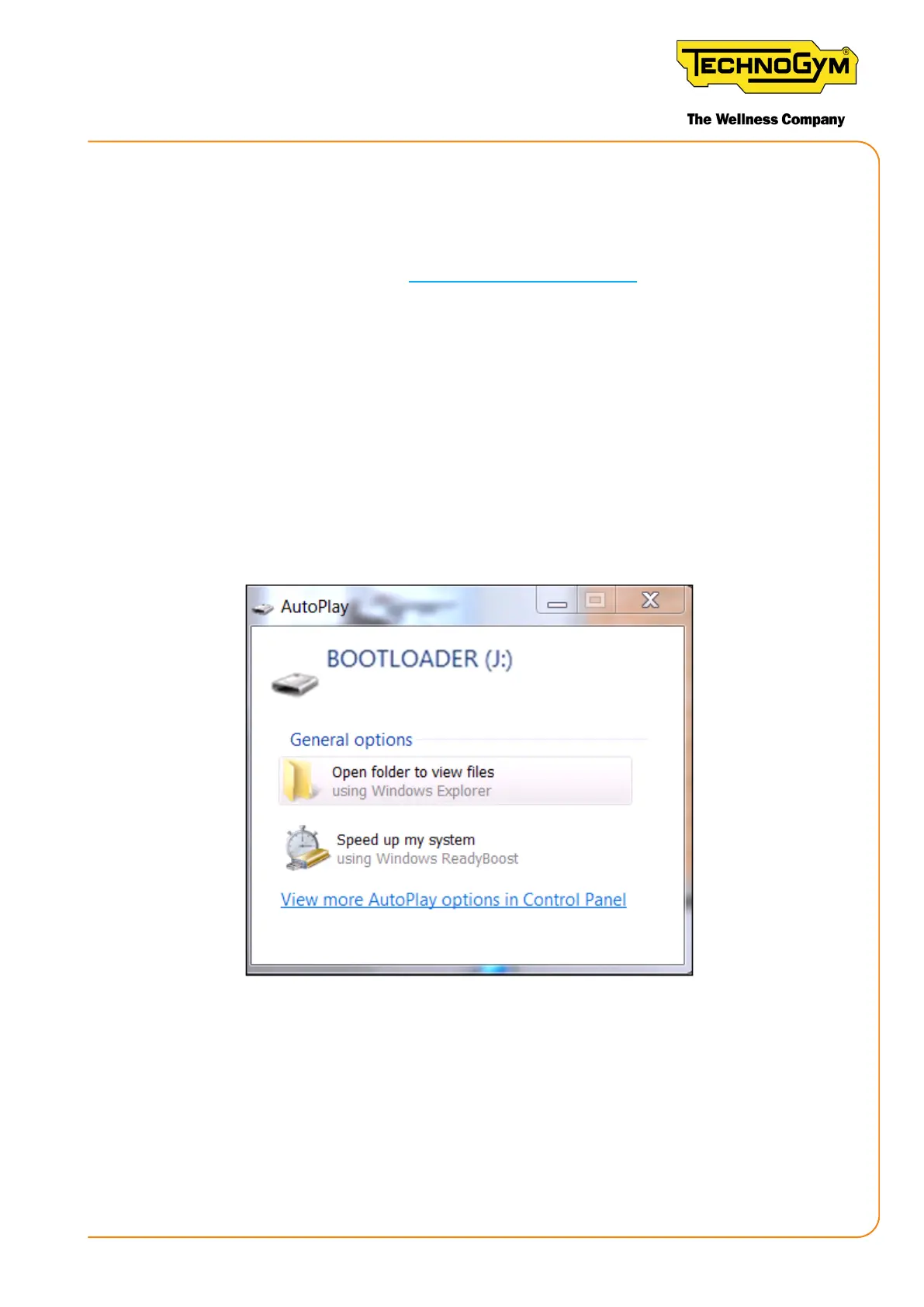
• An AUTOPLAY pop-up will appear on the PC for a USB thumb drive called “BOOTLOADER”.
Figure 63
3. If asked (depending on the operating system installed) “Do you want to repair the content?”
respond: “Continue without analysing”.
4. Connect the upgrade key to the PC as soon as synchronised with the PC SYNCH program:
• Open the “GC2” folder on the synchronised USB key;
New Group Cycle (D92):
Technical Service Guide - Rev. 5.1
Document uncontrolled when printed
Page 83














 To Next Page