10. EQUIPMENT SOFTWARE LOADER
For details, see the Equipment Software Loader manual, available on TG Direct.
10.1 STEPS NECESSARY FOR ACCESSING THE
EQUIPMENT SOFTWARE LOADER PROGRAM
Necessary tools:
▪ cable for Group Cycle programming;
▪ PC adapter;
▪ PC.
Disconnect the display from its connector. Connect the cable that goes to the Wa Sensor board
with the cable for Group Cycle programming. Use the PC adaptor cable to connect the PC to the
Group Cycle programming cable.
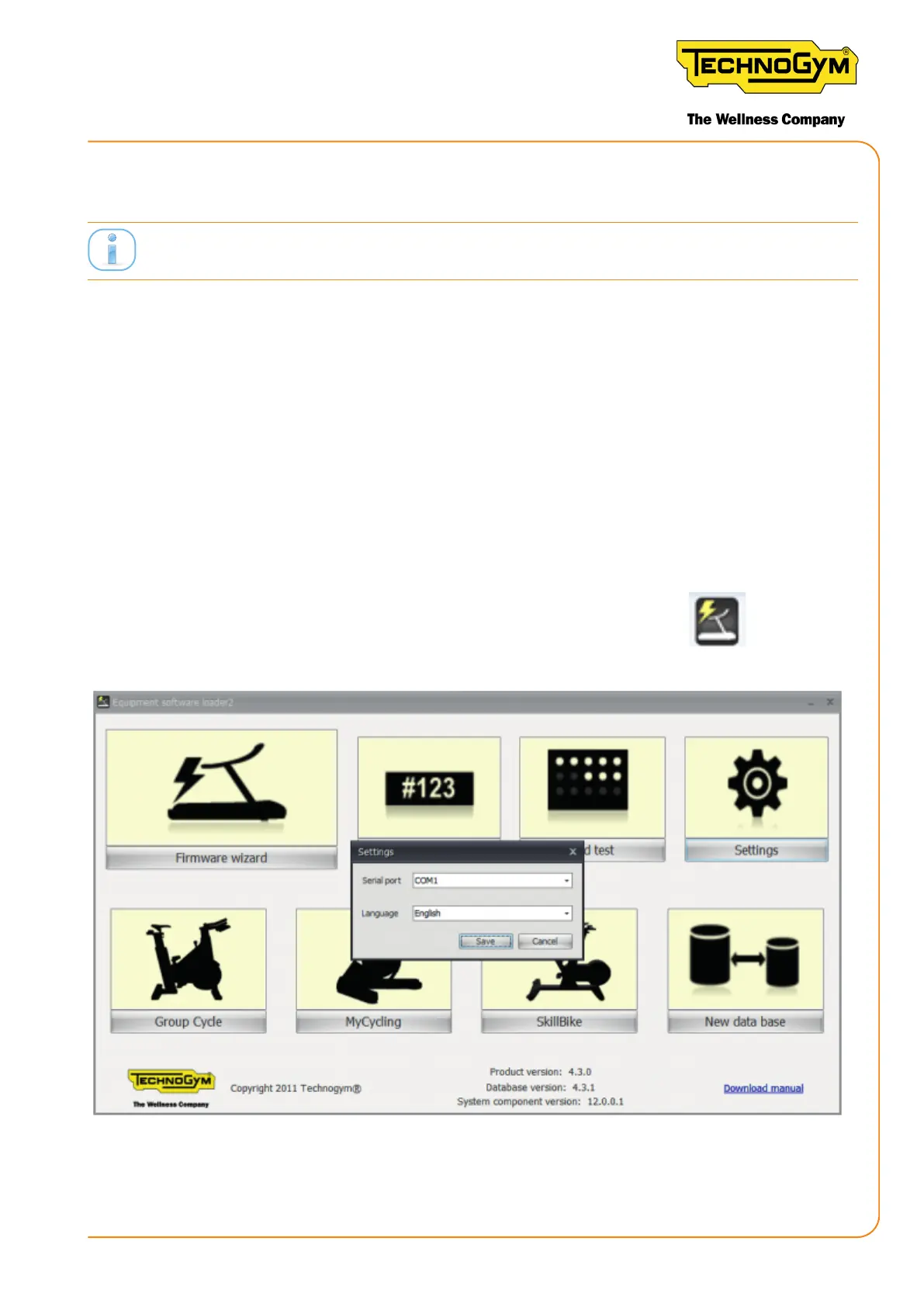
To access the menu from the PC, click the Equipment Software Loader icon
.
The following menu appears:
Figure 88
New Group Cycle (D92):
Technical Service Guide - Rev. 5.1
Document uncontrolled when printed
Page 117














 To Next Page