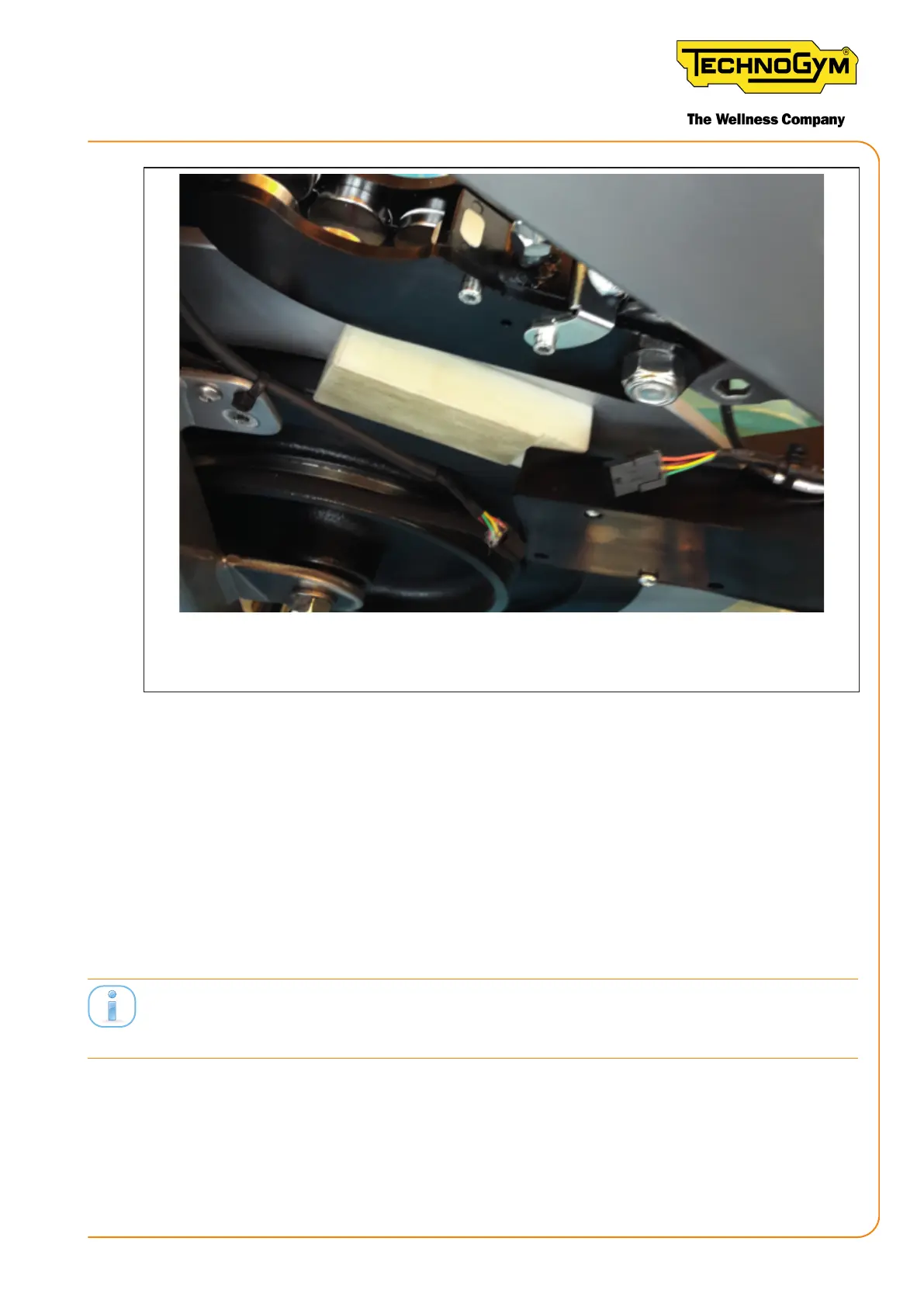
Figure 52
6.8 DIAGNOSTICS OF THE NEW WI-FI/ANT+
CONSOLE VIA THE NRF CONNECT APP (BLE
SIGNAL CHECK)
It is possible to use the nRF Connect APP if the customer is not able to connect to the new Group
Cycle wi- /ANT+ console Group Cycle (login via Mywellness APP, via a Bluetooth connection).
Tools required: iPhone – iPad (it is recommended to turn the device o and back on before using
it, if it has not been turned o for a long period of time) with Bluetooth active.
ATTENTION: The iOS device that is used for the test and the Group Cycle console must be
located near each other (approx. 30 cm) to guarantee a strong signal.
Procedure:
EXAMPLE FOR INSTALLING THE nRF Connect APP ON THE SMARTPHONE:
1. Click the APP STORE symbol;
New Group Cycle (D92):
Technical Service Guide - Rev. 5.1
Document uncontrolled when printed
Page 73














 To Next Page