Therefore, the procedure is as follows:
1- disconnect the USB cable; wait approx. 10 second; reconnect the USB cable (identied with the
red ring) to the PC;
2- install the calibration database if necessary.
Click Finish, to the boom right, to return to the initial screen.
ATTENTION: after loading the Wa Sensor board sw, the Wa Sensor board must be repro-
grammed (for details see “10.3wasensorboardprogramming”).
10.2.2 WATT SENSOR ID (NEW ELECTRONICS REV. 2)
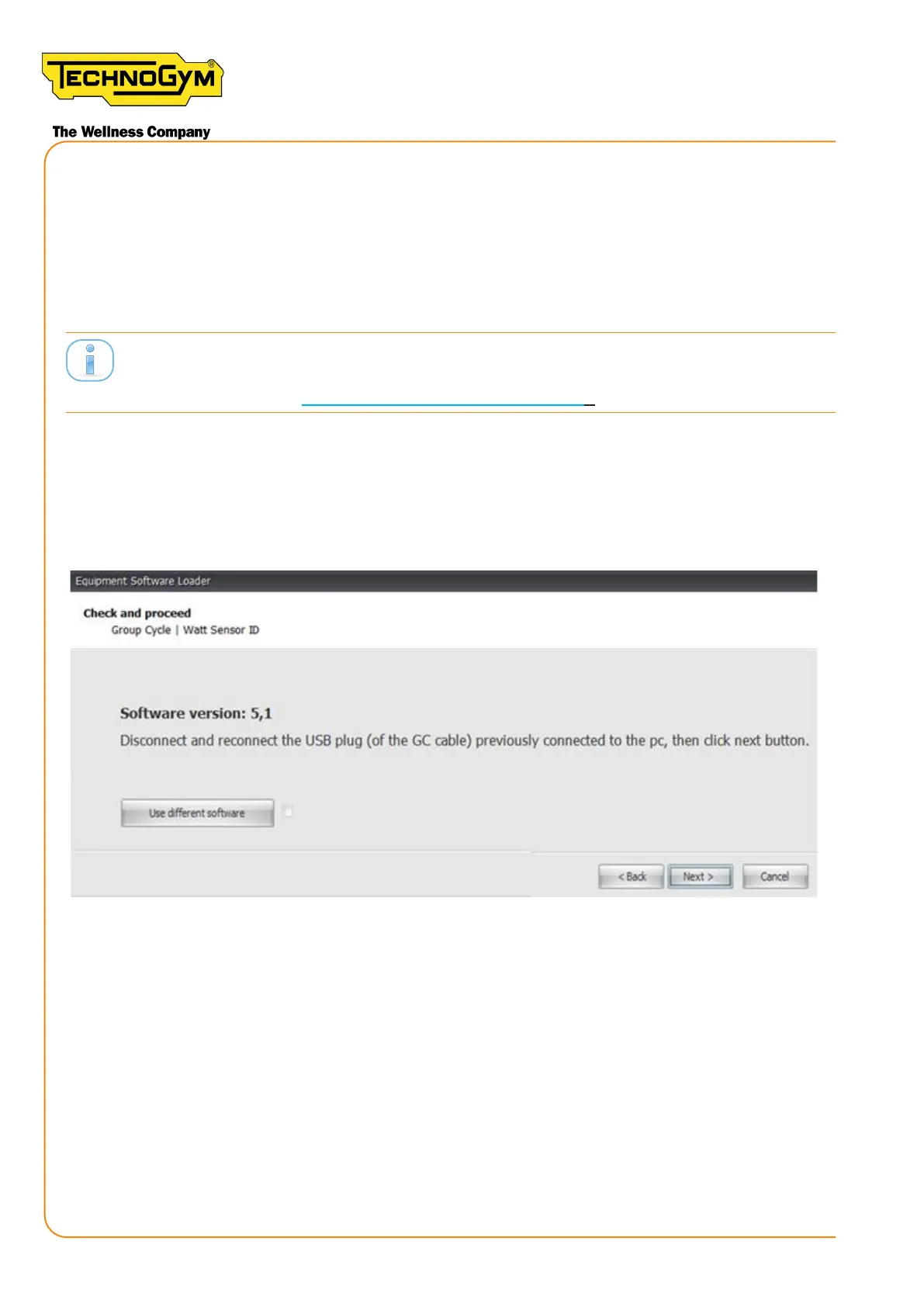
The message appears: “Disconnect and reconnect the USB plug (of the GC cable) previously
”.
Figure 95
The procedure to follow is described below:
1- disconnect the USB cable; wait approx. 10 second; reconnect the USB cable (identied with the
red ring) to the PC;
2-Click Next, to the lower right, to continue;
At this point, a window appears that displays the sw update progress. Wait for the update to nish.
New Group Cycle (D92):
Technical Service Guide - Rev. 5.1
Document uncontrolled when printed
Page 122














 To Next Page