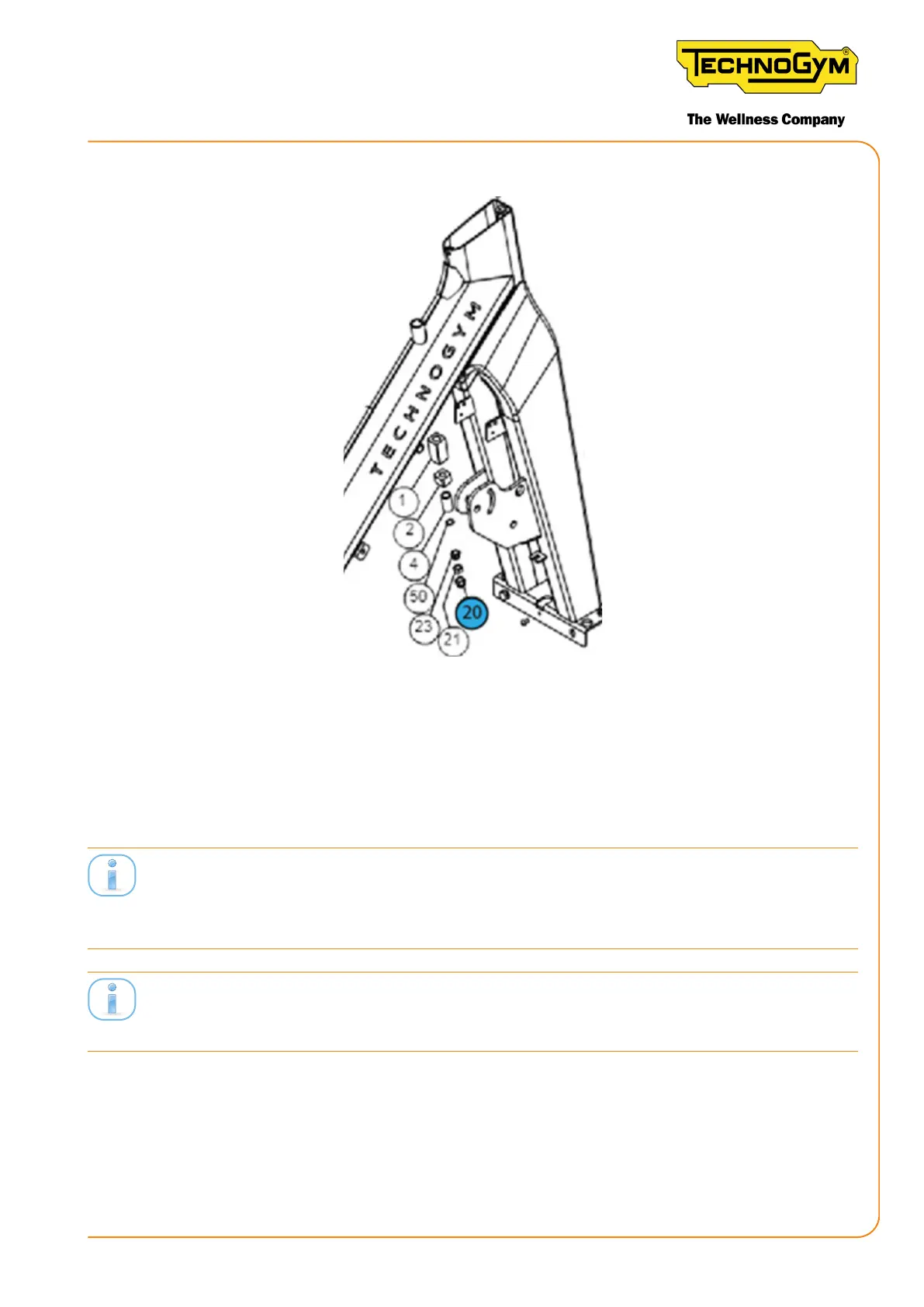
3. Check the form of the blind nut (20) and, if it is worn, replace it with a new one.
Figure 30
6.5.2 CHECKING THE CALIBRATION TEMPLATE
Before performing the mechanical regulation of the brake position, always use a gauge to check if
the template size is still correct. The template is in fact subject to wear.
For equipment produced prior to 2017:therearetwotemplateswithdierentcolours:awhite
template that must be used if there is a white adhesive on the brake, and a black template, to be
used if there is no white adhesive on the brake.
For equipment produced starting from 2017: ONLY use the white template, even if there is no
white adhesive on the brake.
The code for ordering the template is present in the product exploded views, loaded on TG Direct.
WHITE TEMPLATE: THICKNESS ~ 1.56 cm.
New Group Cycle (D92):
Technical Service Guide - Rev. 5.1
Document uncontrolled when printed
Page 59














 To Next Page