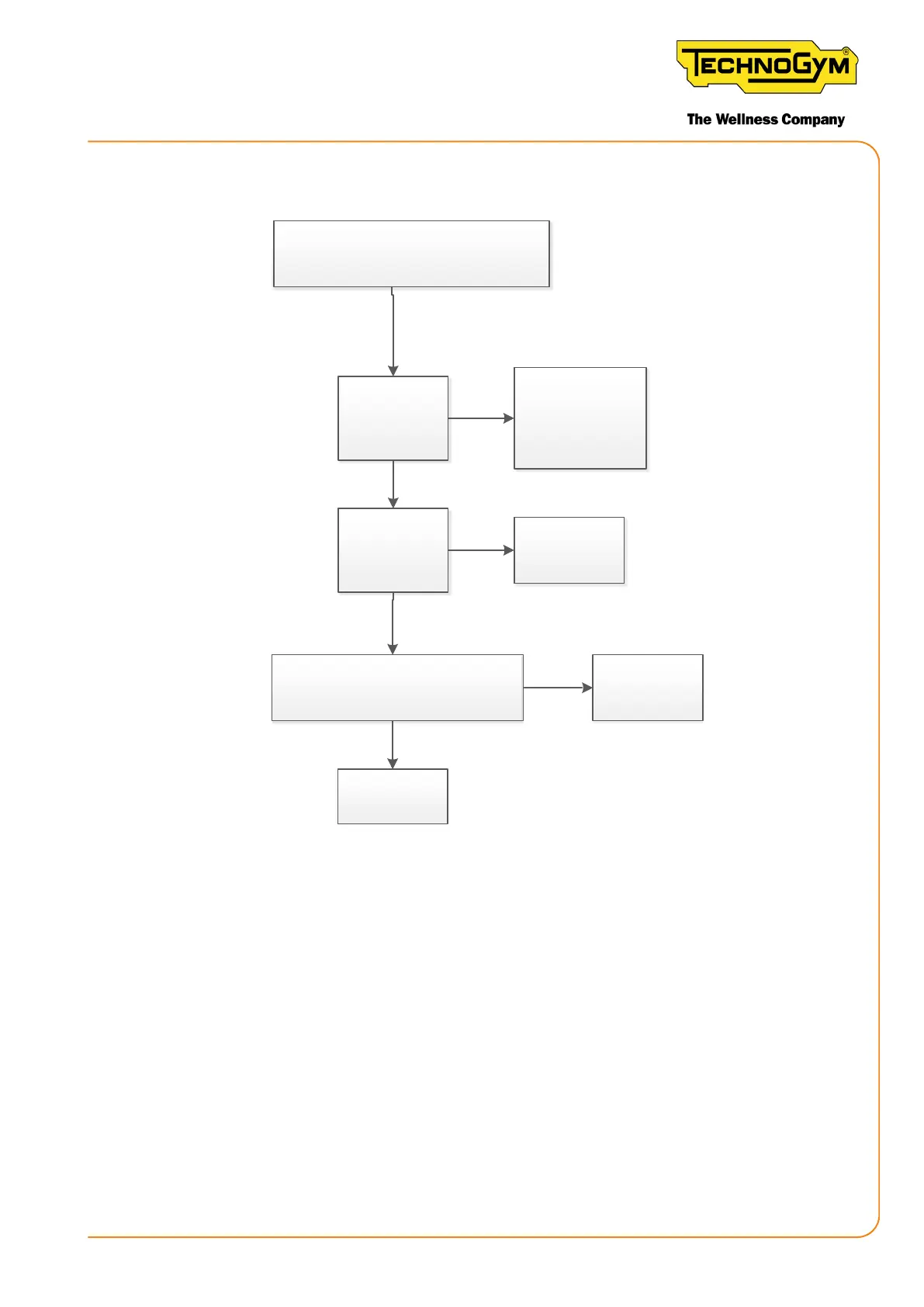
The customer cannot log in.
TGS / NFC
Is the problem
repeated
on different
equipment?
Check if the
customer network
complies with
the minimum
configuraon
Configure the
network on the
display. Is the
problem solved?
Ok, done
Carry out the date / me check [1].
Is the problem solved?
Yes
Yes
Yes
No
No
No
Yes
Replace
the display (*)
Ok, done
Figure 14 - login via TGS / NFC
At the end of the troubleshooting procedure, test the machine as described in “6.9 EQUIPMENT
TESTING AFTER THE INTERVENTION OF TECHNICAL SERVICE”.
[1] PROCEDURE FOR CHECKING THE DATE / TIME:
1. Check if the date and time are correct using the command from the terminal, @GETDATE#.
Two cases are possible:
▪ If the date and time are correct, replace the display.
▪ If the date and time are not correct, proceed as described below.
2. Launch the following commands from the terminal without disconnecting the USB - MINI
USB cable:
New Group Cycle (D92):
Technical Service Guide - Rev. 5.1
Document uncontrolled when printed
Page 47














 To Next Page