TEST
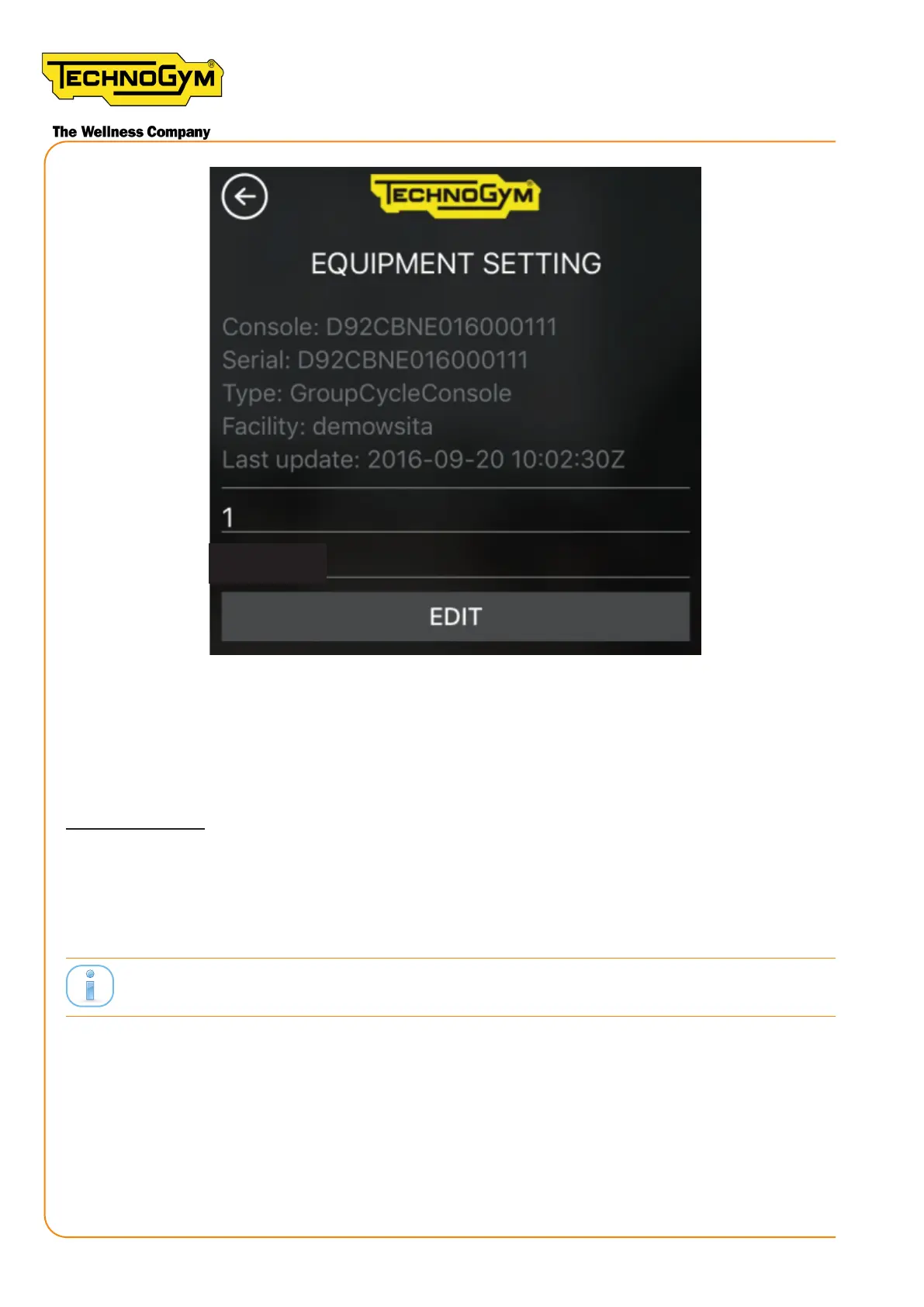
Figure 79
15- Turn UNITY SELF o and back on; On Unity Self screen click on GROUP CYCLE CLASS /
GROUP CYCLE HR CLASS buon. Pedal on Group Cycle and check that the Group Cycle is vis-
ible on the screen. If yes, proceed with the conguration of all the Group Cycles. If not, make sure
that the network conguration is correct.
CLASS LAYOUT:
16- Create the class layout on the pro.mywellness.com site with the Group Cycles. To do so: click
on ‘Planner’; Click on ‘Rooms for group classes’; Select the previously created class; click on the
‘Room Layout’ symbol. Create the class layout.
Class Layout on pro.mywellness.com set by the customer.
New Group Cycle (D92):
Technical Service Guide - Rev. 5.1
Document uncontrolled when printed
Page 98














 To Next Page