Chapter 7 - Working With Measurements Measuring Cardiac Exams
Terason t3000 / Echo Ultrasound System User Guide 186
The field below the Group Name: pull-down menu displays the measurements in the
selected group.
6. To add a measurement to the group, click its name in the list at the left, then click
Add.
7. To remove a measurement from the group, click its name in the list at the right, then
click
Remove.
8. When all the modifications are made, click
OK.
Creating and Deleting Cardiac Measurement Groups
To create or delete a measurement group:
1. Open the Options/Measurements window (
Tools > Options > Measurements).
2. In the Configuration pull-down menu, select
Cardiac.
3. Click
Configure....
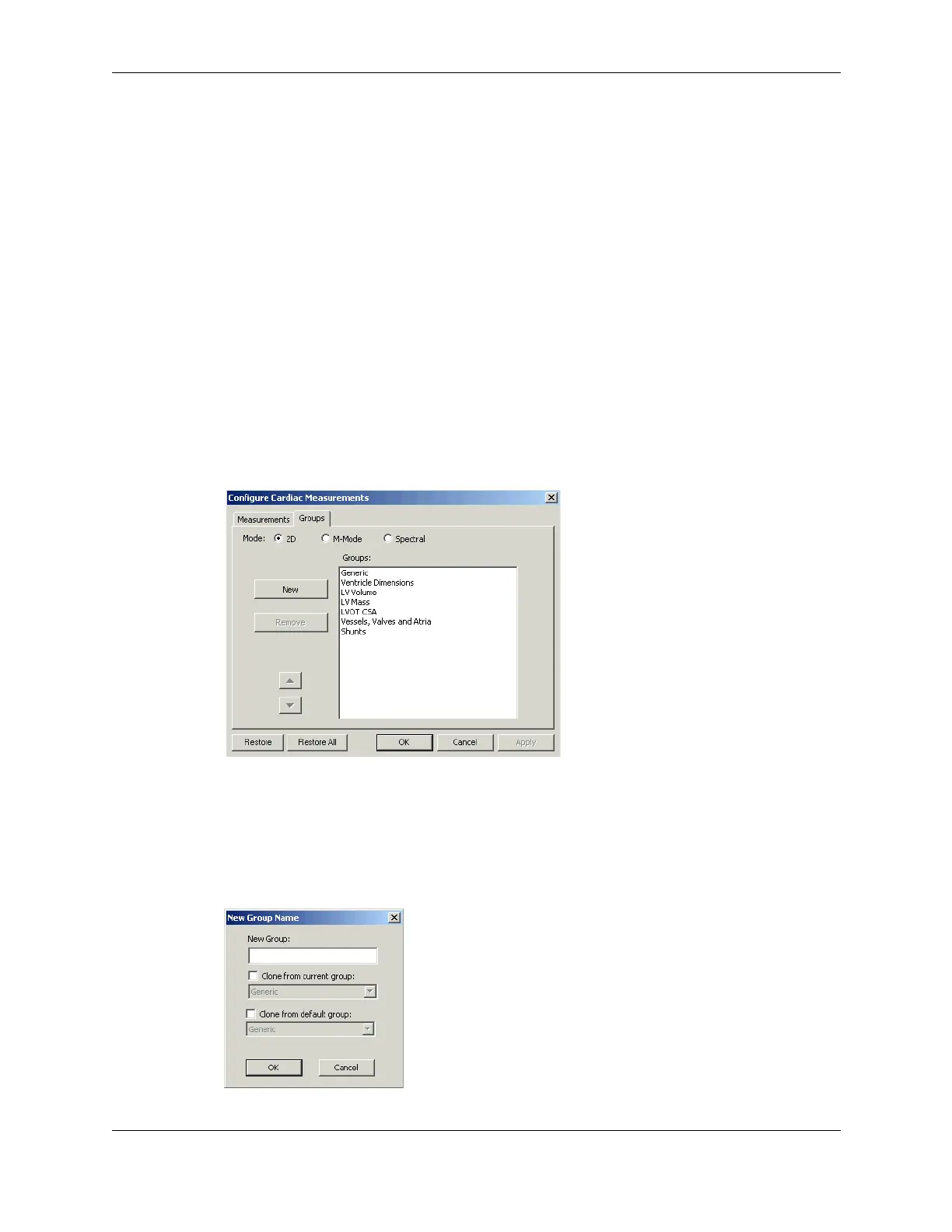
4. On the Configure Measurements window, click the Groups tab.
The window changes to allow creation and deletion of groups.
Configure Cardiac Measurements Groups Window
5. To delete a group, select it in the list and click Remove.
6. To create a new group:
a. Click
New.
The New Group Name window opens.
New Group Name Window



 To Next Page