ignored.
3: Input part of consecutive numbers and non-consecutive numbers "1, 2, 3, 4, 5, 7, 9", the
continuous part is the same as step 2, the non-consecutive part is the same as step 1, press the
ENTER key to confirm, and finally display in the table The data is (1~5, 7, 9).
7.11.5.3 Cx Multi-frequency Setup
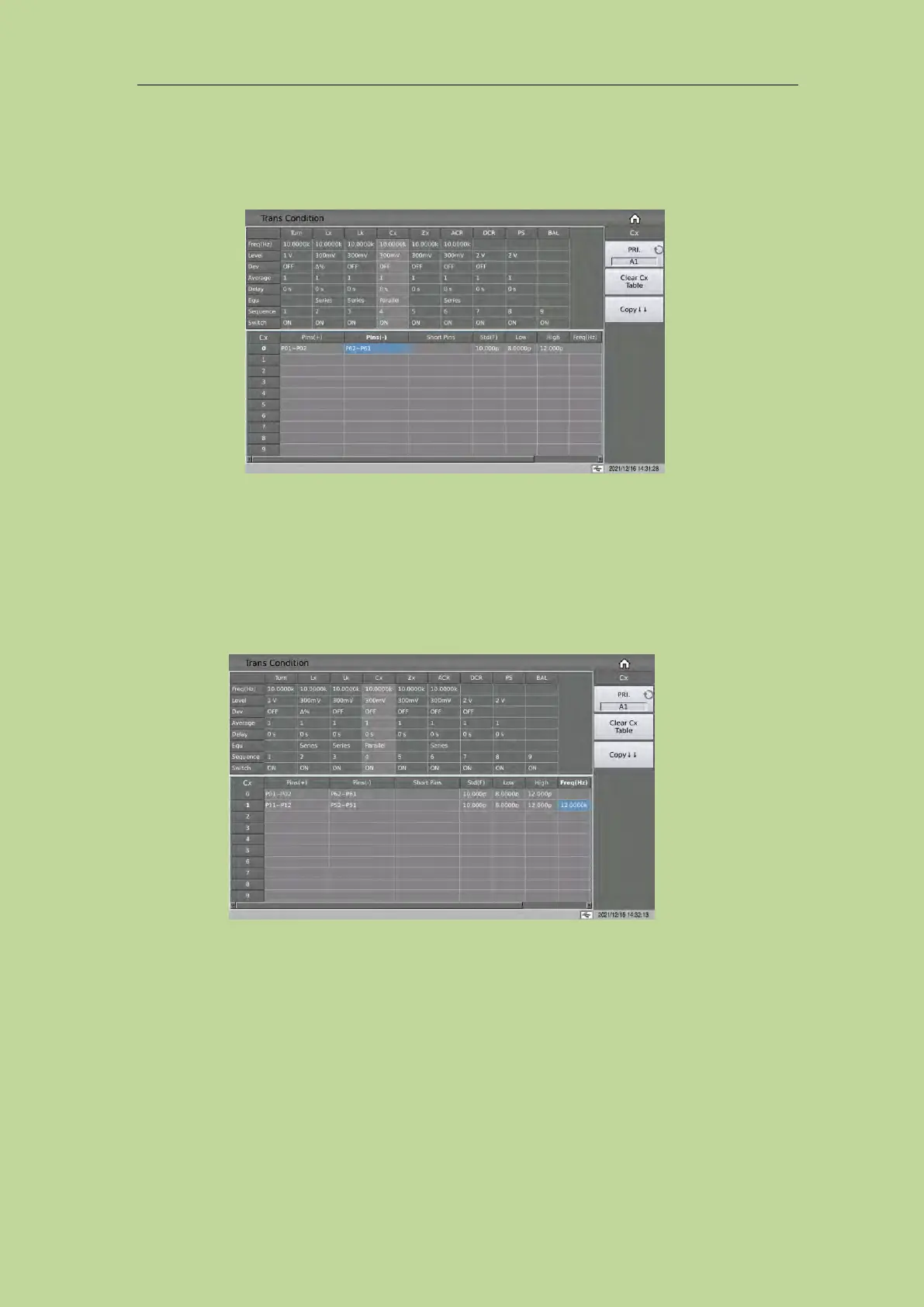
If the user needs to use different frequencies to test different Cx pins of the transformer, in the
transformer Cx limit setting table, touch or move the cursor to the frequency area of Cx, after
inputting the frequency in this area, the frequency here will be used automatically during the test. If
the parameter is not set, the frequency of Cx in the test condition table will be used.
7.11.5.4 Cx Multi-level Setup
If the user needs to use different levels to test different Cx pins of the transformer, in the transformer
Cx limit setting table, touch or move the cursor to the level area of Cx, after inputting the level in
this area, it will be used automatically during the test. If the parameter is not set, the level of Cx in
the test condition table will be used.



 To Next Page