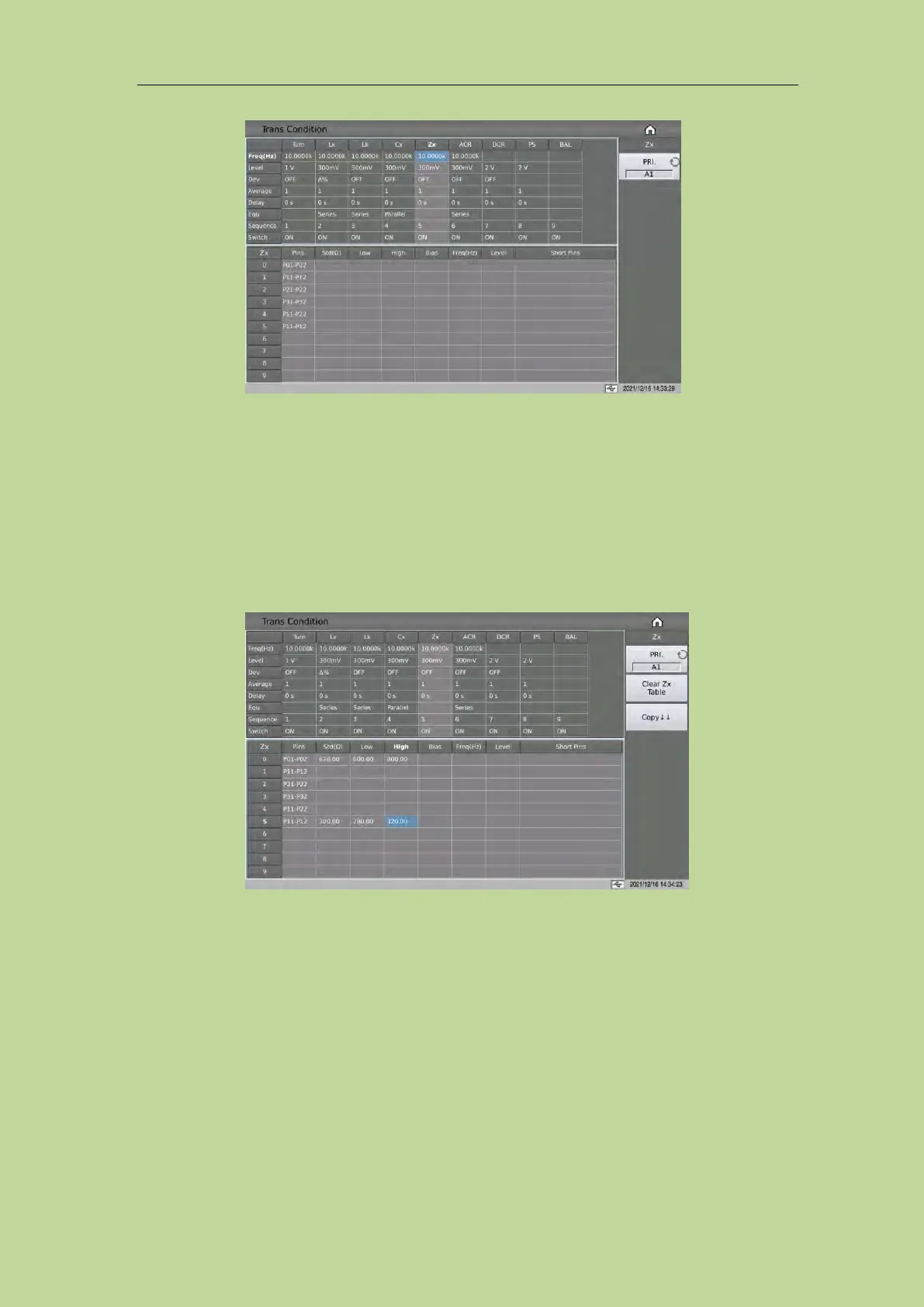
7.11.6.1 Zx Limit Setup
The Zx limit setting table is used to set the Zx standard value, upper and lower limit, bias,
multi-frequency and multi-level.
Touch the Zx limit setting table, or move the cursor to the Zx limit setting area, and use the numeric
keys, corresponding magnification or [ENTER] key to set.
The magnification corresponding to Lk is M, k, μ, m, and the [ENTER] key is x1.
7.11.6.2 Add DC Bias to Zx
The instrument can use a built-in DC bias current source of 100mA or 2A. When setting the current
value, the user can set a maximum value of 2A for the sake of compatibility with the storage file.



 To Next Page