5 Using 3D Guidance in theField
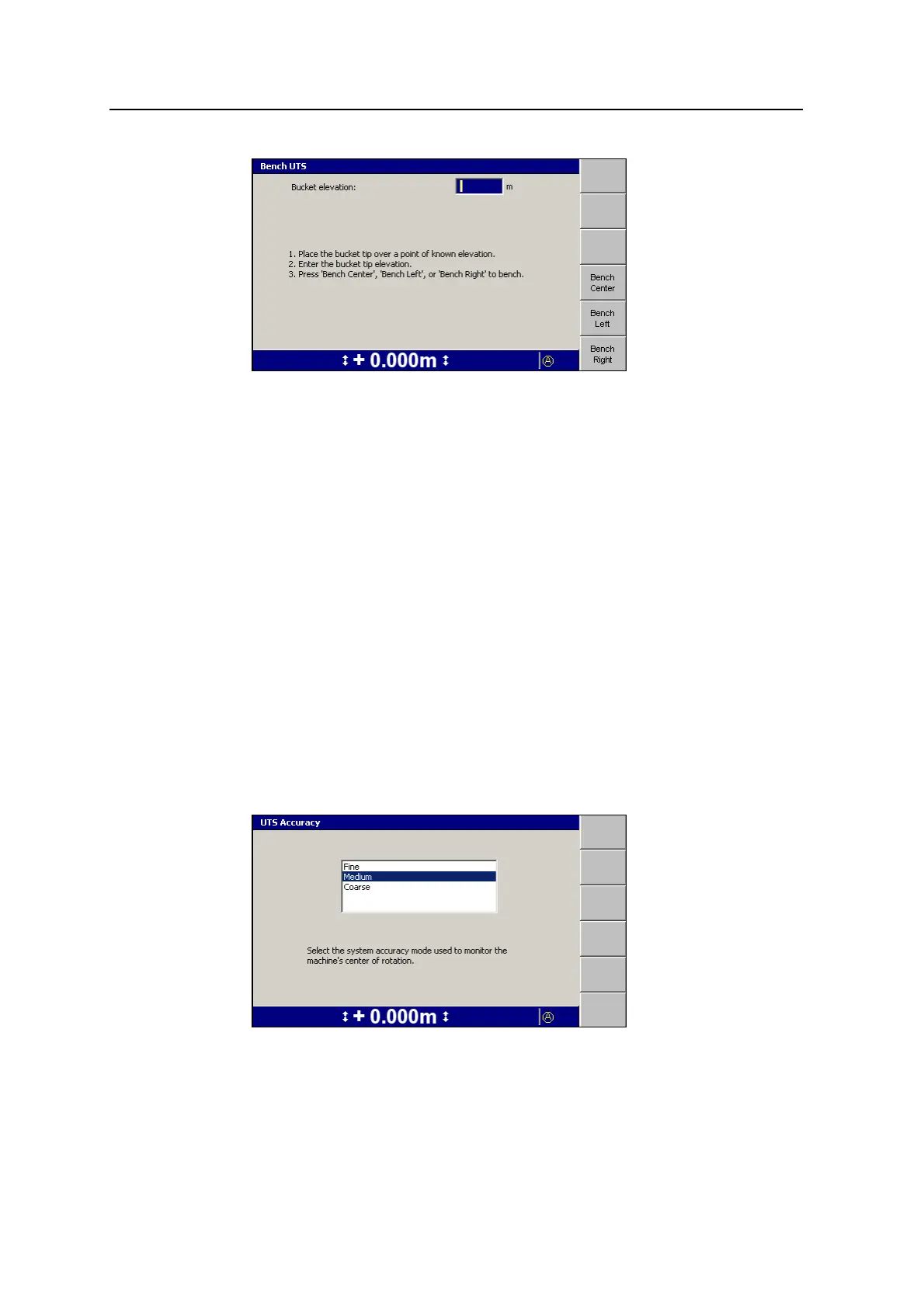
2. Enter the elevation of the benchmark into the Bucket elevation field.
3. Position the bucket on or beside the benchmark.
4. Depending on the part of the bucket you are using to reference the bench mark,
press either Bench Center, Bench Left, or Bench Right to begin benching.
When benching finishes, the Setup Menu – Configuration menu appears.
5.2.2 Setting the UTS accuracy level
The system provides an interface that enables you to change the accuracy of the
UTS data it uses to estimate the machine’s orientation. Occasionally it may be
difficult to get an orientation estimate, if, for example, the UTS instrument is
operating at the limit of its range, or if the machine is rocking a lot. In these cases,
if the system does not require high accuracy guidance information, you can relax the
accuracy of the UTS data used to estimate orientation.
To adjust the accuracy of the UTS data required for an orientation estimate:
1.
From any guidance screen, press M.
2. Select UTS Accuracy.
110 GCS900 GradeControl System for Excavators Operator's Manual



 To Next Page