5 Using 3D Guidance in theField
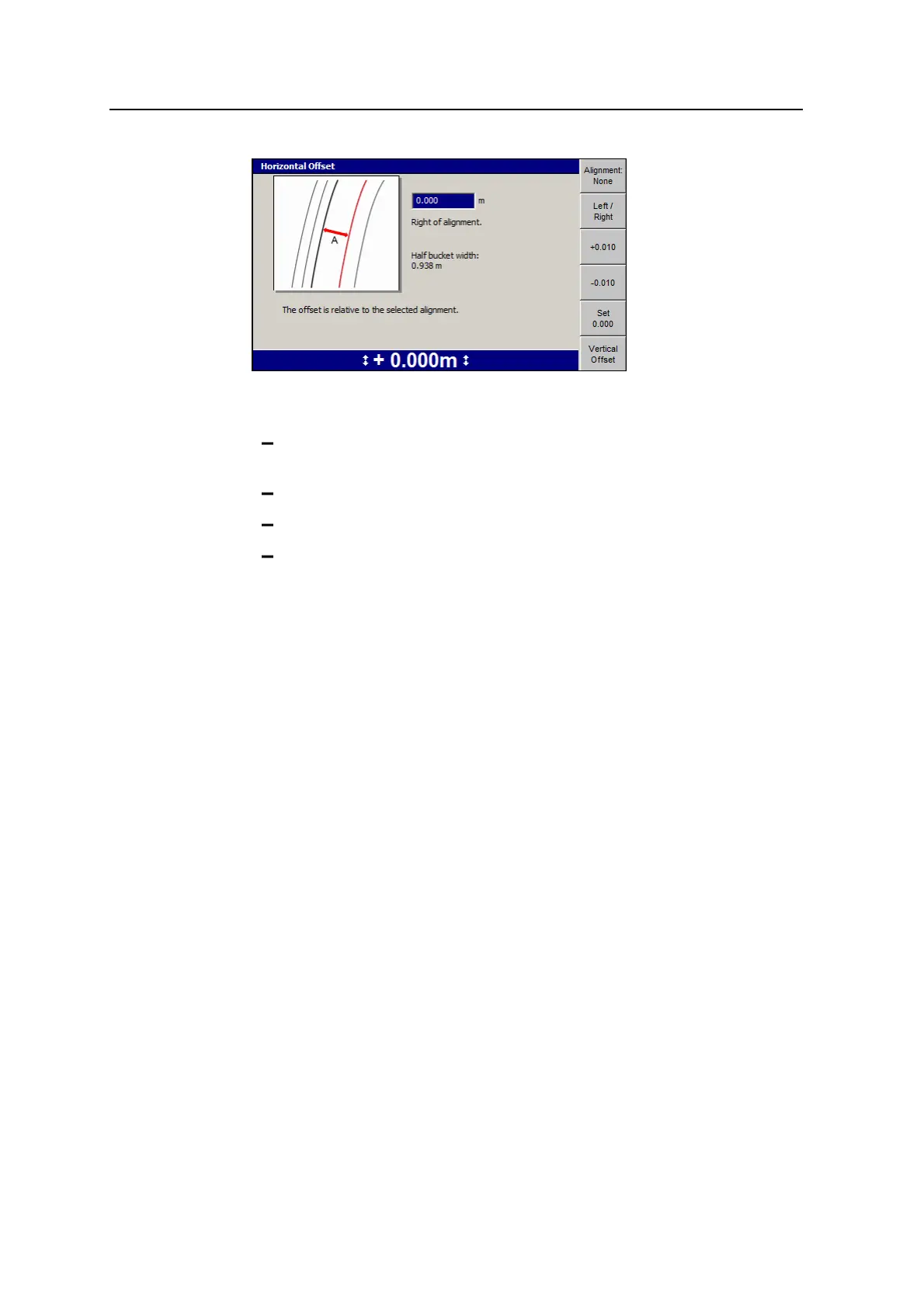
3. If required, use one or more of the following tools to set the horizontal offset
value:
To select the side of the alignment the offset is applied to, press Left /
Right.
Directly edit the Right of alignment number field.
To reset the offset value to zero, press Set 0.000.
To increase or decrease the offset by 10mm (0.4inches), press +0.010 or
-0.010.
4. To set the vertical offset, press Vertical Offset. See 5.5.1 Setting the working
surface lift and/or vertical offset.
5.
To confirm the settings, press \; to exit without saving changes, press =.
5.5.4 3D remote switch support
The system supports use of a remote switch to:
l Set map recording to on, off or auto.
l Record a point.
The remote switch is used to set the currently configured map recording function. It
emulates the current function of the Map Recording:<value> softkey, when Value =
On or Off or Auto.
Note – The exception to this functionality is when the current map recording
function is Record Point. In this instance, every time the operator presses the
remote switch, the current point is stored. For more information, see 6.6 Point
recording.
136 GCS900 GradeControl System for Excavators Operator's Manual



 To Next Page