Using 2D Guidance in the Field 4
l Use Profile View when you need to move a point vertically.
Delete an alignment point
To delete the current alignment point, press Delete Point.
Deleting an alignment
1. From the Select Alignment dialog, select the alignment to be deleted.
2. Press Delete.
3.
To confirm the changes, press \; to exit without saving the changes, press
=.
4.5 Benching the elevation
l To bench the system using the current bucket elevation press Bench Elevation.
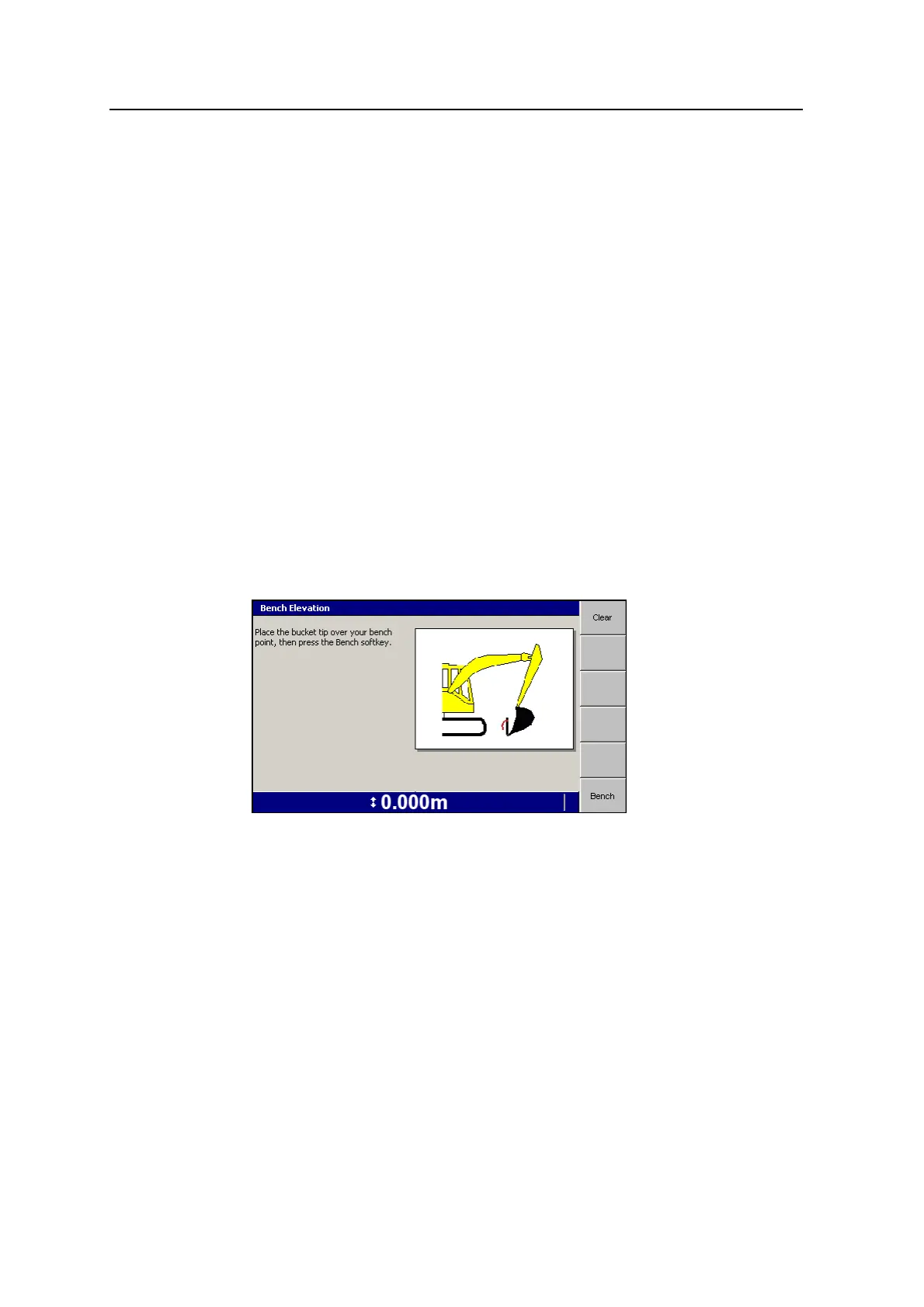
l To clear an existing bench or to bench the system on a new bucket position,
press and hold Bench Elevation.
l To clear the existing bench press Clear.
l To bench the system on a new bucket position, place the bucket tip over your
bench point and press Bench.
4.6 Establishing an elevation reference
Before you begin working, or whenever you move the machine to a new working
position, you must establish, or re-establish, your elevation reference. All depths are
relative to this reference, and all slopes and profiles have their origins at this point.
Until you establish a reference elevation, no guidance information is available, and
the Bench Elevation flashing warning message is displayed.
GCS900 Grade Control System for Excavators Operator's Manual 99



 To Next Page