3 Preparing to Work
device and listed on the control box.
3.6.2 Connecting to a Wi-Fi network
Note – Before you can connect to a Wi-Fi network, the network details and
authorization pass phrase must be entered into the list of known networks. For more
information, see your site supervisor.
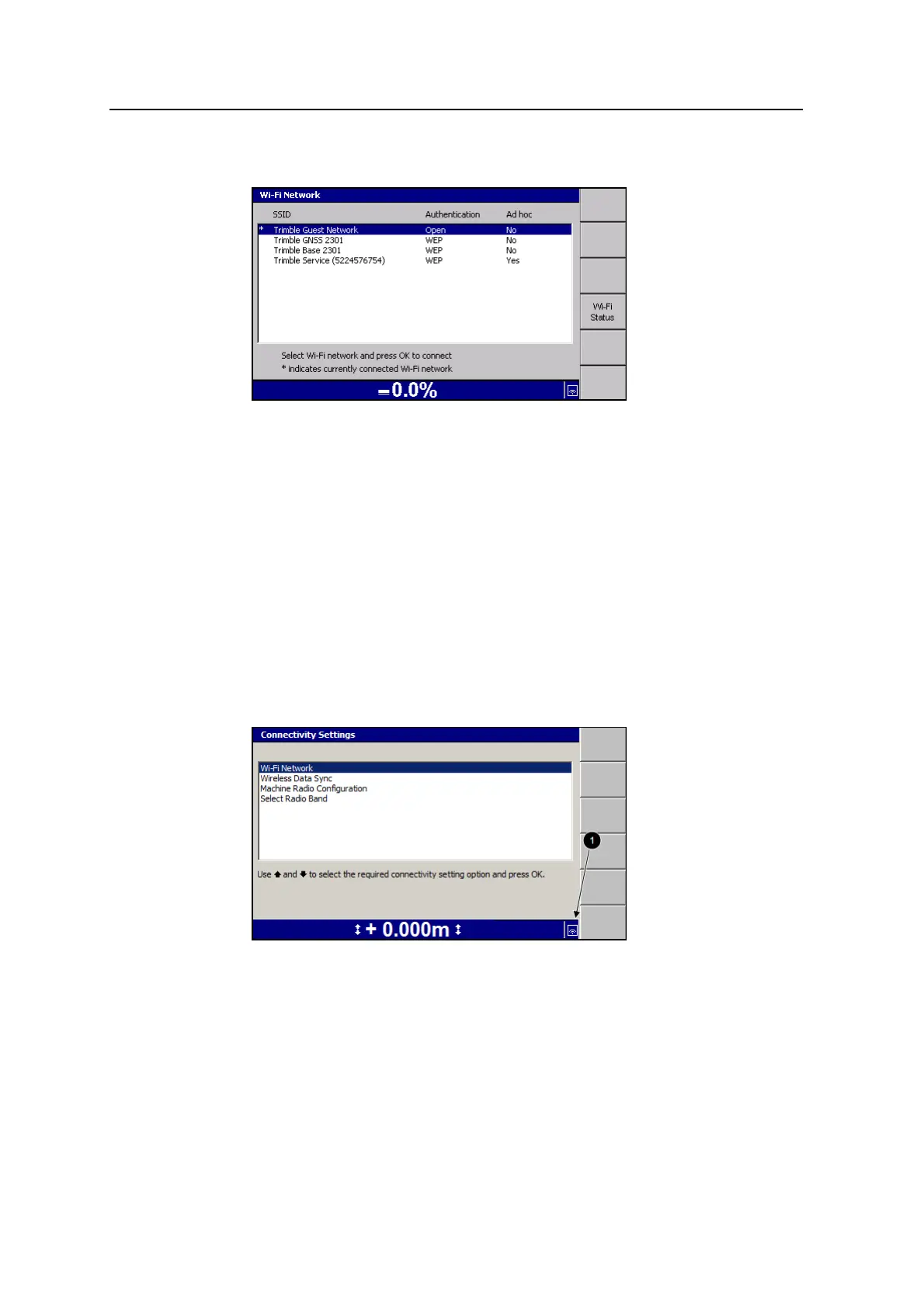
1. From the list of known networks, select the Wi-Fi network you want to join and
press \.
2. The system attempts to connect to the selected Wi-Fi network. When the
connection process completes, successfully or otherwise, the Connectivity
Settings menu displays.
3. If the system has connected to the requested network the received Wi-Fi signal
strength displays in the status bar (1).
66 GCS900 Grade Control System for Excavators Operator's Manual



 To Next Page