Using 2D Guidance in the Field 4
Cab rotation text item
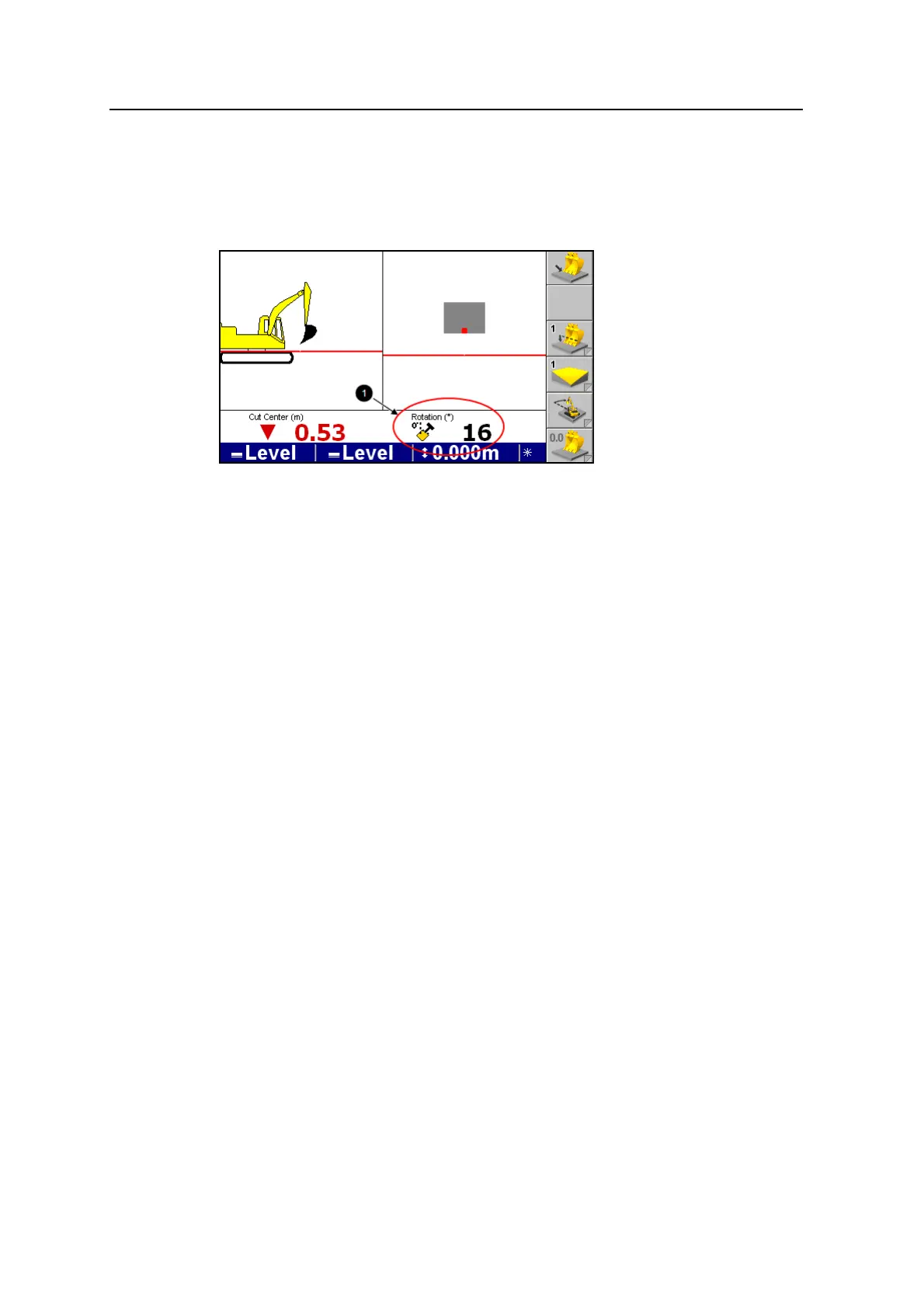
A "Rotation" text item (1) is available when using a cab rotation sensor. See your
site supervisor to set up Rotation as a text item.
The Rotation text item:
l Displays the current rotation of the cab up to ±180° around the benched rotation
direction (16° in this example)
l Shows a small top-down excavator icon that indicates which side of the
rotation bench direction the excavator is currently on (in this example,
clockwise from the benched rotation)
When an HS410 is installed and configured, you can:
l Rotate the machine to catch a laser strike
l Rotate the machine to use the touch point feature when working on slopes
(single and dual)
Enabling and disabling cab rotation support
To enable or disable the rotation sensor support, see your site supervisor.
Cab rotation sensor troubleshooting
The cab rotation sensor has an LED that indicates power:
l When lit the unit has power at the connector
l When not lit, the unit does not have power at the connector or there is an
internal harness failure in the unit.
4.4.4 Profile models
Profiles are stored in profile memory. This memory is only accessible when the
Profile vertical guidance method has been selected.
GCS900 Grade Control System for Excavators Operator's Manual 87



 To Next Page