Using 3D Guidance in the Field 5
Note – The UTS data generated when the machine’s body swings is used to
determine the machine’s center of rotation. This information is used to estimate
the machine’s orientation.
3. Highlight the appropriate accuracy level for your job.
4.
To confirm the settings, press \; to exit without saving the changes, press
=.
5.2.3 Initializing single-3D excavator orientation
You must initialize the orientation of a single-3D machine when a single-3D system
is first started, or when a single-3D machine is moved more than a very short
distance. Until the machine orientation is initialized, guidance is not available and
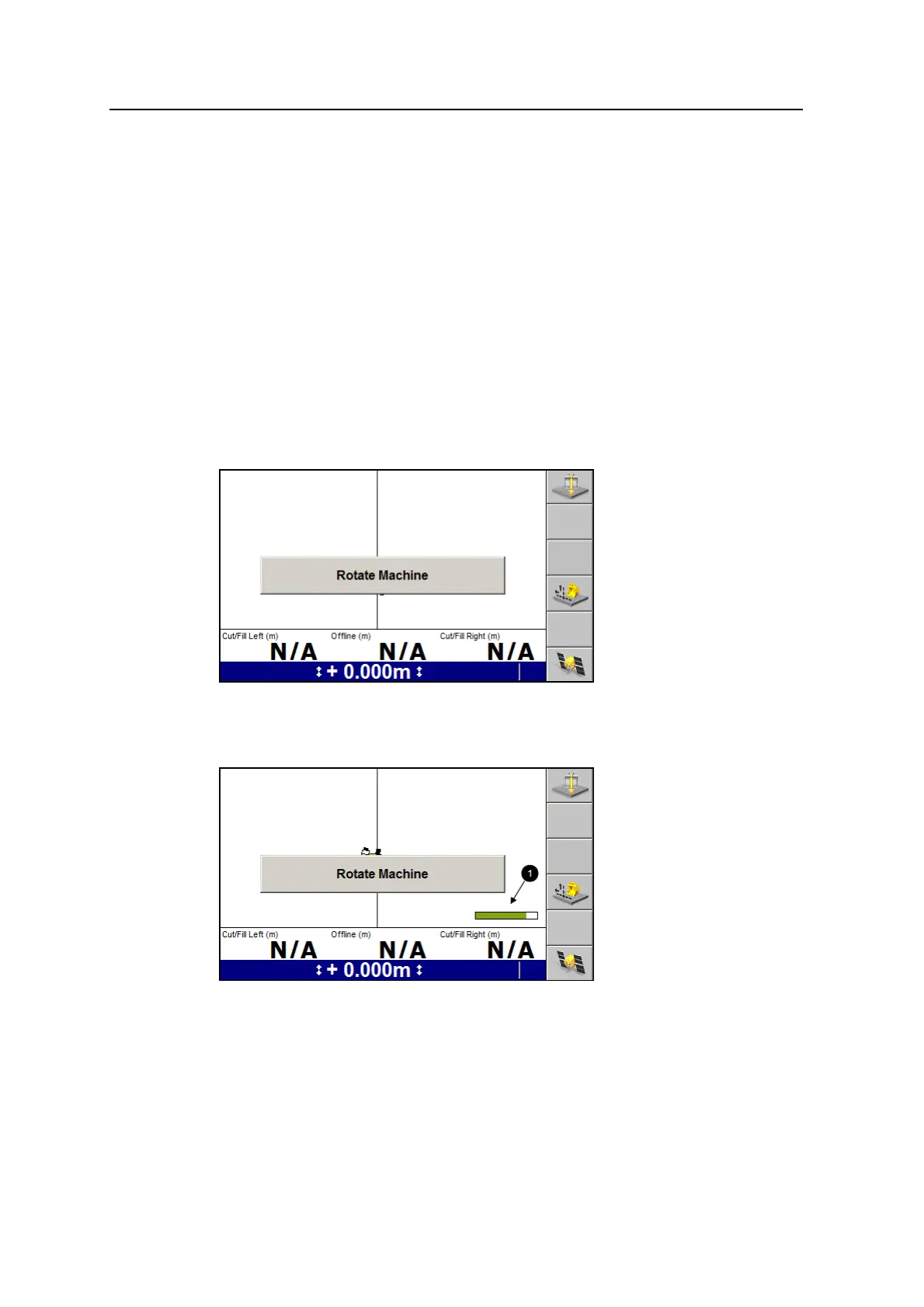
the following flashing warning message will be displayed:
To initialize the machine’s orientation, without moving the tracks swing the
machine’s upper body in one direction. As the body begins to swing, a progress bar
(1) displays, as shown in the following image.
As the initialization progresses, the bar’s fill extends, and the fill color shades to
green. The amount of rotation required to initialize the machine’s orientation
depends on the GNSS or UTS accuracy settings. The more GNSS or UTS accuracy
required, the further you have to swing the cab.
GCS900 Grade Control System for Excavators Operator's Manual 111



 To Next Page