Troubleshooting in theField 7
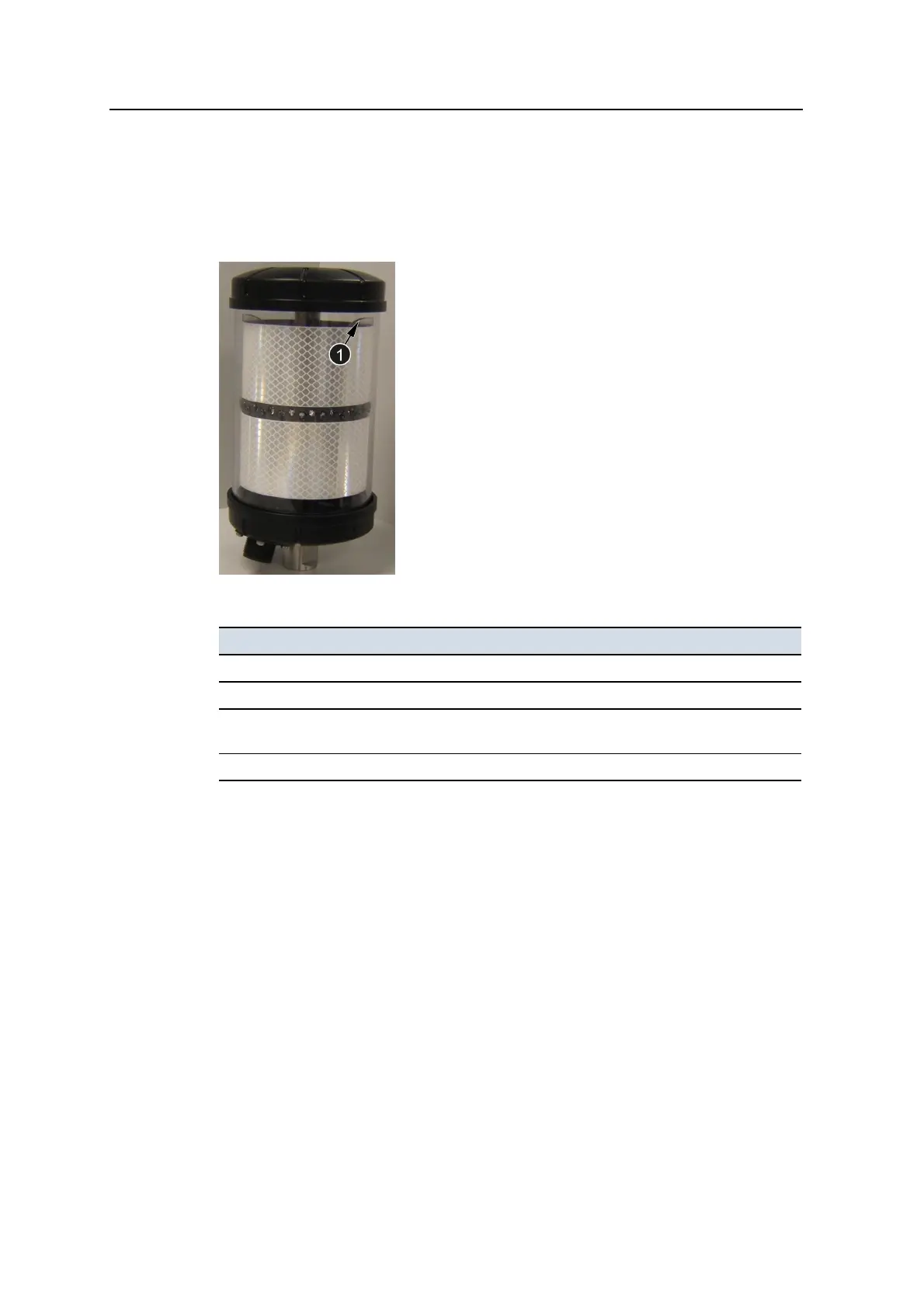
7.6.5 MT900 machine target status indicators
The status indicators (1) show if the unit is receiving power and functioning
correctly. There are four status indicators visible.
The indicator patterns showing the machine target’s status are as follows:
Indicator flashing pattern Meaning
Slow flash (0.1second on, 0.9seconds off) Normal operation
Not illuminated No power
Fast flash (0.1second on, 0.1second off) Power up (approximately 0.5 seconds),
otherwise low battery (<9 VDC)
Blink (3seconds on, 0.1second off) Hardware fault
7.6.6 Excavator arm sensor error indication
If the connection to an arm sensor is lost, the following full screen warning message
appears
Some of the required system devices are not responding.
If this message is cleared without the fault being corrected, then in addition to the
Check <sensor> Sensor flashing warning message, the arm segment with the
missing sensor is displayed in red in the machine icon in plan view, and arm
segments further along the arm are not displayed.
When an arm sensor is missing, profile and cross-section views are not available.
GCS900 Grade Control System for Excavators Operator's Manual 183



 To Next Page