Preparingto Work 3
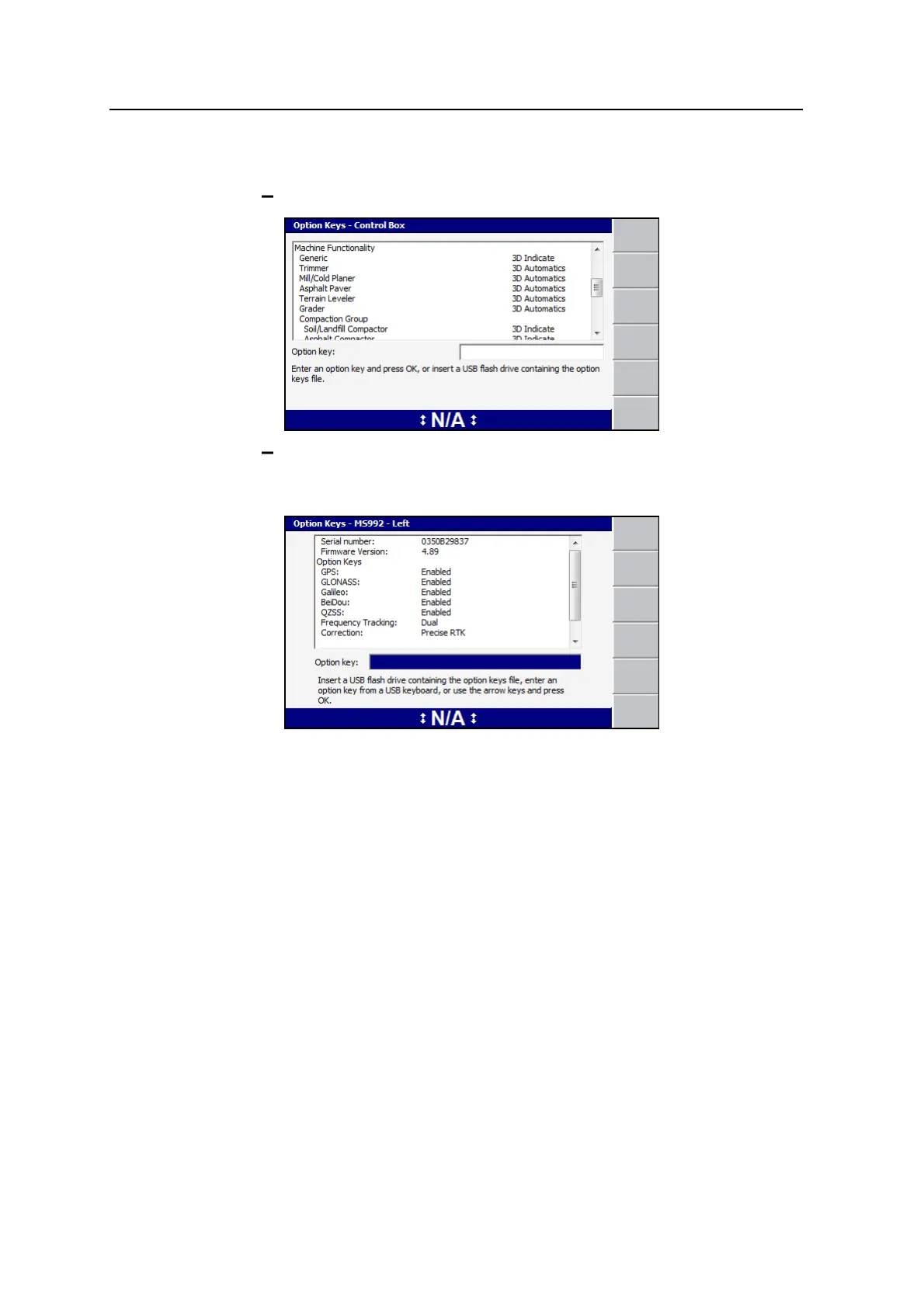
2. Select the device that you want to view option keys information about:
Control box.
GNSS receiver. GNSS receivers are labeled by their mounting location on
the machine and details for the receiver only appear in the Option Keys
dialog if the receiver is connected.
Detailed information about how to apply control box and GNSS option key files is
described in the GCS900 Grade Control System Site Supervisor’s Manual
3.2.3 Troubleshooting option keys
In the absence of a valid option key for at least one machine type, the system
displays a persistent Option not Installed flashing message and does not resolve
any machine position information.
When a machine settings file is restored that specifies a machine type not supported
by the current option key set, the following full screen error message is displayed:
The system lacks the Option Keys necessary to support the configured machine
type.
When a machine settings file specifies a supported machine type but includes
settings relating to a level of functionality not currently supported, the settings are
GCS900 Grade Control System for Excavators Operator's Manual 49



 To Next Page