2 Using the Control Box and Lightbars
Note – Up to 10 text view items can be displayed in full screen view and the text
size scales automatically to fit the available screen space.
2.6 Understanding lightbar information
The system uses LED arrays, called lightbars, to provide you with guidance
information.
Lightbars let you simultaneously view guidance information, the cutting edge, and
the surface being worked.
The CB460 control box supports either internal or external lightbars. The
characteristics of internal and external lightbars differ as follows.
2.6.1 External lightbars
External lightbars can be installed in the cab, as required to replace the internal
lightbars.
Note – External lightbars are only supported on CB460 control boxes.
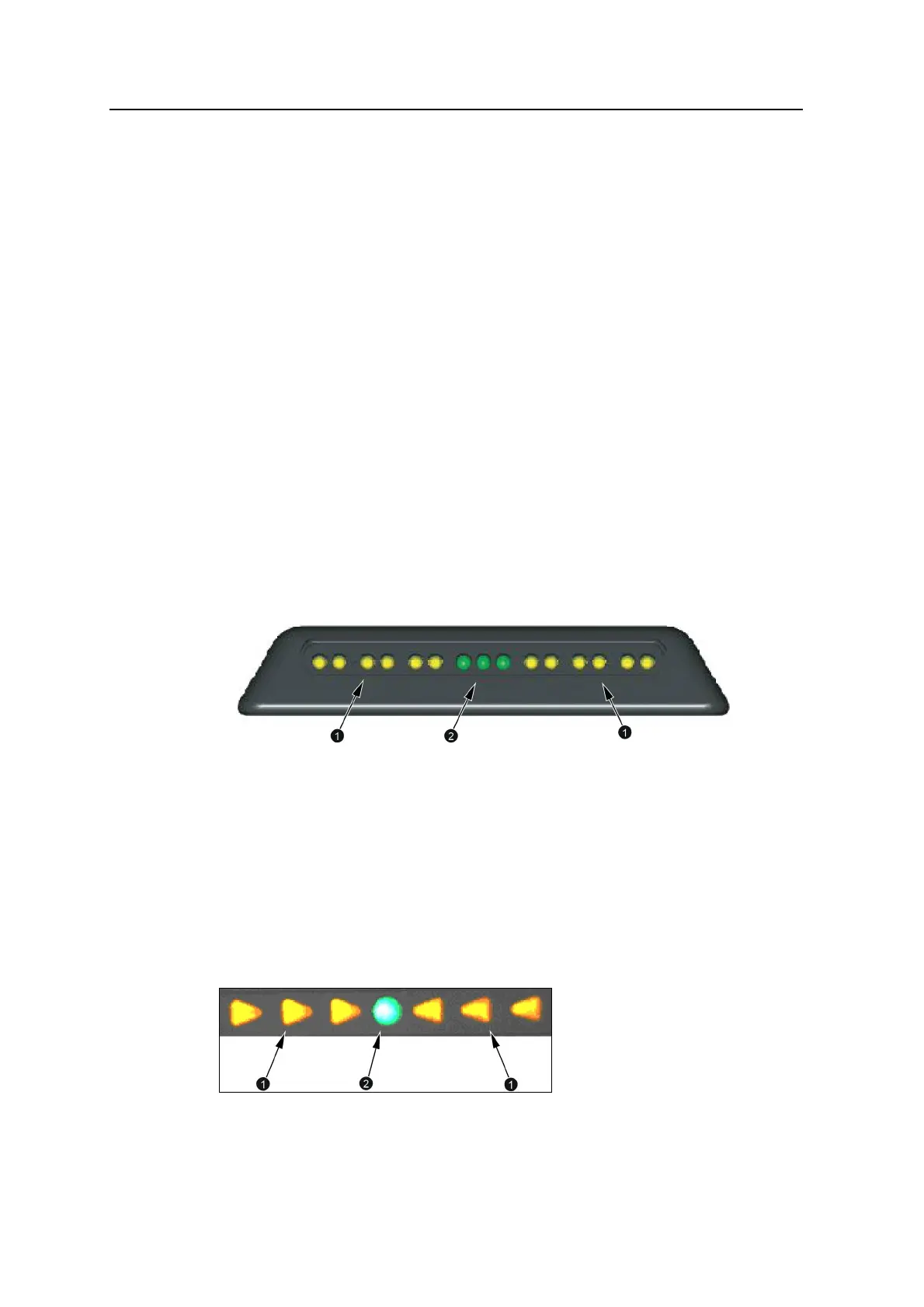
In each external lightbar there are six sets of amber LEDs (1) and one set of green
LEDs (2), as shown below:
When the cutting edge is within half of the on-grade or on-line tolerance, only the
central green LED is lit. When the cutting edge is within the on-grade or on-line
tolerance, the central green LED and one other green LED are lit. If any LED,
other than a green LED is lit, then the cutting edge is off grade or off line.
2.6.2 Internal lightbars
Internal lightbars are built into the control box and can be disabled if not required.
In each internal lightbar there are six amber LEDs (1) and one green LED (2), as
shown below:
40 GCS900 Grade Control System for Excavators Operator's Manual



 To Next Page