Using 2D Guidance in the Field 4
Deleting a depth or slope model
1. Select a depth or slope model from the Depth Memories or Slope Memories
dialog.
2. Press Delete.
3.
To confirm the changes, press \; to exit without saving the changes, press
=.
4.4.3 Depth dual slope models
Depth dual slope provides reach and elevation guidance to a dual slope. Cab
rotation is supported.
A depth dual slope model is stored on the control box in the depth dual slope
memory. You can only access depth dual slope memory when the Depth Dual Slope
guidance method has been selected, and:
l the system is configured to use the HS410 cab rotation sensor, or
l GNSS Receiver Support is enabled
Selecting a depth dual slope model from memory
A depth dual slope model is selected from any guidance screen by pressing the
Depth Dual Slope softkey.
There is always at least one depth dual slope model stored in each memory. If there
is more than one model in memory, press Depth Dual Slope again to select the next
model.
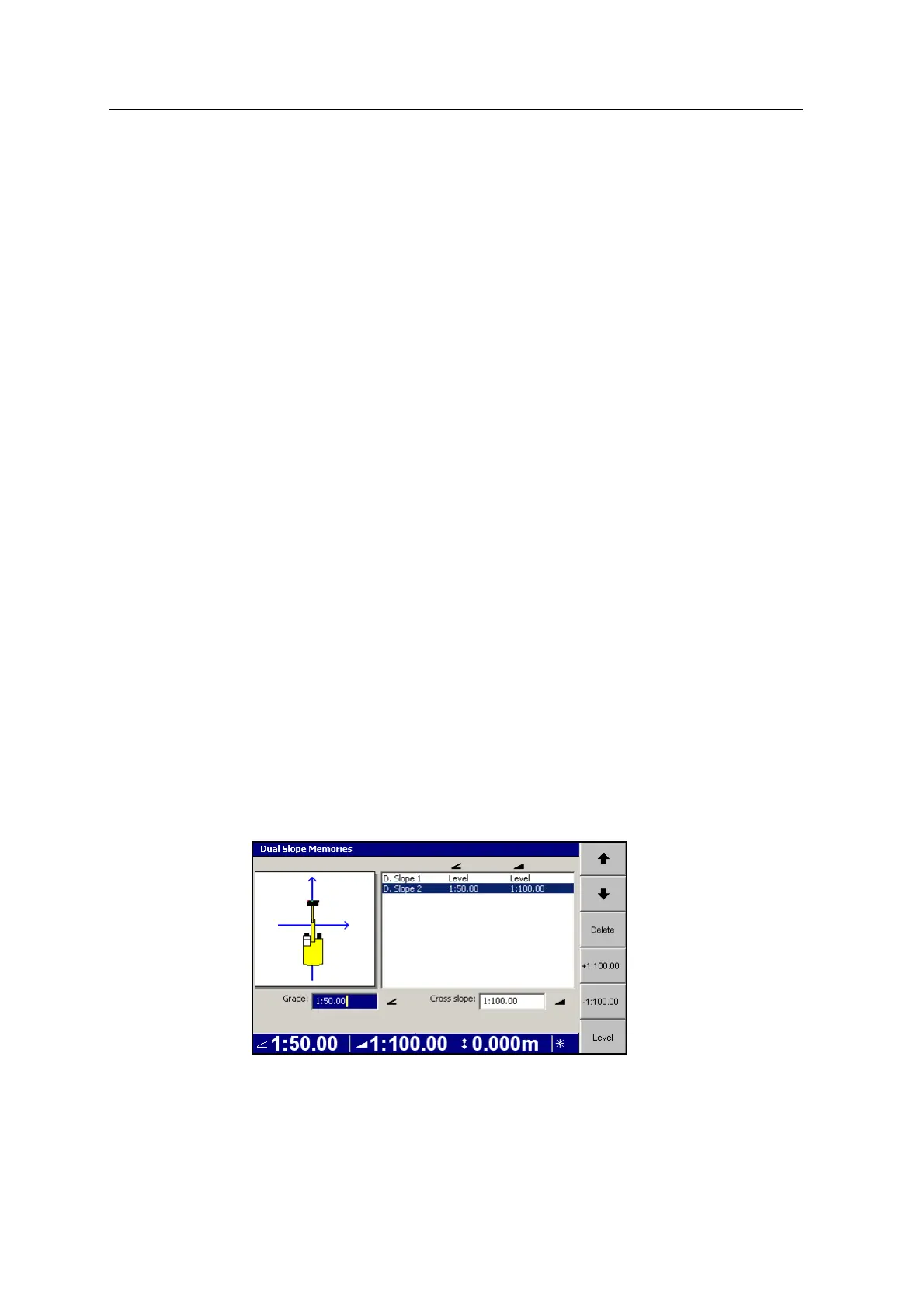
Creating a new depth dual slope model
1. From any guidance screen, press and hold Depth Dual Slope.
GCS900 Grade Control System for Excavators Operator's Manual 85



 To Next Page