Preparingto Work 3
3.3.1 Machine settings
To ensure accurate guidance, you must use the correct machine settings. Machine
settings are typically saved in a machine settings file.
To view your current machine settings:
1.
Press M from any guidance screen.
2. Press Installation.
3. Select Machine Settings.
View your current settings. If not correct, contact your site supervisor.
4.
Press = to exit.
Saved settings include calibration settings for:
l AS45x sensors.
All saved machine settings are restored, with the following exceptions:
l To learn more about sensor calibration, refer to the GCS900 Grade Control
System Site Supervisor’s Manual.
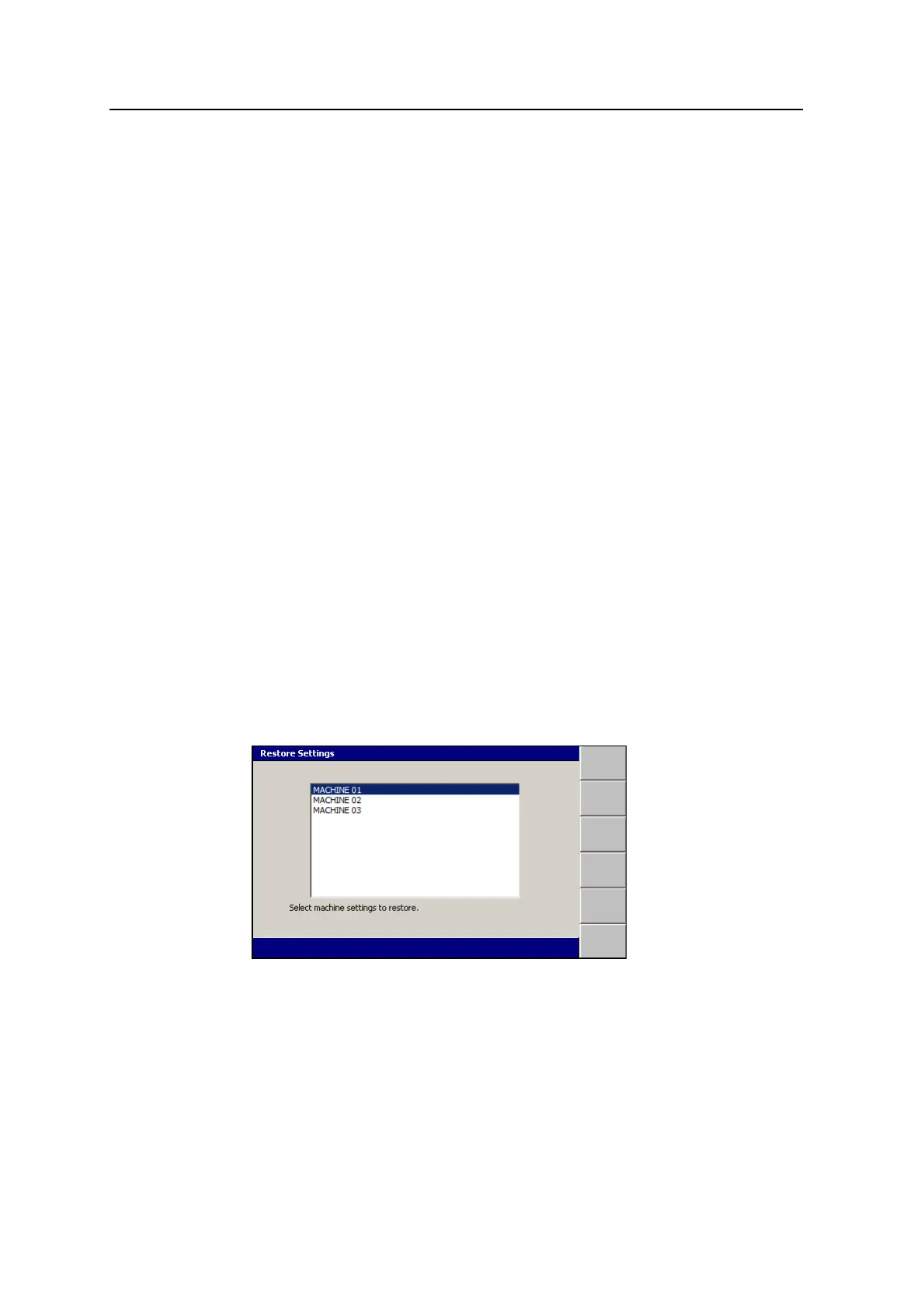
To restore a machine settings file:
1.
From any guidance screen, press M.
2. Select Restore Settings.
3. Select Machine Settings.
4. Select the correct setting file for your machine.
5.
To confirm the settings, press \; to exit without saving the changes, press
=.
GCS900 Grade Control System for Excavators Operator's Manual 51



 To Next Page